Built with a
filmmaker’s eye.

For brands, agencies, studios and production teams, I build controlled AI video workflows and the tools around them—from brief and references to approval, delivery and handover.

See what your team should own
Let’s talk
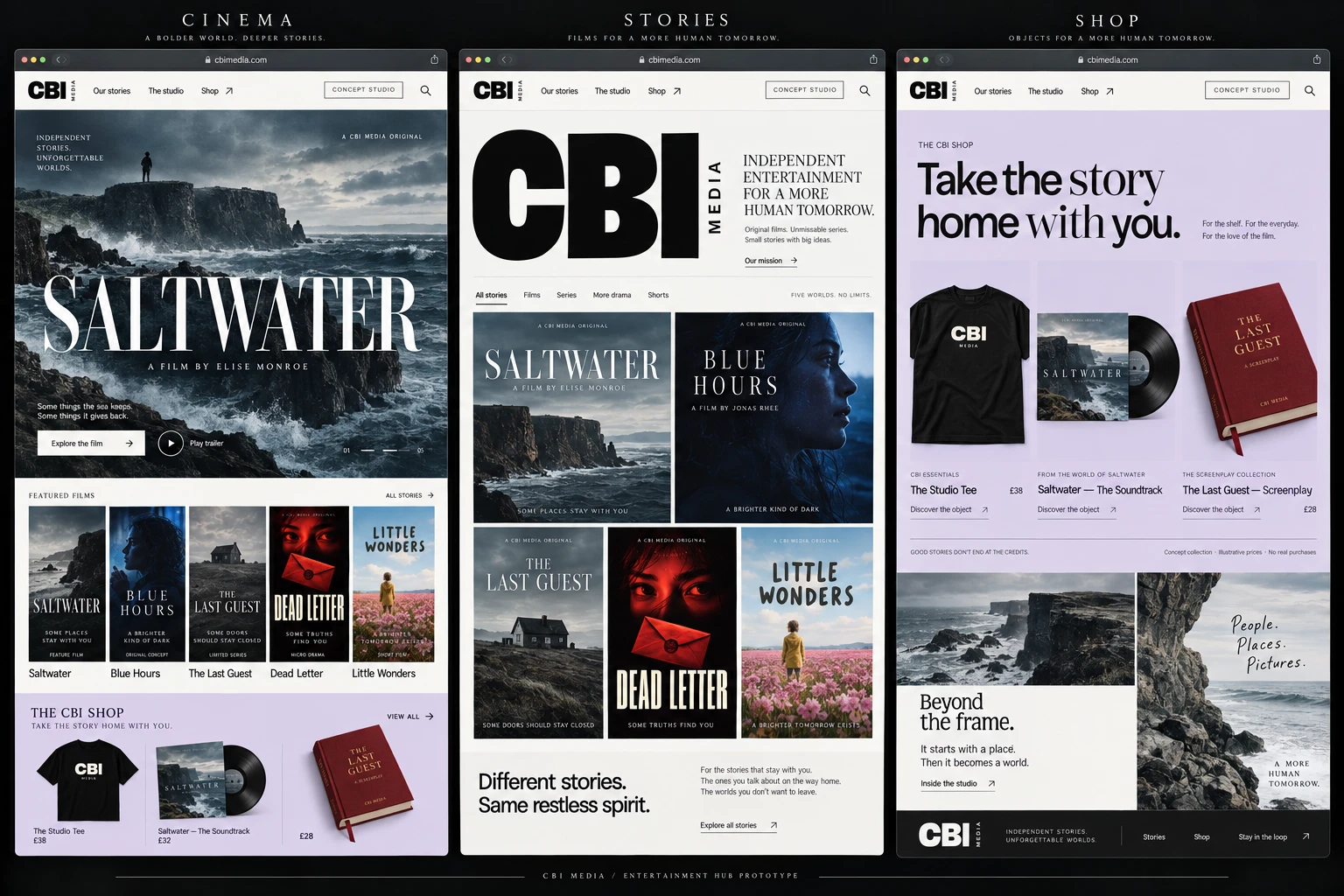
CBI Media presentation with cinema, film collection and merchandise shop panels

AI-composed presentation mockup · Fictional titles and demo merchandise

View project

AI video workflow consultant · Creative technologist · Cinematographer

The seven assets your team should own.

A consultant should leave more than prompts and a tool recommendation. These are the working assets that let your team approve the process, repeat it and change suppliers without starting again.

Discuss your workflow
01Brief and acceptance criteria

The creative objective, delivery formats, constraints, success measures and stop conditions agreed before testing begins.

02Cleared source and reference pack

Approved scripts, boards, brand assets, performer permissions and visual references with their ownership and allowed use recorded.

03Vendor-neutral shot system

Shot intent, framing, movement, lighting, continuity and protected details defined outside any one model or prompt box.

04Tool and model register

The providers, versions, settings, accounts, data controls, dependencies and costs used to make the work.

05Rights and provenance ledger

A traceable record of inputs, outputs, licences, consent, material edits, disclosure decisions and retained evidence.

06Approval and test record

Named human gates, review criteria, failures, accepted outputs and the cost per approved asset or finished second.

07Handover and exit pack

Templates, operating notes, approved masters and an export path that keep the workflow usable when a tool, model or supplier changes.

Selected builds

A closer look at the work.

Image engine · In development

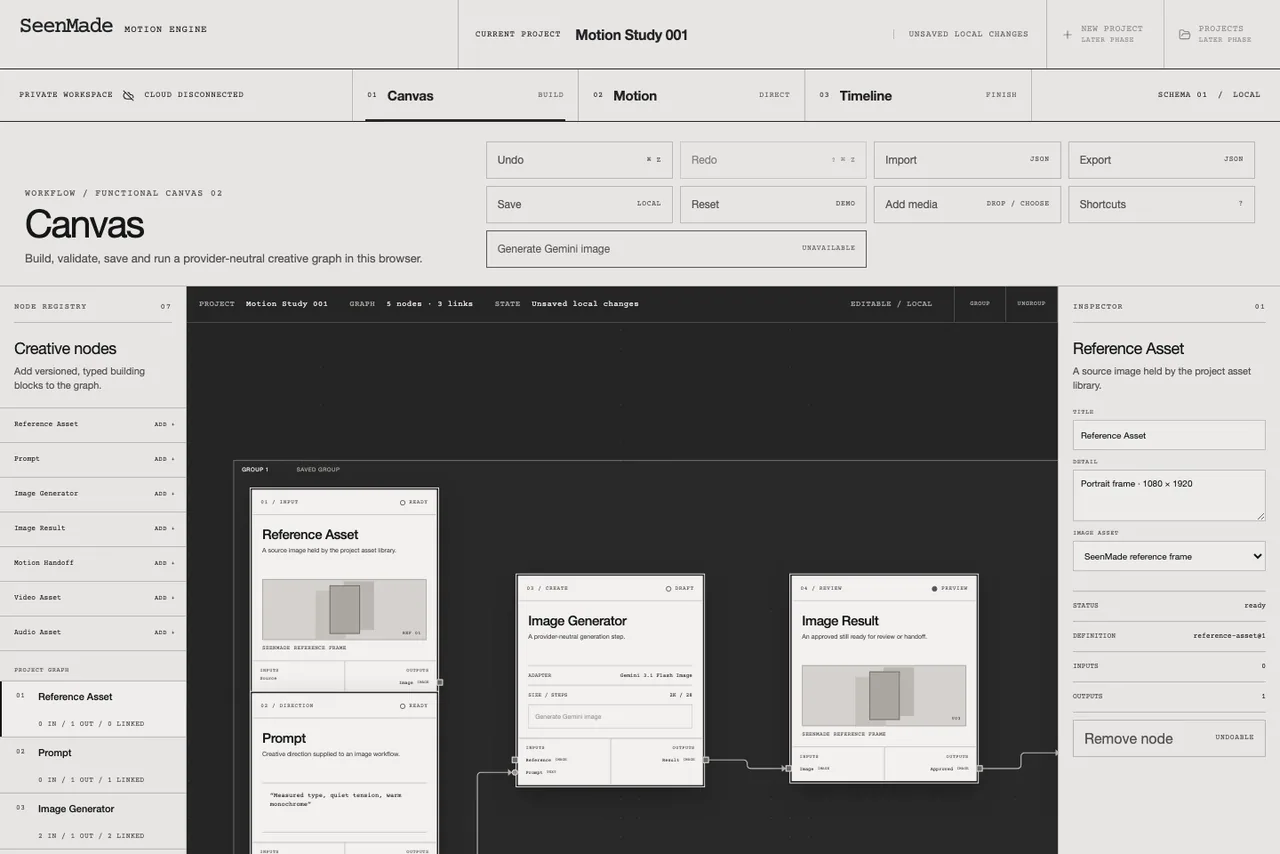
SeenMade

References, generation and edits. One canvas.

I’m building a workspace that keeps each step of making an image connected. Start with a reference, generate a result, then decide what to change.

The canvas makes those decisions visible. I can follow how an image was made and pick up where I left off.

SeenMade’s image workspace with references and generation steps connected on a canvas
The working canvas. Still in development.

Image engine · Built for 4K Media

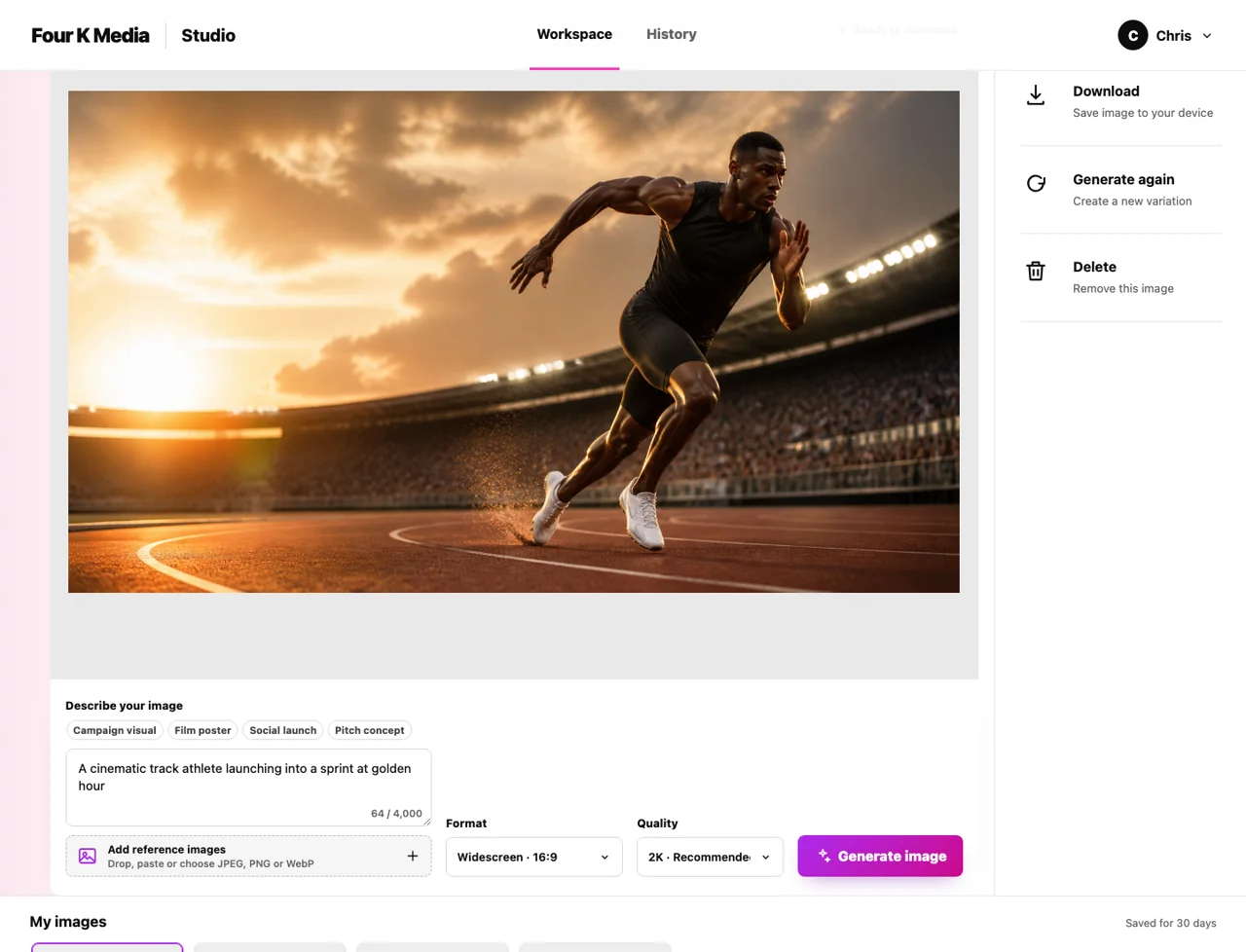
4K Media

From a brief to an image.

I built a branded tool for creating images. Add a brief and reference pictures, choose a format, then generate and download.

Recent images stay in the workspace, ready to find again. The controls bring the job into one straightforward interface.

4K Media’s image tool with brief controls and an image preview
The actual interface, shown with demo content.

Entertainment hub · Prototype

CBI Media

A world around the stories.

I built an entertainment hub prototype that brings films, episodic stories and a merchandise shop into one studio world.

Cinematic imagery leads into a browsable collection, with product details and a demo shopping bag. Designed for desktop and mobile.

CBI Media concept presentation showing a coastal film hero, a film collection and a lilac merchandise shop in three browser panels
AI-composed presentation mockup of the prototype. Fictional titles and demo merchandise.
A few websites, too.

Three examples from Website OS. Different businesses, different looks.

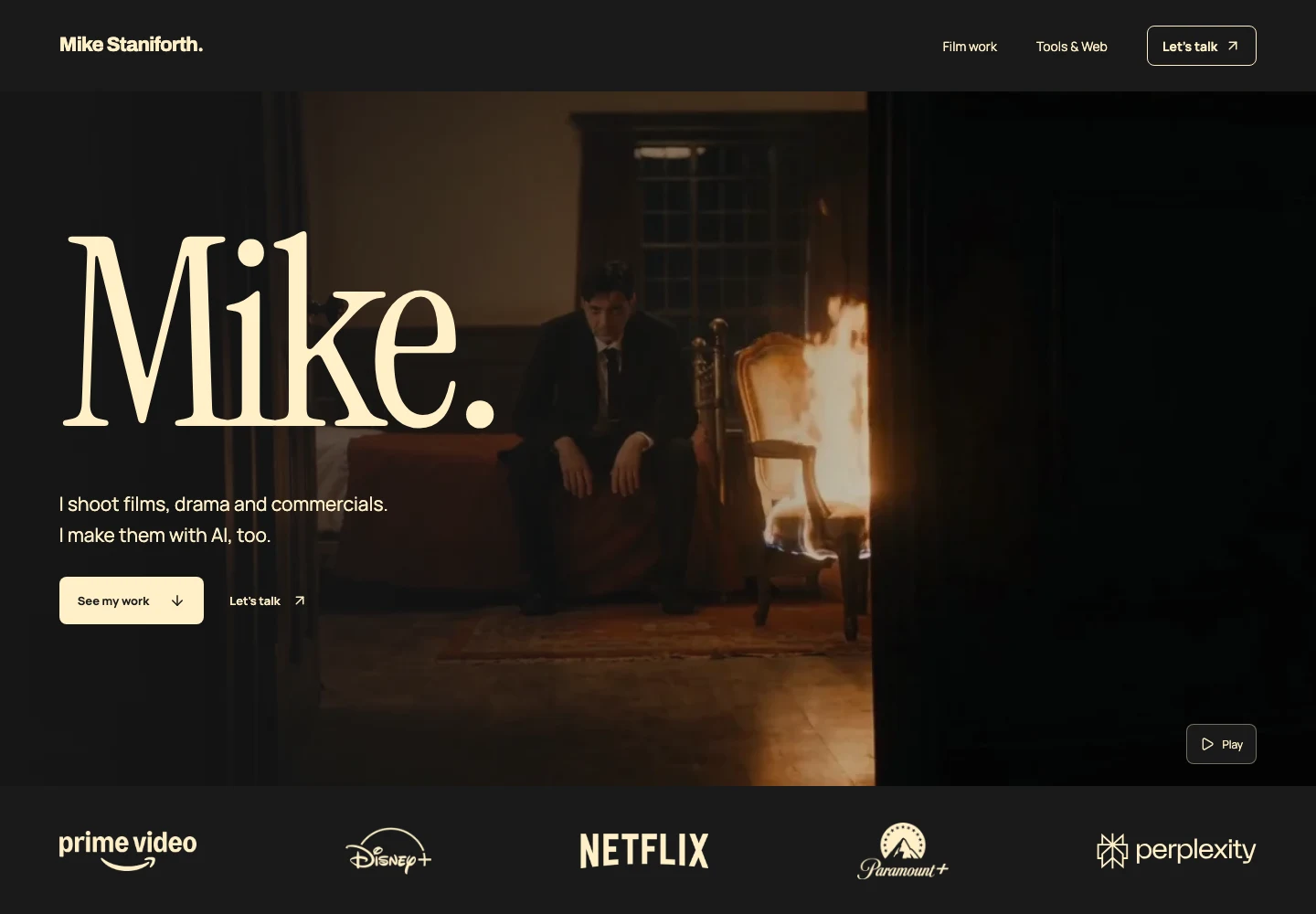
Mike Staniforth website design

Mike Staniforth

My film work, tools and writing, all in one place.

Vertical Haus website design

Vertical Haus

A production studio website with film and motion at its heart.

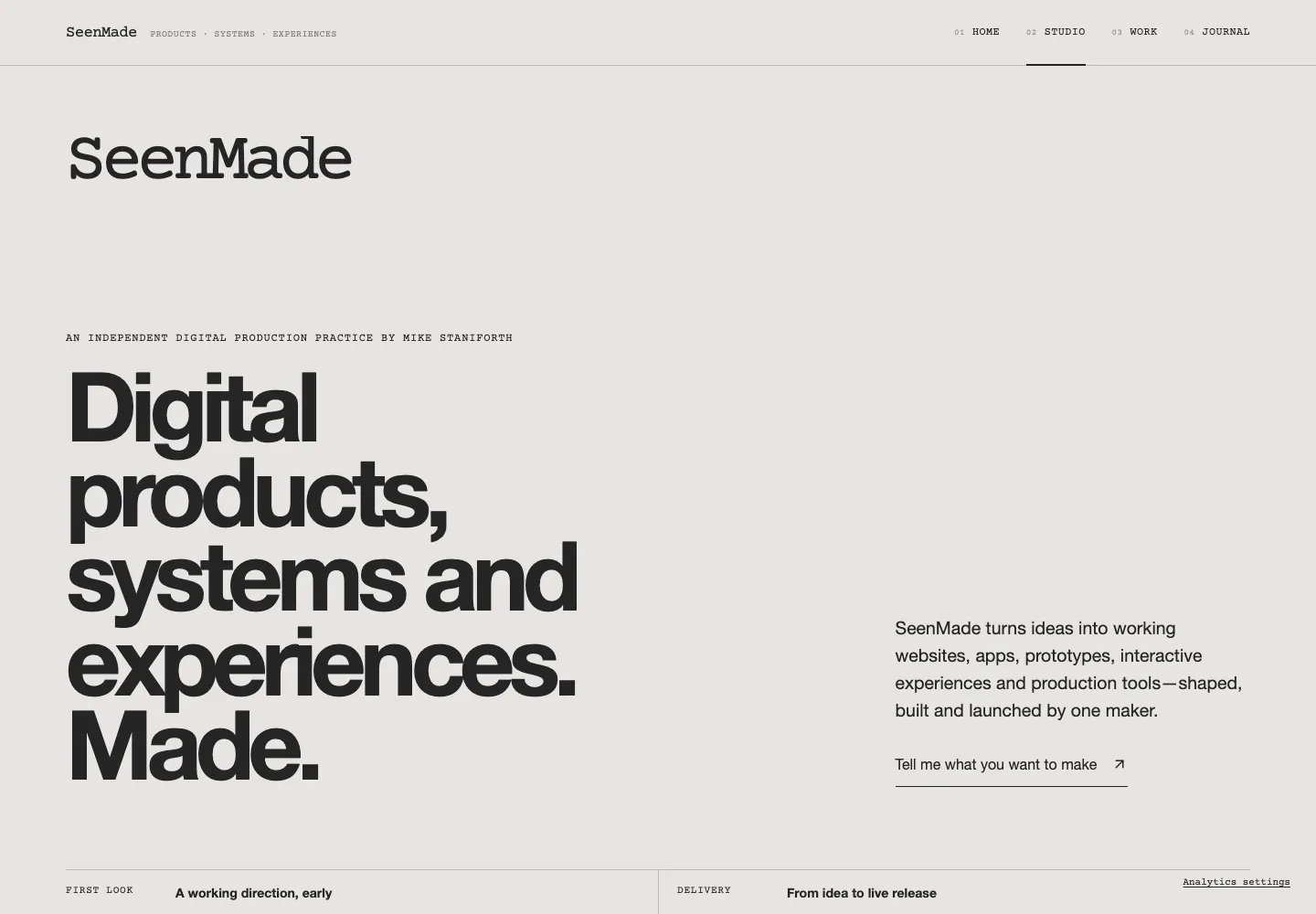
SeenMade website design

SeenMade

A studio website with a clear introduction and a simple way to get in touch.

More about Website OS

I’m a cinematographer as well as a builder. I bring the same attention to how a tool looks and feels as I do to a frame.

What would make your work easier?

Tell me what you’re trying to do. We’ll work out what’s worth building.

Discuss the brief