01VHS / TAPE DAMAGE
VHS
Build old-tape character with bandwidth loss, RF ghosting, temporal smear, tracking damage and independent edge-line controls.
- Bandwidth loss
- RF ghosting
- Temporal smear
- Tracking damage
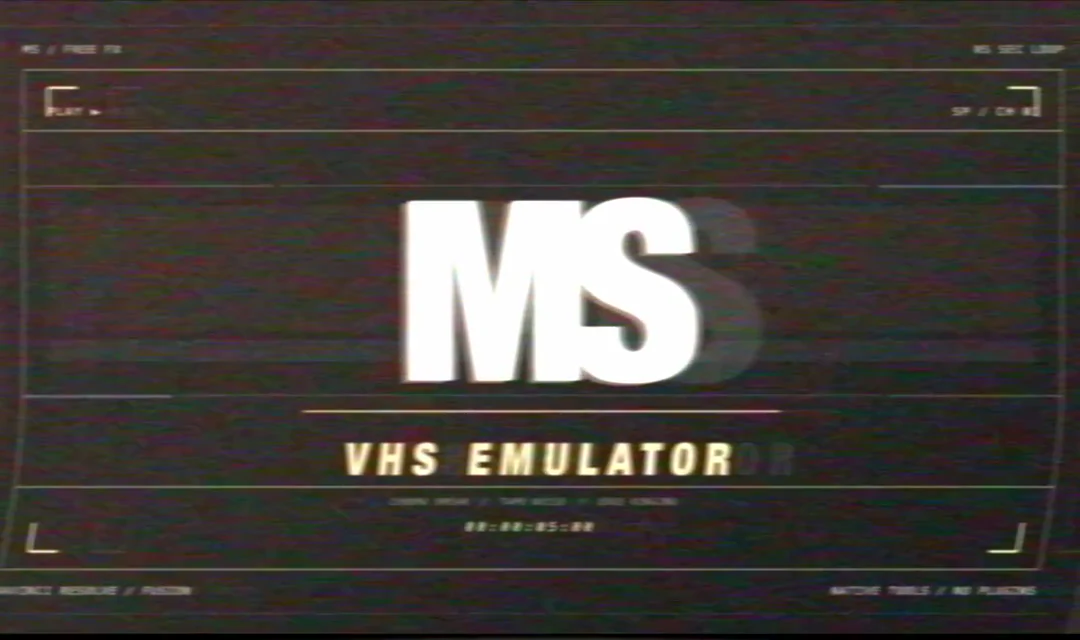
Three adjustable signal effects for DaVinci Resolve Studio. Built and tested by a working cinematographer. No third-party plug-ins.
Each effect exposes practical controls in Inspector > Effects > Fusion. Start with Strength for a clean original-to-processed mix, then shape the look around the shot.
Build old-tape character with bandwidth loss, RF ghosting, temporal smear, tracking damage and independent edge-line controls.
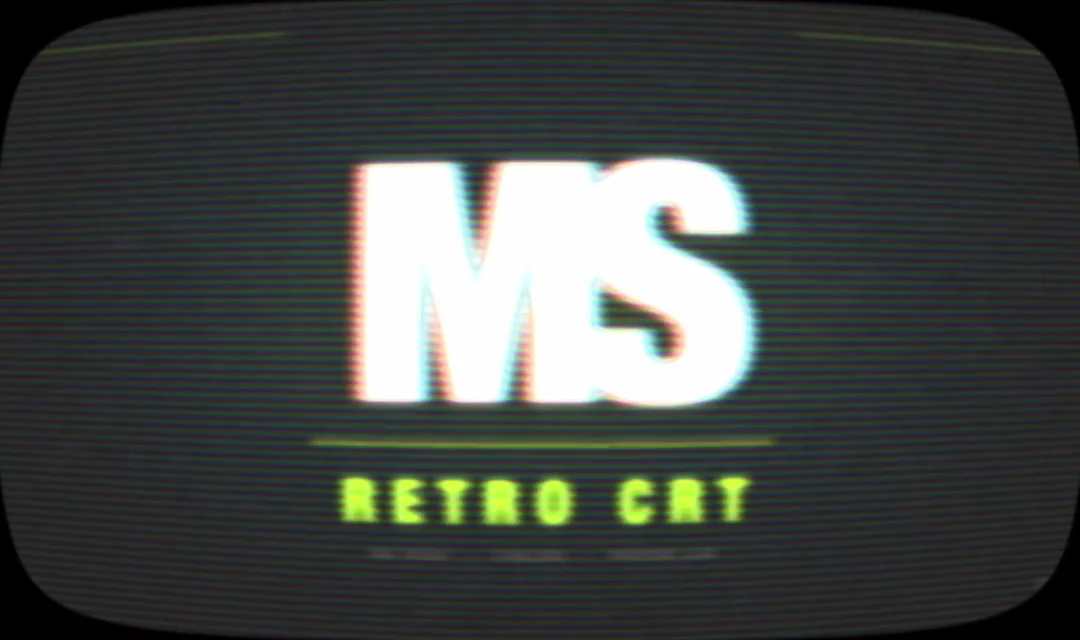
Shape clean footage into a curved-glass monitor with adjustable scanlines, phosphor response, convergence, defocus and beam bloom.
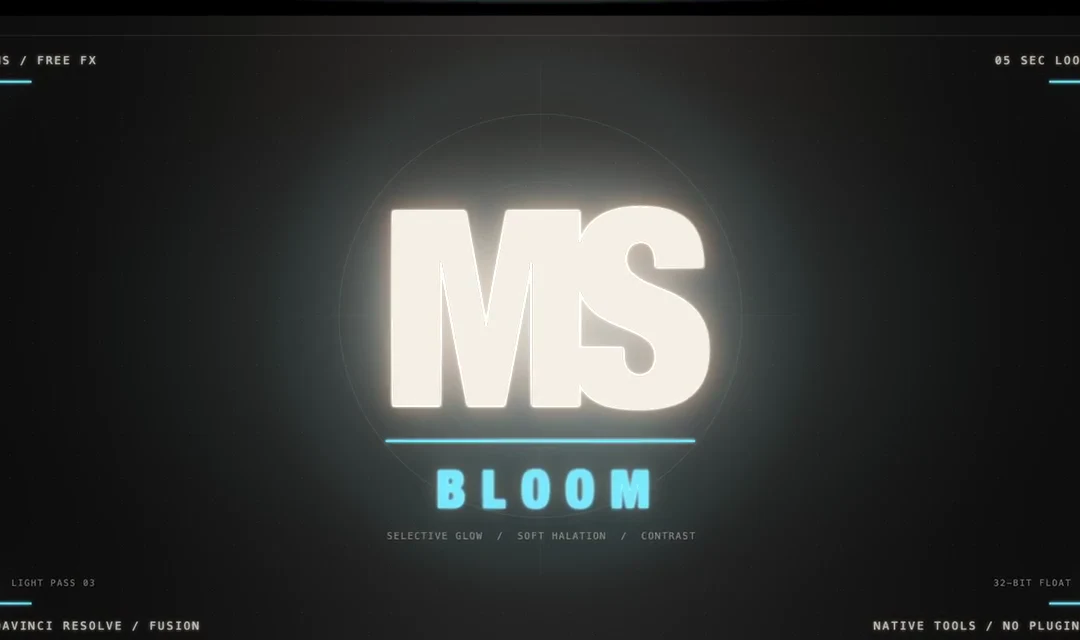
Bloom highlights without flattening the frame using multi-scale glow, a broad secondary halo, atmospheric spread and warm halation.
Use the secure link created after entering your email.
Unzip the pack and double-click the included .drfx installer.
In Resolve, open Effects and locate MS Free FX.
Apply an effect, then adjust its controls in Inspector > Effects > Fusion.
Free for personal and commercial productions. Modify the effects inside your projects; do not resell, redistribute or repackage the files. Supplied without warranty.
Read the complete licence