Mike Staniforth / AI filmmaking course
In development. Register your interest.
AI filmmaking.
With the
working files.
Plan a short film, direct shots that belong together, and finish the edit. Keep the prompts, character sheets, first frames and sound exercises beside you.
Join the list for course updates and launch details. No payment or commitment to buy.
A course you read.
Files you work with.
The Director’s Starter Kit keeps the explanation and the materials together. Every folder starts with a README that tells you what to open, what to change and what to check.
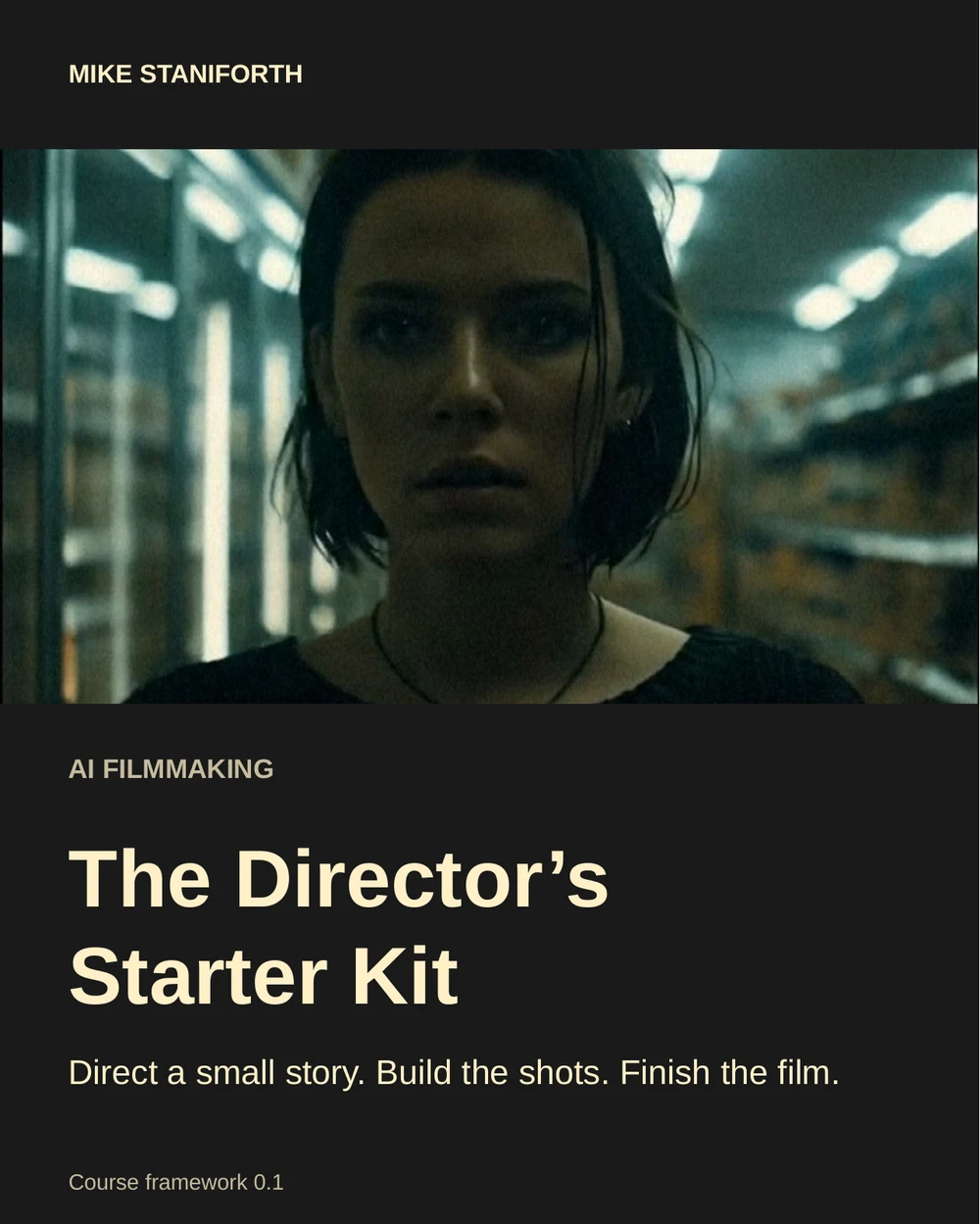
The visual field guide
Eight short lessons, real project references and a clear next step on each page. Read it once, then keep it beside your edit.
01-guide/ai-filmmaking-directors-starter-kit-v0.1.pdflessons/04-direct-one-shot.md00-START-HERE.md
A beautiful frame.
The wrong light.
Start with a shot I lit for Familiar. Then compare an AI edit that reverses the key light on the actor. The room stays the same, but the face tells a different lighting story.
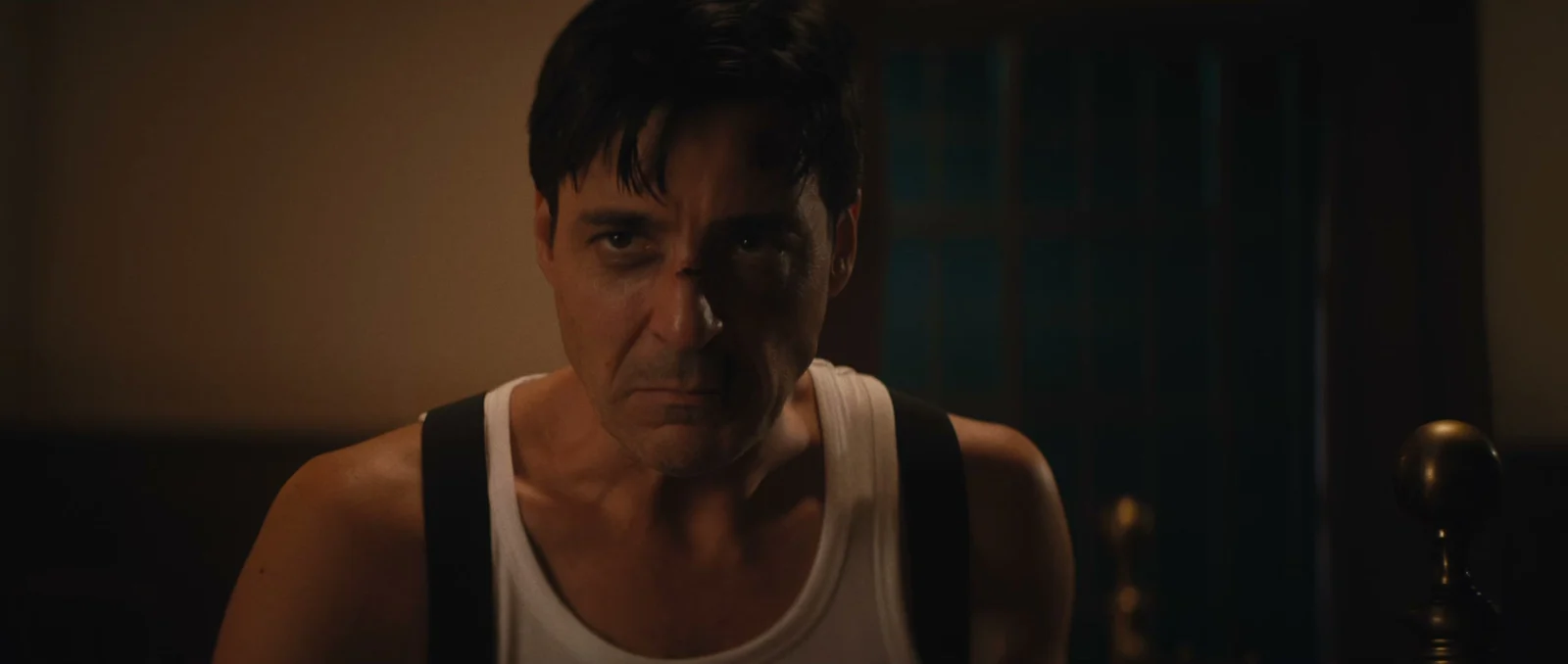
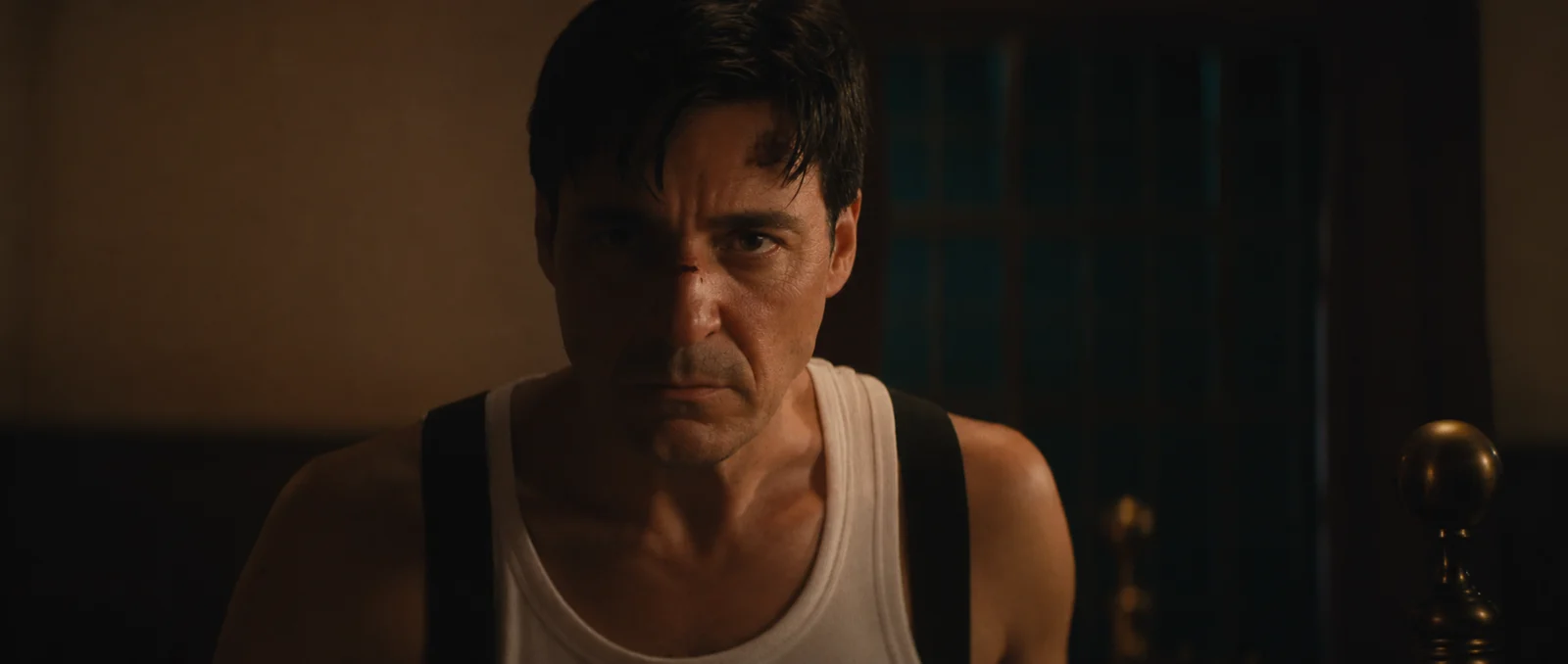
The altered image is a teaching example, not a frame from the film.
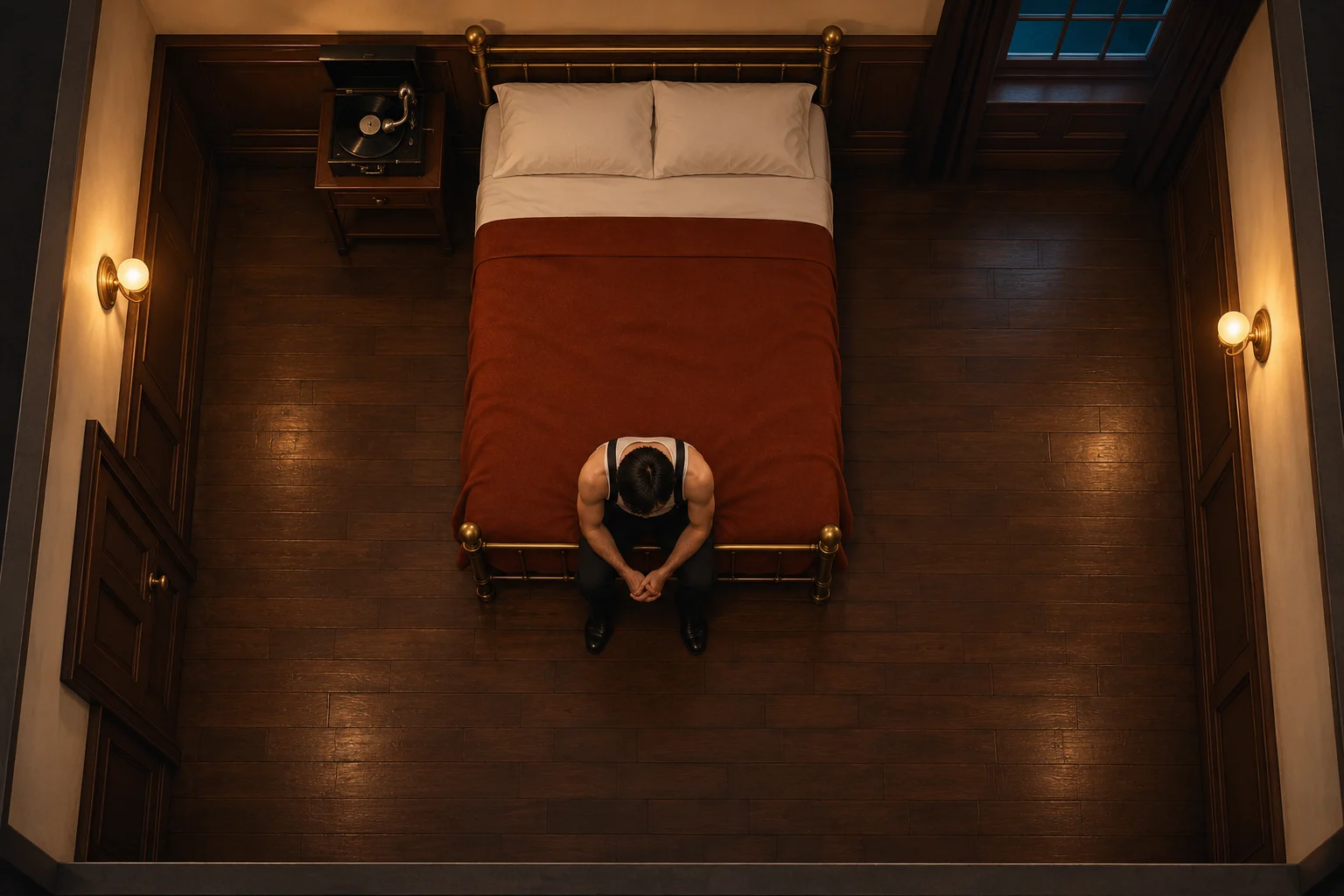
See the light from above.
The camera faces the actor at the foot of the bed. Switch the comparison to move the key from one side of the camera to the other, then check which side of the face catches it.
That’s a useful instruction to carry into a prompt: a source, a direction and a relationship to the subject.
AI teaching reconstruction inspired by Familiar. Camera and key positions illustrate the lighting principle.From the finished film
Make the images
mean something.
A late-night shop. A refrigerator. A milk carton. In my AI short, MILK, familiar details build towards a reveal. The frame matters, and so does where you put it in the edit.
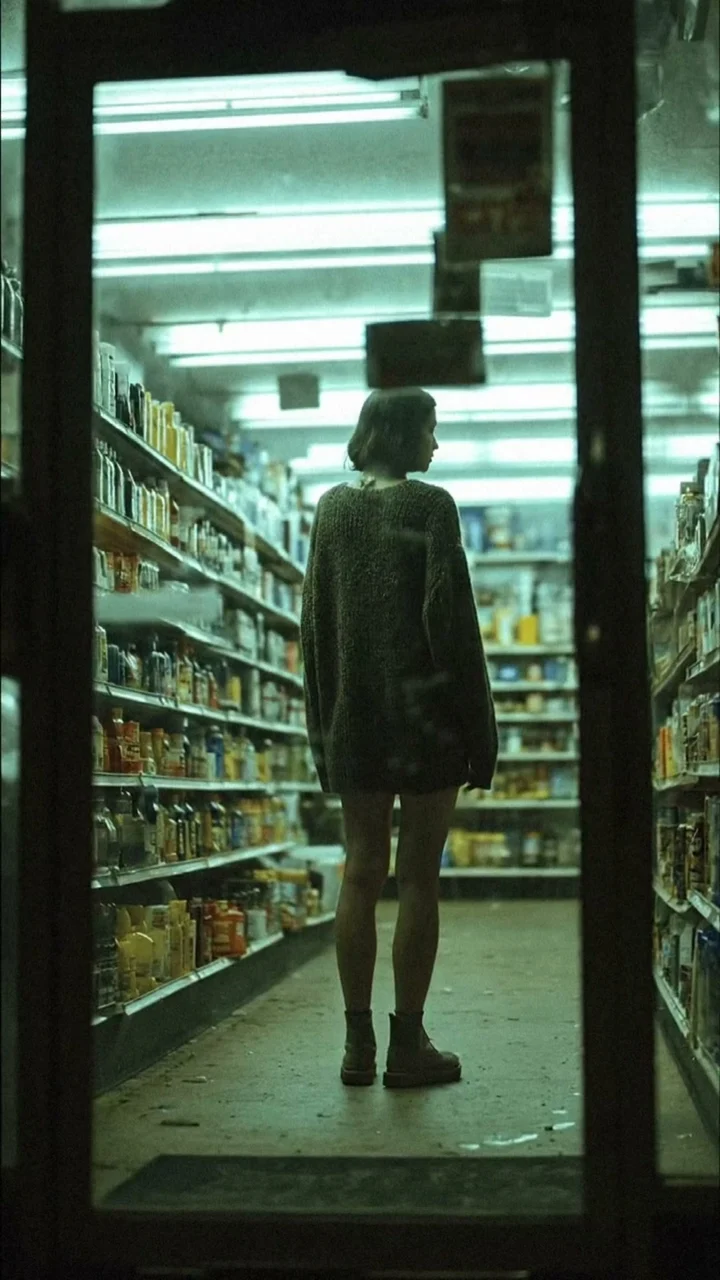
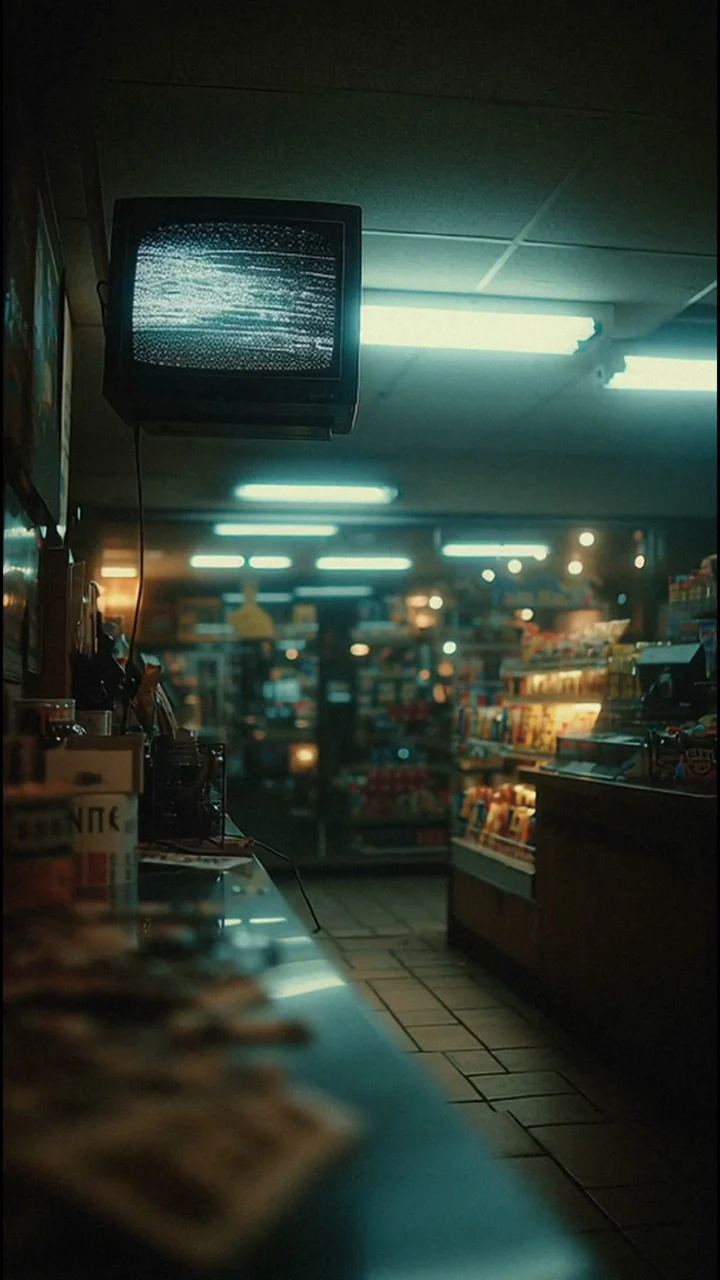
The practice images come from the original MILK. The player above shows the current cut, also available on the MILK film page. The kit includes extracted frames and character studies assembled from actual shots. Use them to analyse the film and practise with your own prompts. The sound guides and editable templates are separate teaching materials.
One small film.
Eight clear steps.
Work towards a 20–30 second sequence with three to five shots. Use the full route if you’re starting out, or go straight to the decisions you need help with.
- 01Direct
Choose a film you can finish
One location, a small cast and one change the viewer can understand.
- 02Direct
Plan the edit first
Give every shot a purpose before spending generation credits.
- 03Generate
Keep one visual world
Use character, location and lighting references consistently.
- 04Generate
Direct one action at a time
Describe a useful camera move, subject action and end frame.
- 05Generate
Select and repair takes
Name the fault, test a change and know when to choose another shot.
- 06Finish
Cut for a clear story
Assemble the sequence and remove shots that repeat information.
- 07Finish
Make sound carry the world
Connect the cuts with atmosphere, a motif or deliberate silence.
- 08Finish
Review and deliver
Check the actual export, keep the sources and prepare the next project.
The written course pairs an Empty Chair practice brief with genuine MILK film frames and a painting-loop application. Study a finished film, then apply the craft decisions to your own small project.
Your guide / Mike Staniforth
A cinematographer’s eye.
A practical way into AI.
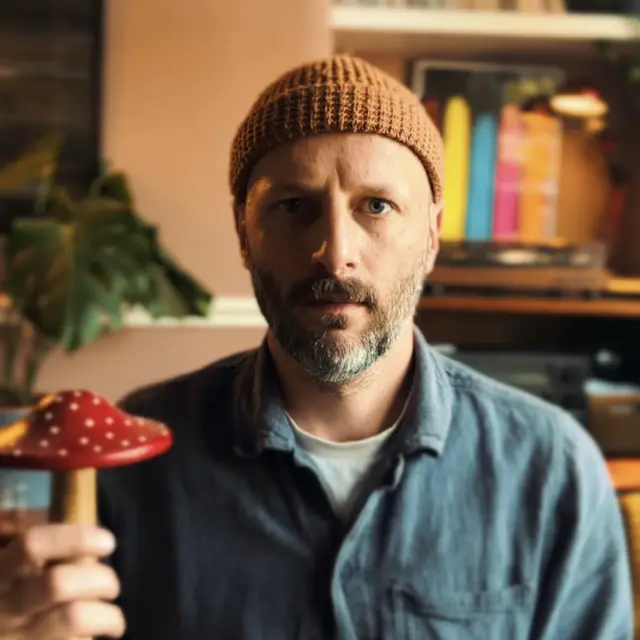
I’m a cinematographer and creative technologist. My work spans documentary and drama, alongside AI films and tools I build around the way I work.
This course brings the shot decisions into view: what the viewer needs to see, how the light and camera support it, and what survives the edit.
See the cinematographyThe Director’s
Starter Kit.
A visual written course and a folder of practical filmmaking files. Built to help you make something small, then use the process again.
- Visual guide and individual lesson files
- Prompts, character sheets and first frames
- Shot lists, storyboards and lighting plans
- Sound exercises, edit notes and review tools
Who is this for?
Creators making their first AI film and working filmmakers adding AI to their process. The same small project has short explanations for beginners and optional craft notes for people who already shoot and edit.
Is this a video course?
The first edition is being built as a visual written course with downloadable working files. Recorded teaching videos are not part of this edition. Example media and sound exercises support the written lessons.
Are the AI tools and credits included?
No. You use your own generation tools and editor. Tool subscriptions and generation credits are separate. The supplied-media exercises are intended to let you practise planning, review and assembly before paying for new generations.
What happens when I register interest?
You join the course-interest list. I’ll email you with course updates and launch details when it’s ready. There’s no payment or commitment to buy, and you can unsubscribe any time.
Can I use the practice assets commercially?
The practice-media permissions are still being finalised. The preview does not grant a commercial-use or redistribution licence. The released package will explain the permitted use of each included asset.
A question about the course? mike@mikestaniforth.com