Style words are weak direction
Most weak AI video prompts sound expensive and behave vaguely.
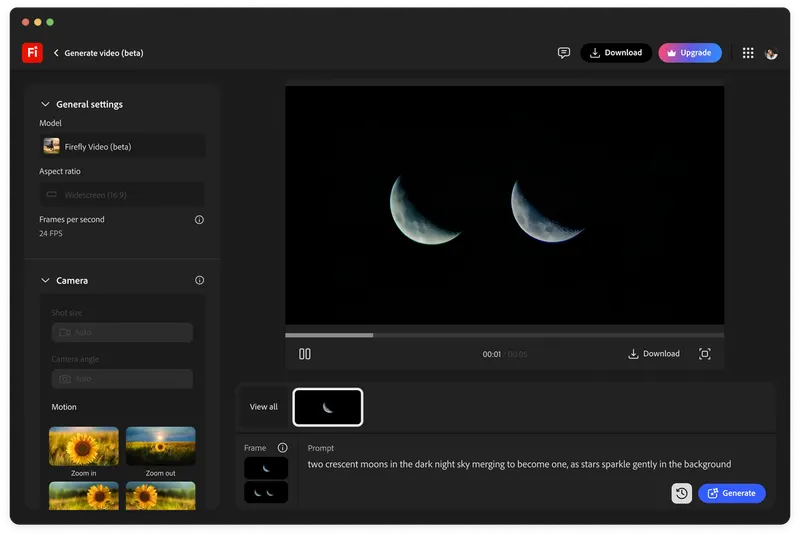
They name camera brands, film stocks, aspect ratios, famous directors, lens lengths, and cinematic lighting. Sometimes that works as a surface. Often it creates a clip that looks polished but has no scene logic.
Shot language is more useful because it describes relationships. Who is the camera with? What is the subject doing? What does the audience know? What changes during the shot? Is the camera observing, pressing, drifting, revealing, hiding, or confronting?
Those questions are closer to cinematography than a list of stylish adjectives.
Give the shot a job
Start by giving the shot a job in the edit.
A wide shot can establish geography, isolate a character, delay information, show scale, or make someone look trapped. A close-up can reveal thought, pressure the audience, hide context, or break emotional distance. A camera move can discover, pursue, retreat, accuse, or let the subject escape.
OpenAI's Sora prompting guide is useful because it treats prompts as structured direction rather than magic phrases. The professional version of that habit is to write the shot like a production note.
Bad prompt: cinematic close-up, 35mm, moody, dramatic. Better prompt: static close-up from the character's eye level as she decides not to answer, shallow focus, practical window light from camera left, no camera movement, hold tension through silence.
Describe blocking before movement
Camera movement should come after blocking, not before it.
If the prompt says the camera dollies in, but the scene does not say what the subject is doing or why the audience needs to move closer, the model may produce motion without intention. That is a common AI video failure: technically active, emotionally empty.
Write the subject action first. Then the space. Then the camera relationship. Then the movement. Then the constraint.
For example: a mechanic kneels beside a stalled night bus, rain ticking on the roof, passengers visible as soft shapes through steamed windows; camera begins wide behind the headlight, then slowly pushes to her hand tightening the battery clamp; keep the bus geography stable and avoid cutting.
Use negatives as production constraints
Negative direction is not only a technical prompt trick. It is production discipline.
If the shot should not cut, say it. If the face should not change, say it. If the camera should not orbit, if the light should not shift, if the product logo should not deform, if no extra people should appear, those are useful constraints.
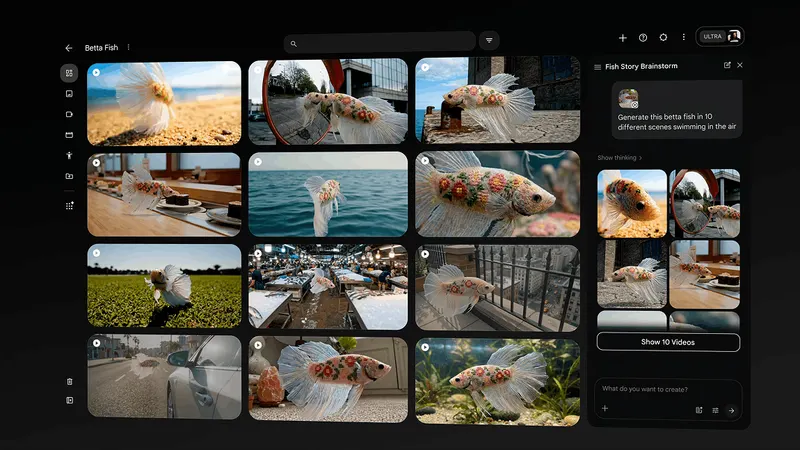
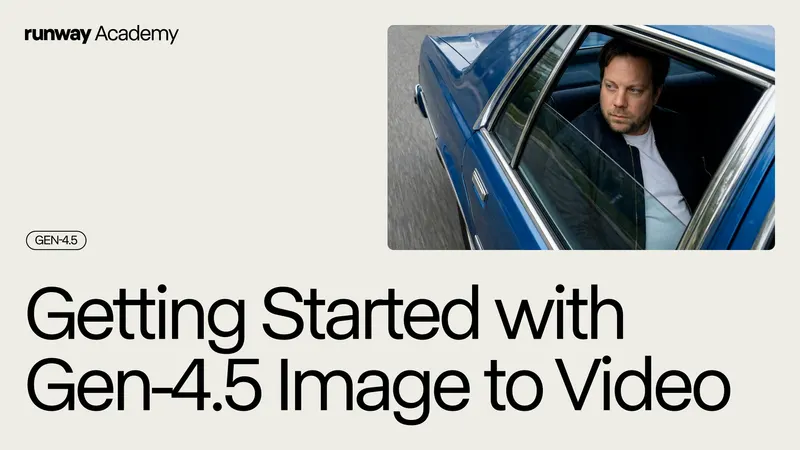
Runway Gen-4.5, Veo, and Sora-style tools all compete on control and fidelity, but the person directing still has to define what control means for the scene.
The point is not to bully the model with more words. The point is to remove ambiguity that production would normally catch on set.
The prompt is a camera note
Treat the final prompt like a camera note that another human could understand.
It should contain subject, action, space, light, camera position, lens feel, movement, duration, continuity constraints, and emotional purpose. It should avoid empty praise words unless they translate into visible decisions.
This does not make AI video less experimental. It makes the experiment readable.
When prompting starts using shot language, the output has a better chance of serving the film instead of only decorating it.
Build
Need a repeatable AI production workflow?
Mike designs the tools, review loops, and publishing systems that make it usable.
Launching a business of your own? Founder Launch OS connects the brand, offer, website and visual campaign in one guided Codex or Claude Code workspace.
Keep reading