Previs is a question machine
The useful version of AI previsualization is not a fake final film.
It is a question machine. Can the scene hold from this angle? Does the blocking need a practical source? Is the camera too close too early? Does the location feel expensive for the right reason? Does the weather idea create drama or just noise? Can the director and producer finally see the same problem?
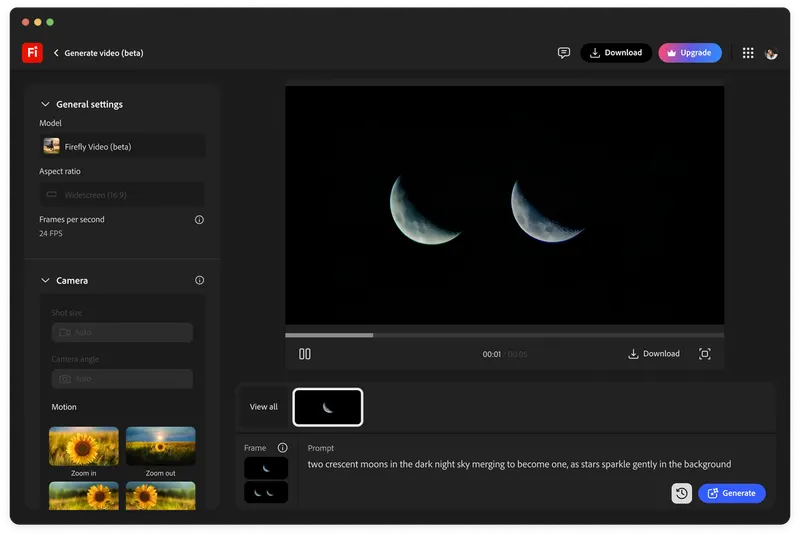
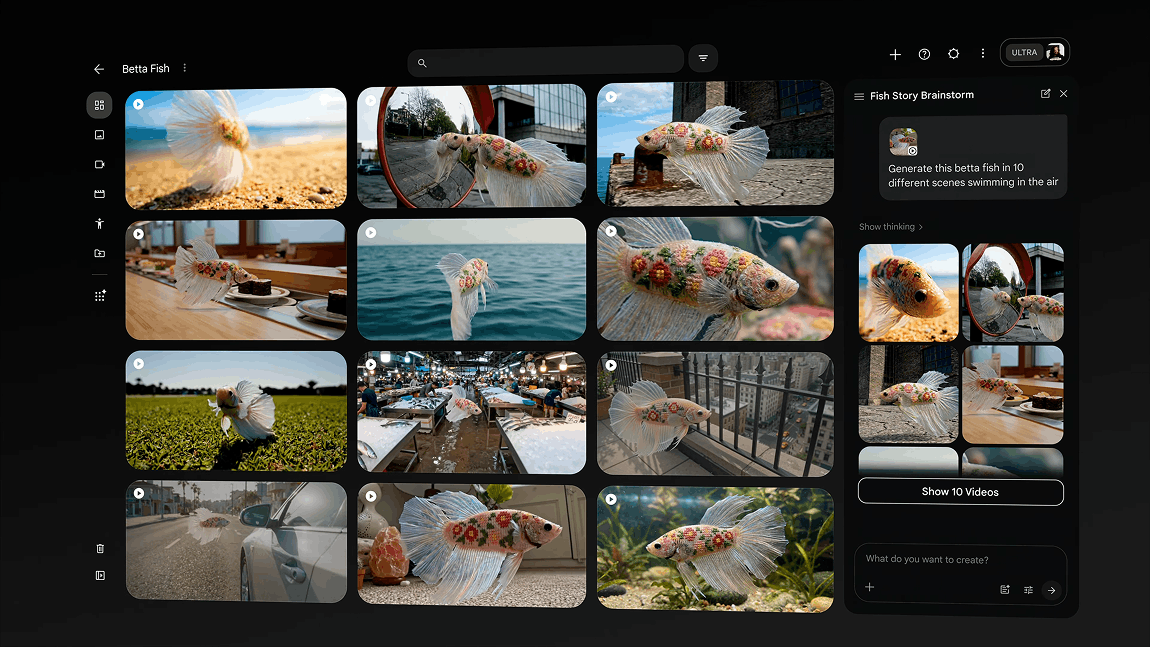
Google Flow is interesting because it puts generative video inside a creative studio frame rather than only a prompt field. For cinematographers, that is the important shift. Previs needs iteration, ingredients, references, and a place to compare versions.
The point is not to replace prep. The point is to make prep more specific.
Look development that moves
Moodboards are useful, but they can hide motion problems.
A still reference can sell colour, texture, contrast, and composition. It cannot show whether the camera move feels motivated, whether rain destroys the silhouette, whether the subject disappears against the background, or whether the grade idea collapses once the shot moves through space.
AI video can turn look development into moving hypothesis. That is valuable before a scout, before a deck is locked, or before a director sells a tone nobody has stress-tested.
The output still needs suspicion. A moving reference can feel more authoritative than it deserves.
Blocking is where previs earns its place
The strongest cinematography use case is blocking pressure.
If a character crosses a kitchen, turns into backlight, opens a fridge, hears a sound, and decides not to speak, the shot is not just about style. It is about timing, geography, performance, practical sources, and where the cut could happen.
AI previs can help test those choices cheaply. It can show that a planned move is ornamental, that a wide shot needs one more beat, or that a location will not hold the emotional geography the script assumes.
That is useful because it makes production questions visible early.
Impossible shots need honest labels
AI previs is especially good at impossible shots: crowds, weather, creatures, period streets, explosions, impossible camera rigs, or abstract memory sequences.
Those tests can unlock a conversation. They can also oversell a plan. A generated clip does not answer stunt safety, legal clearance, VFX cost, performer work, art department scale, insurance, weather, sound, or post schedule.
Luma Ray uses the language of direction, continuity, and finishing. That is the right ambition, but every generated pitch asset still needs an honest label: sketch, reference, temporary plate, technical target, or final candidate.
If the label is wrong, the previs becomes a budget trap.
A cinematographer's rule
The rule is simple: use AI previs to create better decisions, not premature certainty.
Keep the prompt, references, version notes, and approval context with every clip. Mark what the clip proves and what it does not prove. Share it with the director as a route to questions, not as a finished answer.
Previs is powerful when it protects intent before production pressure arrives. It is dangerous when it becomes a beautiful excuse to skip thinking.
The useful version makes the shoot sharper.
Build
Need a repeatable AI production workflow?
Mike designs the tools, review loops, and publishing systems that make it usable.
Launching a business of your own? Founder Launch OS connects the brand, offer, website and visual campaign in one guided Codex or Claude Code workspace.
Keep reading