Start with what cinematographers actually do
The lazy version of the AI video conversation treats cinematography as image decoration. Type a lens, type a lighting style, type a camera move, receive cinema.
That is not cinematography. Cinematography is a system of decisions in relation to story, space, performance, schedule, equipment, light, edit, and audience pressure. A beautiful image can still be the wrong image. A camera move can be technically impressive and emotionally empty. A generated frame can look expensive while solving none of the scene's actual problems.
So the useful question is narrower: where do AI video tools help the cinematographer think, communicate, test, and protect intent before money is spent?
On that question, the tools are getting interesting.
Where the tools help: faster visual language
AI video is already useful for fast visual language. It can help establish a tone, test a lighting direction, build a moodboard that moves, or give a director and producer something more specific than a paragraph of adjectives.
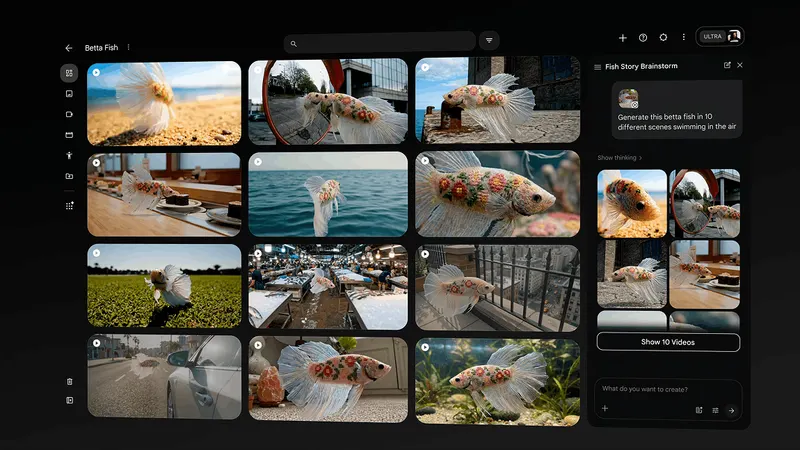
Google Flow is explicitly framed as an AI filmmaking tool built with and for creatives. The important part is not that it makes clips. The important part is that it wraps generation inside a filmmaking interface, with scene-building, ingredients, and continuity thinking around Veo.
That matters for cinematographers because the work often begins before a camera package exists. The early fight is over language: what kind of night, what kind of realism, what kind of movement, what kind of texture, what kind of emotional distance from the subject?
A generated test can accelerate that conversation. It cannot finish it.
Runway points at the continuity problem
Runway Gen-4 is useful because its public positioning goes straight at consistency: characters, locations, objects, style, world environments, and coverage. That is not a small claim. It is the claim AI video needs to make before it becomes a serious production tool.
For a cinematographer, consistency is not just whether a face survives a cut. It is whether the visual world has rules. Does the key direction make sense? Does the location geography hold? Does the texture belong to the same film? Does the shot feel like coverage of the same scene or a new prompt wearing the same costume?
Runway's best demonstrations are interesting because they push beyond one-shot spectacle into repeatable subjects and environments. That is where AI video starts to touch actual cinematography work: look development, angle exploration, insert design, temporary VFX, and previsualised coverage.
The danger is believing consistency has been solved because it looks solved in a short demo. Real scenes are longer, messier, and less forgiving.
Coverage is the real stress test
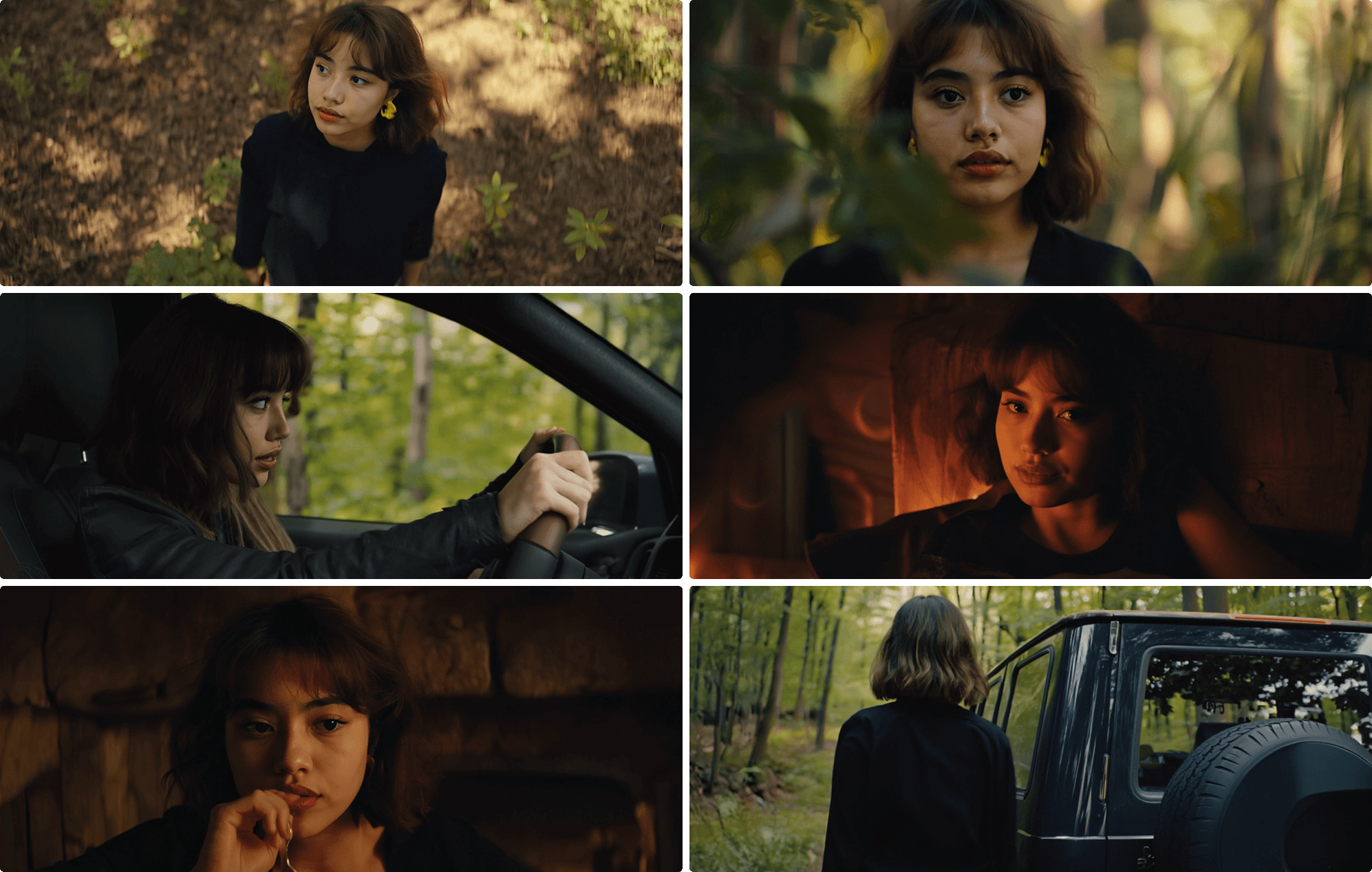
Coverage is where AI video stops being a toy and starts being held to film grammar.
A single generated shot can hide a lot. Coverage cannot. Once you need a wide, a clean single, a reverse, a hand insert, a reaction, a matching eyeline, and a motivated move, the system has to understand relationships. It has to know where people are, what the scene is about, and why the camera is changing position.
That is why I care less about prompts that say 'ARRI Alexa, 35mm, cinematic lighting' and more about workflows that let the user lock references, preserve geography, and iterate a scene from multiple positions. A cinematographer does not need a random beautiful clip. They need a way to answer production questions before the day collapses.
Can this tool help us decide whether the scene wants handheld? Can it show a director why the over-shoulder is weaker than the profile? Can it reveal that the location needs a practical source before we arrive?
Where the tools help: pitch material and impossible tests
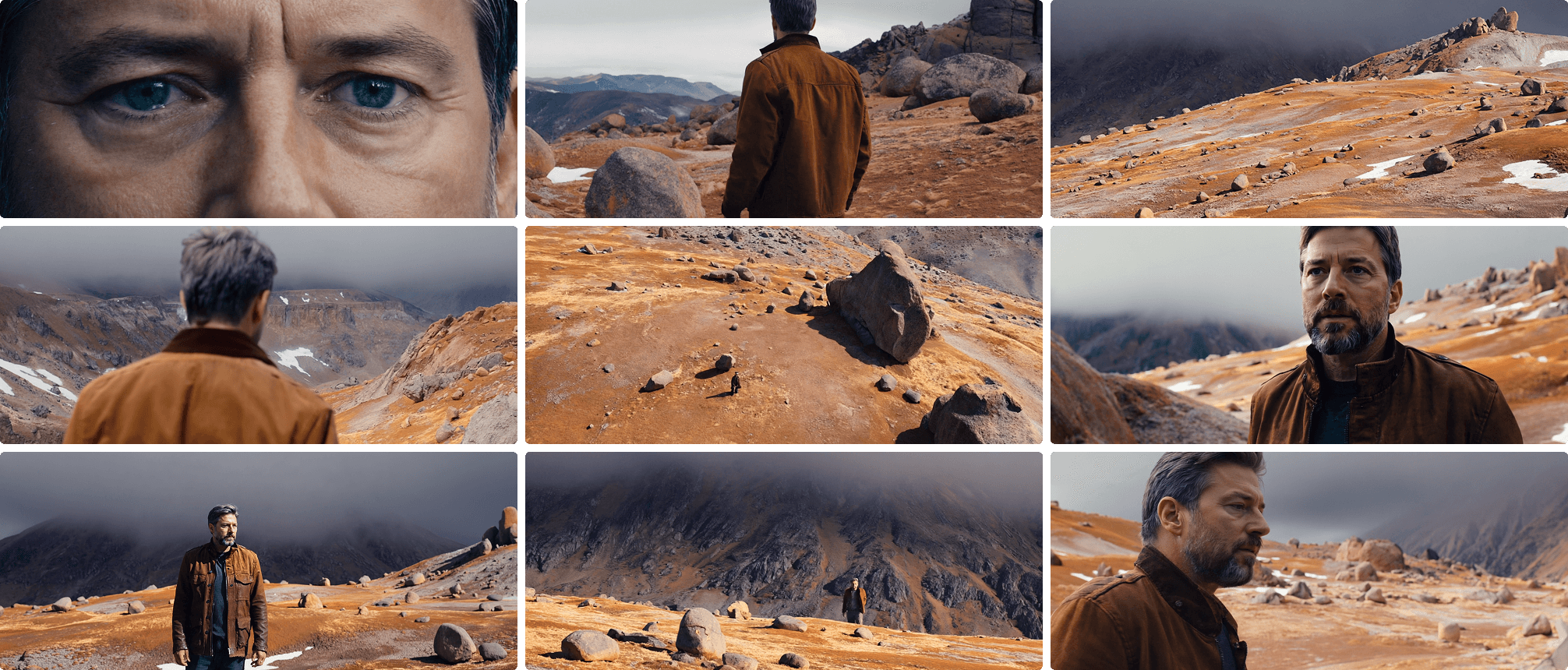
The strongest near-term use case is not replacing a shoot. It is making the impossible discussable earlier.
If a director wants to pitch a strange weather event, a near-future city, an impossible creature, a stylised sports sequence, or a reconstruction that cannot be safely filmed, AI video can give the team a moving sketch. That sketch can help producers understand cost, help departments argue about approach, and help the cinematographer protect the tone before the wrong reference gets locked into the deck.
Luma Ray uses the language of frame direction, cut finishing, control, continuity, and cinematic direction. That is the correct commercial target. The value is not only output. The value is reducing the fog around intent.
But a pitch test is not a promise. The generated image can sell a feeling that the production cannot legally, ethically, or technically reproduce. That has to be managed honestly.
Where the tools get in the way
AI video gets in the way when it turns cinematography into an adjective list.
Prompts full of camera brands, lens lengths, film stocks, aspect ratios, and famous directors can produce a seductive surface. They can also produce visual mush. The image borrows the language of cinema without doing the job of cinema.
The most common failure is false confidence. A director sees a generated reference and thinks the problem is solved. A client sees expensive-looking motion and thinks the budget can shrink. A production team sees a synthetic location and forgets that the real scene still needs blocking, performance, schedule, insurance, sound, weather, safety, and an edit.
For cinematographers, the resistance should not be anti-tool. It should be anti-falsehood. Do not let a generated clip pretend that a production decision has already been made.
Commercial safety is part of craft now
The legal and commercial layer is not separate from the creative layer anymore.
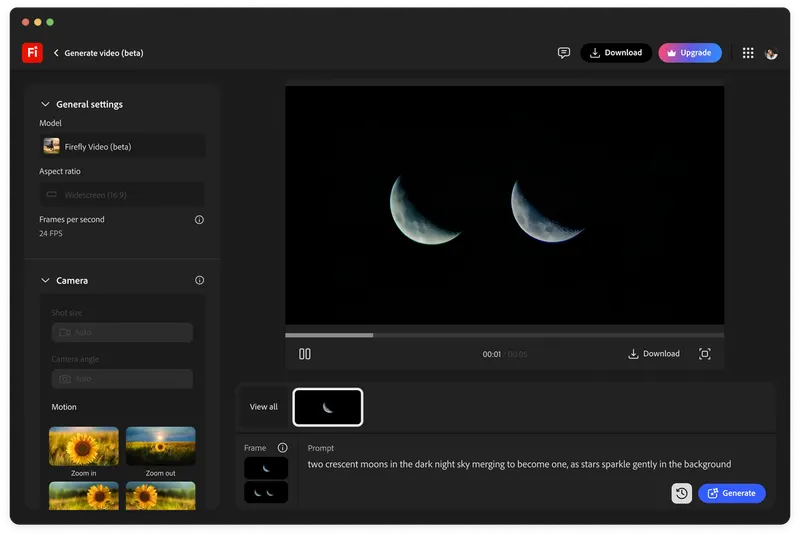
Adobe Firefly's AI video generator is positioned around commercially safe video, B-roll, product motion, special effects, and camera controls. That language matters because most professional work has to survive more than a taste test. It has to survive client review, brand safety, usage rights, and platform distribution.
A cinematographer may not be the lawyer, but they are part of the trust chain. If an AI-generated plate, reference, or final asset is being used, the team needs to know where it came from, what rights attach to it, whether it can be used commercially, and whether the client understands the process.
Craft now includes a provenance review workflow. That is not romantic, but it is real.
Build workflows, not model loyalty
AI video tools are moving too quickly for a serious team to build its identity around one model name.
Runway, Veo, Firefly, Luma, Sora-style systems, Kling, Seedance, and whatever comes next will keep changing. Even OpenAI's own Sora pages are a reminder that product availability, model names, and safety rules are moving targets. A production workflow needs to survive that churn.
That means storing references, prompts, approvals, source images, usage notes, version decisions, and exports in a way that can move between tools. It means documenting why a generated asset exists. It means keeping the creative decision outside the black box.
The model is not the workflow. The model is one engine inside the workflow.
The useful cinematographer stance
The useful stance is neither panic nor worship.
AI video can help cinematographers move faster in prep, communicate tone, test visual rules, generate temporary material, and expose production questions earlier. It can be genuinely valuable when the image is a sketch, a reference, a pitch tool, an effects test, or a way to put a hard idea on the table.
It gets dangerous when the output is treated as a substitute for judgement. A cinematographer still has to know when the light is wrong, when the move is empty, when a beautiful shot breaks the scene, when the coverage will not cut, and when the production is using technology as a way to avoid paying for thinking.
The best AI video workflow will not make cinematography less important. It will make weak cinematography easier to spot. When everyone can generate an image, the value moves back to the person who knows which image should exist.
Build
Need a repeatable AI production workflow?
Mike designs the tools, review loops, and publishing systems that make it usable.
Launching a business of your own? Founder Launch OS connects the brand, offer, website and visual campaign in one guided Codex or Claude Code workspace.
Keep reading