A film experiment by Mike Staniforth
Step inside
The Great Wave.
From a woodblock print to a world
the camera can move through.
Get my opening image, full 20-second Seedance prompt and loop setup for free. Then follow the making-of below: one canvas, from the original artwork to the edit.
Made in 
Make your own loop.
Free kit · One PNG, prompt + loop guide
The making-of / Morphic workflow
Keep the art.
Give it depth.
The aim is to move inside Hokusai’s world while keeping its illustrated people, carved contours and indigo palette. Texture and depth, with the artist’s visual language still intact.
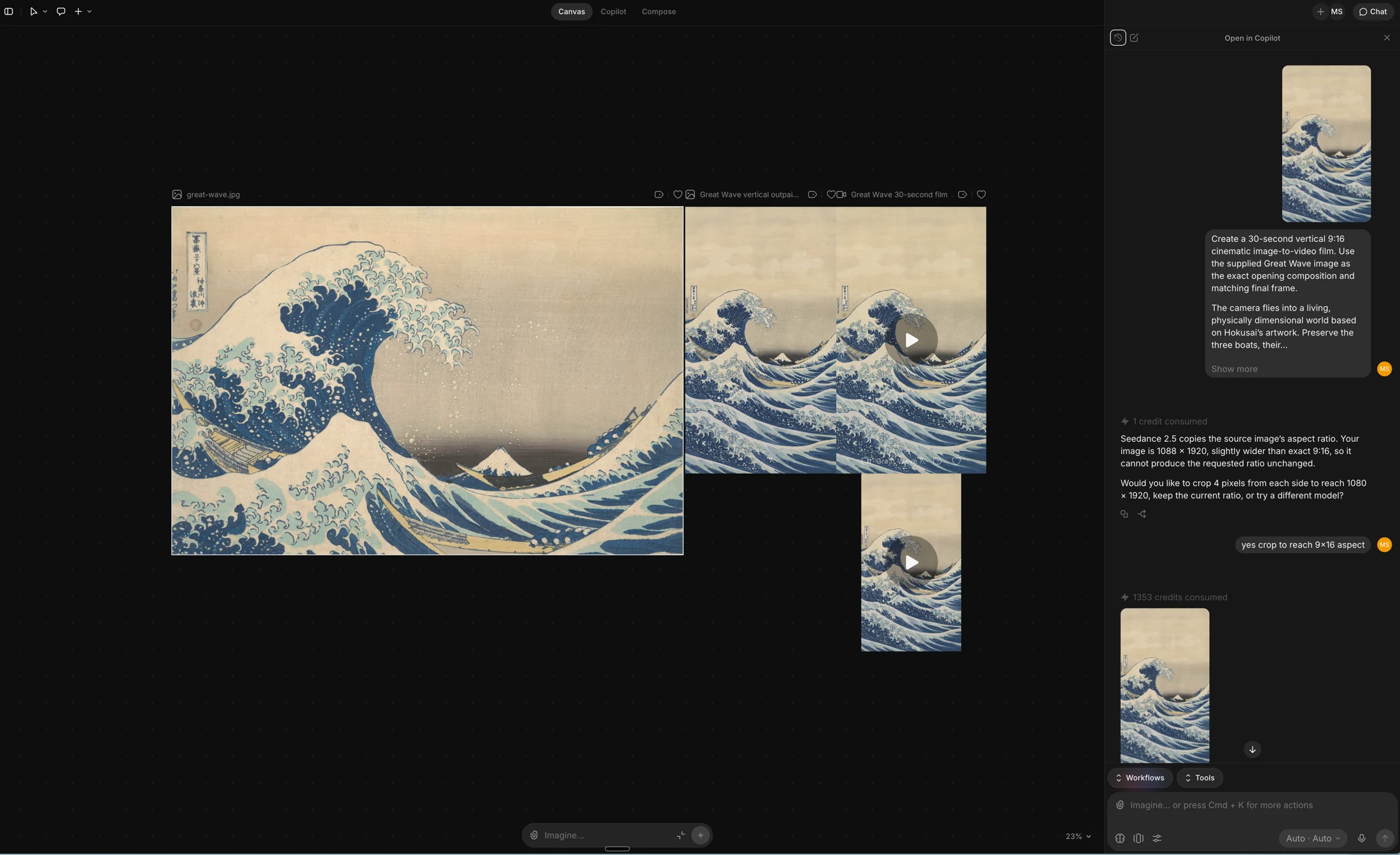
01 / Canvas
A workspace I can
come back to.
I like to work on a canvas. I can keep the original, outpaint and video attempts next to each other, compare them and pick up where I left off. It makes the decisions visible.
Morphic’s Canvas lets you move and name artboards, group work into sections and keep documents beside the visuals. This is the home for the whole experiment.
Explore Canvas02 / Outpaint
Landscape artwork.
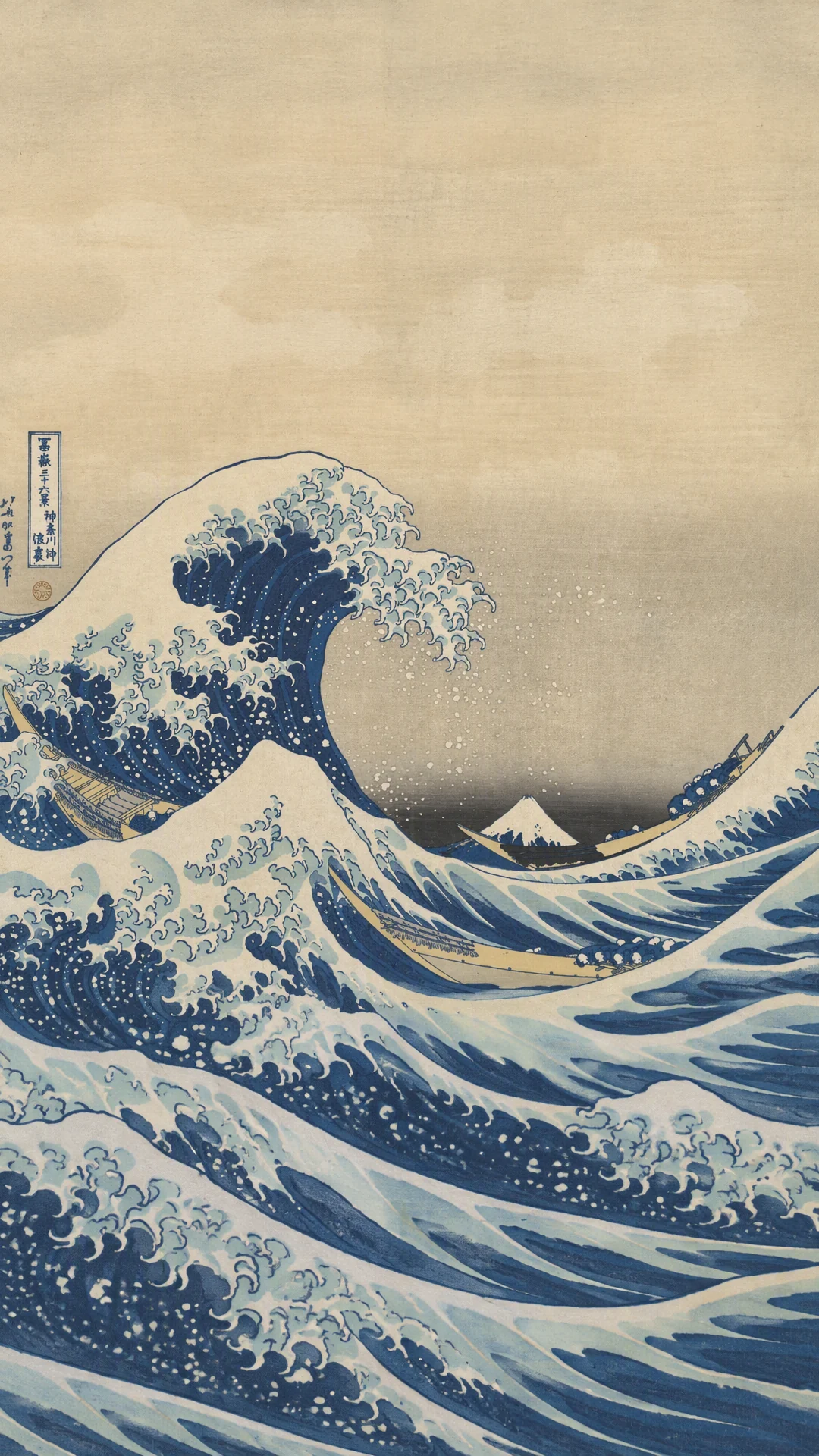
Portrait opening.
I bring in the original print, use Expand Artboard and extend the composition to 9:16. The scene needs to continue naturally above and below the original; the boats, wave and distant Fuji remain the anchors.
I describe the continuation in the outpainting prompt, then review the result against the source. The vertical frame in the kit is the one I used in this workspace.
Morphic’s outpainting guide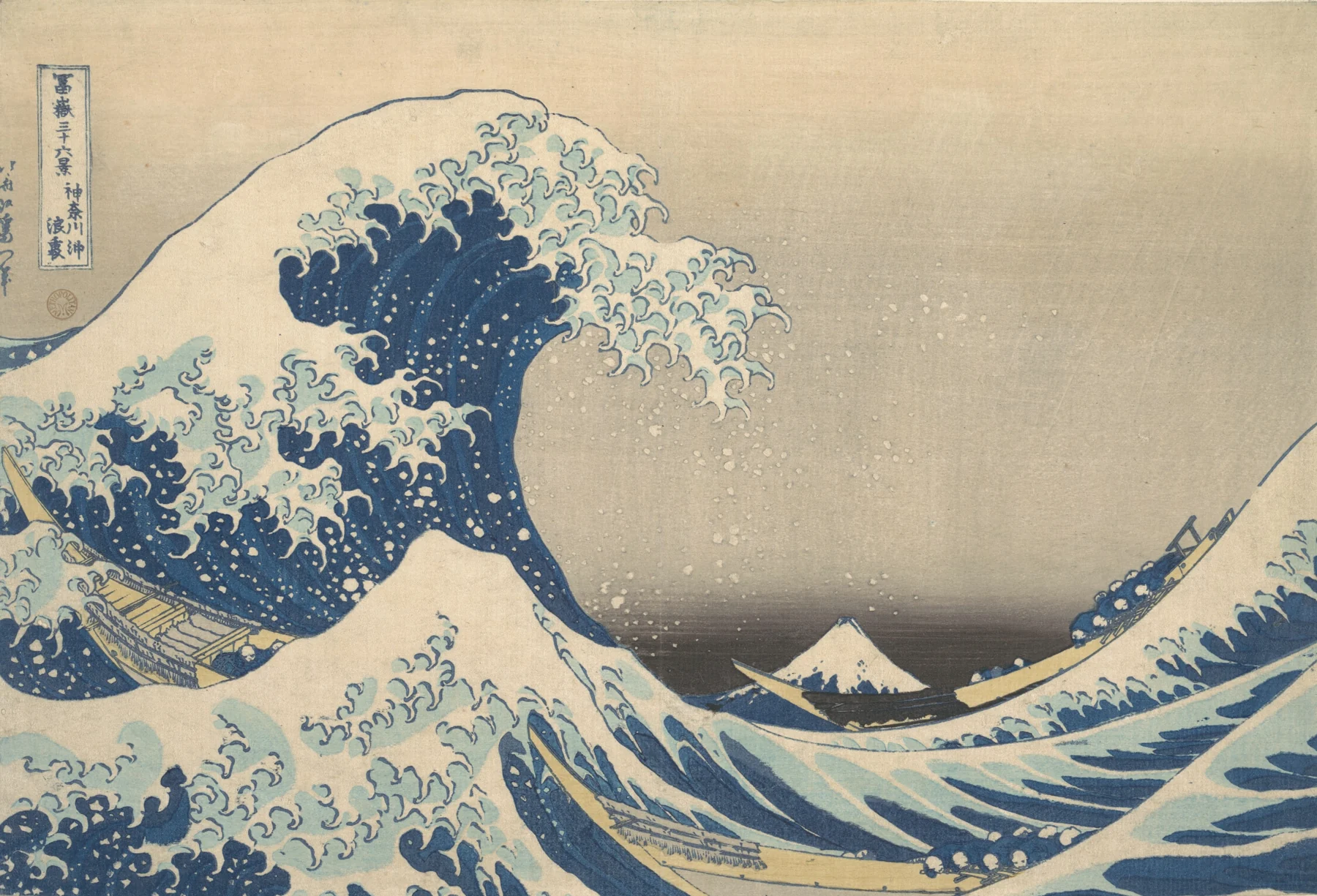
03 / Copilot
A useful question.
Before the render.
Copilot caught something easy to miss in my first attempt: the image was 1088 × 1920, slightly wider than 9:16. It explained that Seedance inherits the source ratio, then offered to crop four pixels from each side to reach 1080 × 1920.
That’s what I find useful: a conversation about the setup before committing to generation. Copilot can ask follow-up questions and help prepare references.
How Copilot works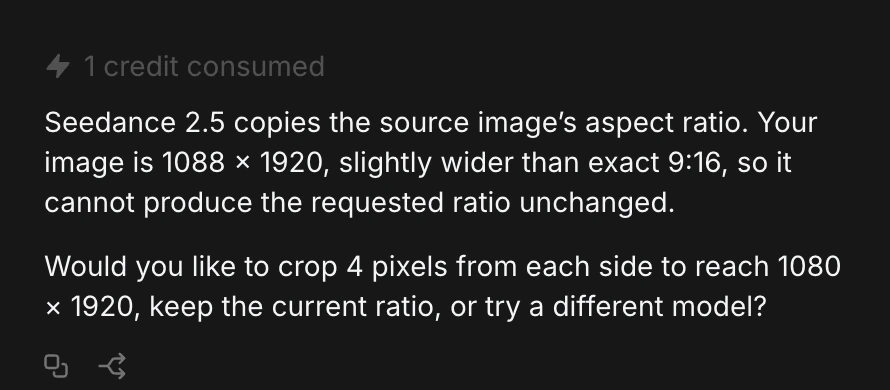
04 / Seedance 2.5
Write a route.
Keep it moving.
I use ByteDance’s Seedance 2.5 in Morphic, with the outpaint as the first-frame reference and a 20-second image-to-video prompt. The camera passes the crew, climbs the exposed face of the wave, skims the foam, descends to another boat and arcs back to the opening view.
The prompt gives each part of that journey a time budget. Macro moments happen while the camera travels. The water gains volume; the people keep their illustrated appearance. The final view needs to match the first without turning the wave into a tunnel.
Morphic’s Seedance 2.5 guide05 / Compose
From generation
to the edit.
Compose is Morphic’s built-in editor. Canvas, Copilot and Compose share the same file, so the references and generations stay within the project.
Compose has a multitrack timeline for clips, audio and text, with manual editing and Copilot assistance. I can trim the loop, check the join, add sound and export. The final check is always the playback: does the move flow into another lap?
Explore Compose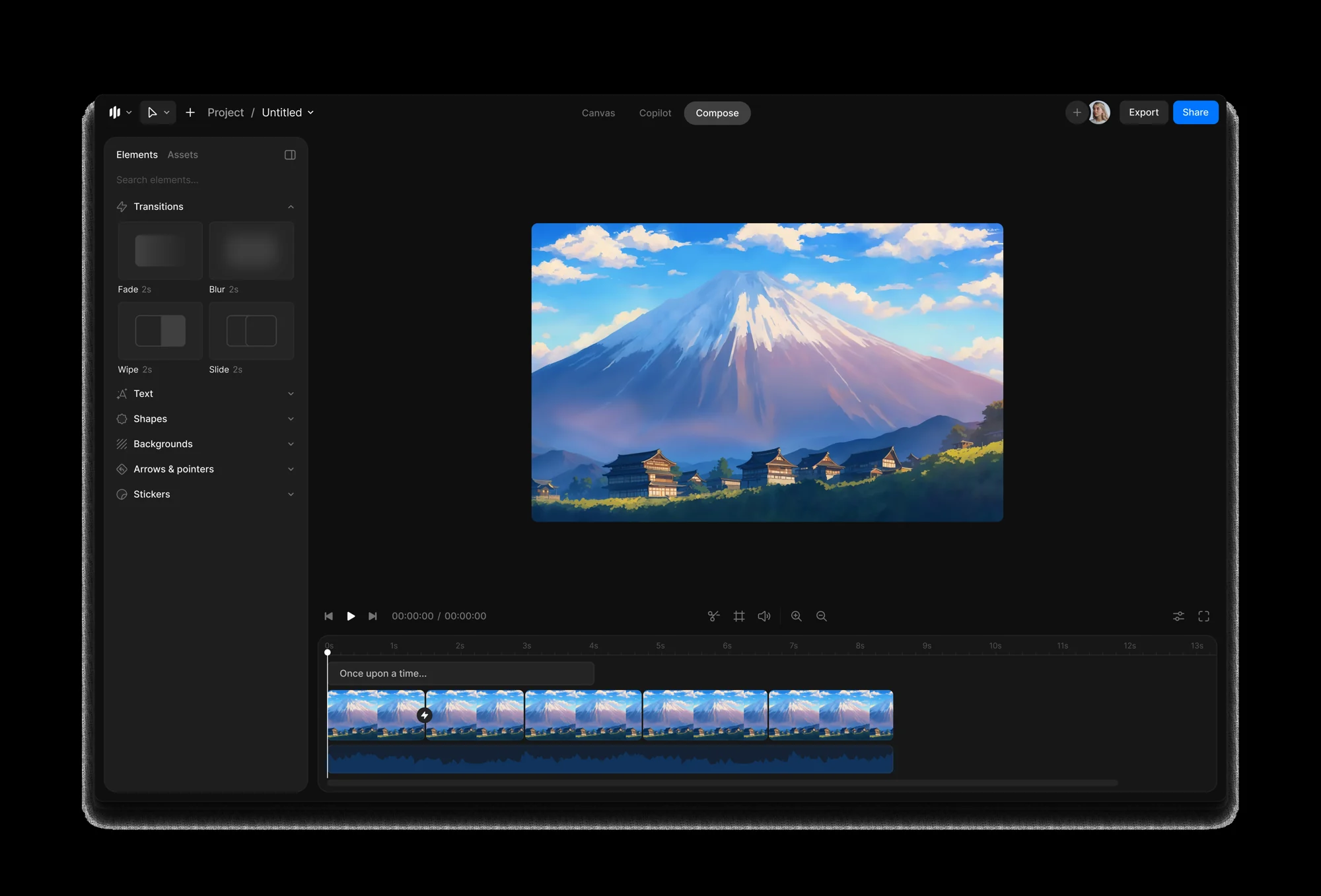
Inside the free download
The frame. The move.
The return.
- 01 / PNG
One opening image
The full-resolution 1080 × 1920 outpainted frame, ready to use as your image reference.
- 02 / TEXT
The full prompt
The full 20-second camera route, travelling macro details and instructions to preserve the woodblock aesthetic.
- 03 / GUIDE
The loop setup
Reference settings, timings, a seam checklist and source notes. The materials to make your own version.
Use the guide to match your opening and closing frames and bring the loop together.
Get the free kit aboveA canvas for the idea.
A timeline for the film.
My workflow in Morphic: keep the references together, talk through the setup, generate, then edit within the same project.
Explore Morphic
Your email & the kit
Mike Staniforth Film Ltd records your download request and the consent you give by ticking the checkbox. Filmmaking tools, breakdowns, updates and offers are handled through MailerLite. Unsubscribe anytime and keep the kit. For access or removal requests, email mike@mikestaniforth.com. Company no. 10636076.
The source is Hokusai’s Under the Wave off Kanagawa (The Great Wave), a public-domain woodblock print. The vertical extension and imagined camera journey are AI-assisted adaptations. View the original at The Met.