A focal-length prompt is not a lens test
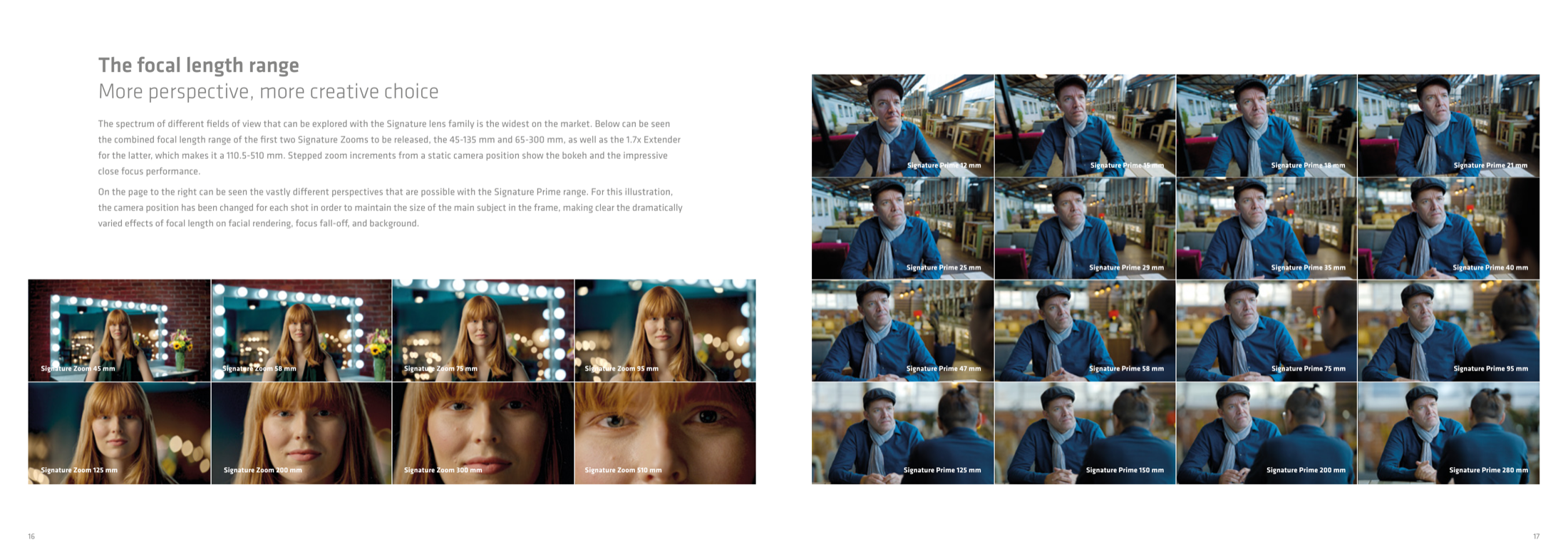
The comparison above comes from ARRI's Signature lens brochure, with photography credited to Hugo Lamblin / ICONOCOM. On the left, a static camera and stepped zooms change field of view, subject size, background inclusion, and bokeh. On the right, the camera is repositioned for each prime so the main subject stays roughly the same size, exposing changes in facial rendering, focus fall-off, and the scale of the background. It is a physical focal-length comparison built from known lenses and deliberate camera positions.
Typing 35 mm into an AI video prompt is different. The number may steer the model toward patterns associated with a moderately wide cinema image, but it does not give us a sensor format, entrance-pupil position, focus distance, aperture, subject distance, or a verified optical path. It is creative language, not captured lens metadata.
Google's current video generation prompt guide makes the boundary unusually clear. It offers wide-angle, telephoto, shallow-depth-of-field, rack-focus, and fisheye language, then warns that some advanced camera lenses are not officially supported and that reliability varies with the prompt and use case. The right response is not to stop using lens terms. It is to stop treating the term as proof of the image it names.
Millimetres are missing the sensor and the distance
A focal length only becomes a field of view in relation to an image area. Sony's lens guide shows that the same focal length produces different angles of view on full-frame and APS-C sensors. A bare 50 mm prompt does not tell the model which of those frames the production means.
Perspective is the next trap. From one fixed camera position, changing focal length changes framing, not the relative geometry of the scene. The familiar wide-lens face and compressed long-lens background appear when the camera moves to keep the subject at a similar size. ARRI's comparison says exactly that: the camera position changed for each portrait. The distance altered the relationship between nose and ears, subject and background, foreground and horizon.
Depth of field is not a focal-length switch either. Sony's depth-of-field explainer names camera-to-subject distance, aperture, focal length, and sensor size as interacting factors. In a generated clip, shallow focus is an appearance to direct and inspect. It is not evidence that the virtual lens was really wide open at a declared stop.
Translate lens intent into visible instructions
Start with subject scale: extreme close-up, close-up, medium close-up, full figure, or wide. Then state camera position in scene terms: intimate and close to the face, across the table, outside the doorway, low beside the front wheel, or far enough away that the foreground and background feel compressed.
Next describe the spatial result. How much environment belongs in frame? Should the foreground loom? Should parallel lines feel expansive? Should the background sit close behind the performer or recede through several planes? Then separate focus behaviour: deep focus across the room, face sharp with a gentle fall-off, eyes sharp and ears soft, or a deliberate rack from the foreground prop to the witness.
Only after those relationships are clear should a lens family or millimetre value be added as a final hint. A useful prompt might read: “Medium close-up at eye level, camera physically close to the performer, foreground table edge prominent, room stretching away in deep perspective, eyes sharp with a gentle fall-off behind the ears, locked camera; moderately wide lens character.” Every phrase can be judged in the result. “Shot on a 35 mm lens” cannot.
Use the control the tool actually exposes
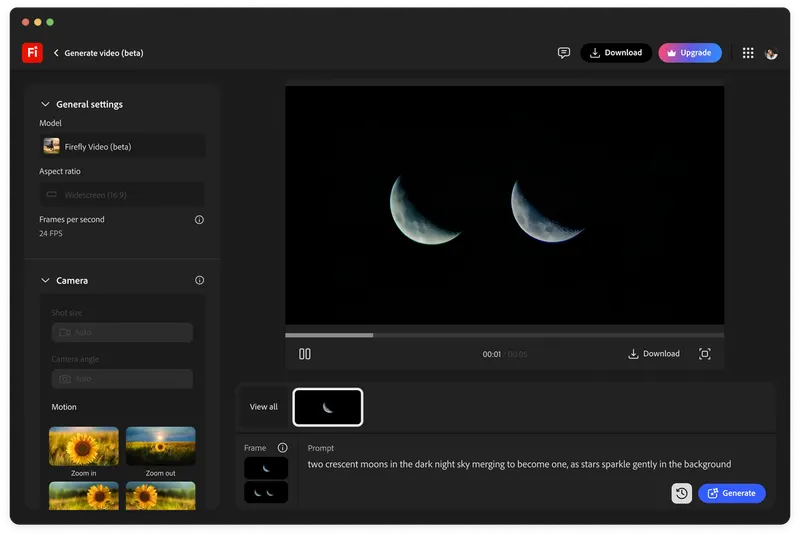
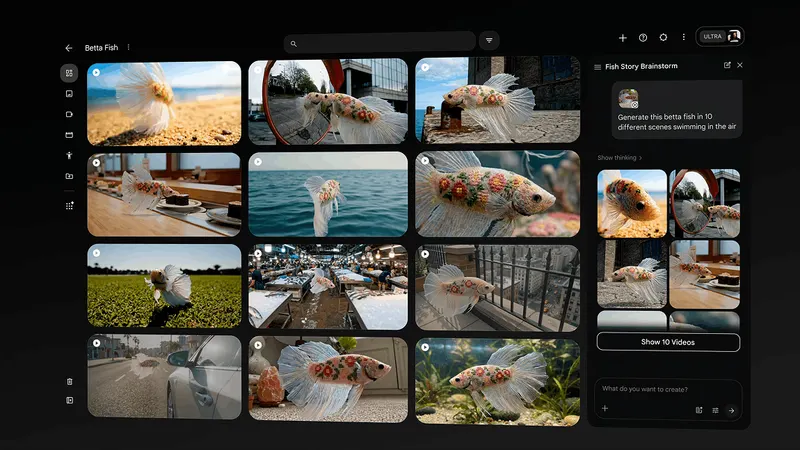
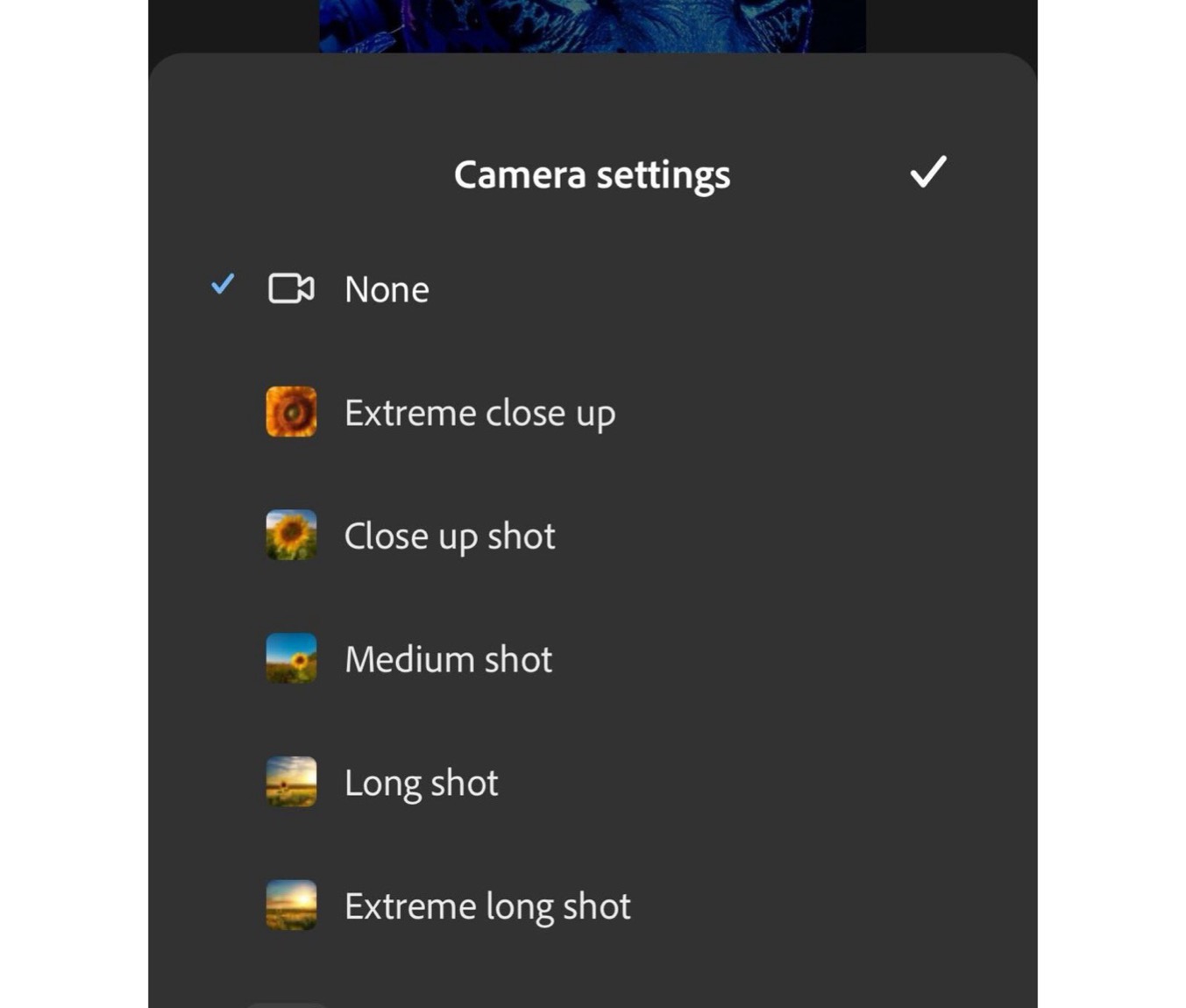
Firefly's current shot-size and angle workflow offers predefined extreme close-up, close-up, medium, long, and extreme-long frames, plus angle and motion controls. Runway publishes a camera-term library with examples for shot size, angle, movement, zoom, and focus. Veo's guide describes lens effects in natural language rather than promising calibrated millimetres.
Those are three different control surfaces. Use the strongest native control first. If the interface has a shot-size setting, set it instead of repeating five framing adjectives. If image-to-video accepts a first frame, establish composition there. If the model only accepts text, use visible spatial instructions and change one variable at a time.
This also makes failures legible. When a close-up is wrong, the team can ask whether the subject scale, camera distance, background relationship, or focus behaviour failed. When the entire direction is packed into “85 mm cinematic portrait,” the only available note is that it does not feel like an 85.
A reference frame carries more optical intent than a paragraph
Runway's current Image to Video guide says the input image establishes composition, subject matter, lighting, and style, while the text prompt should focus mainly on motion and temporal progression. For lens intent, that division is useful. Put the face size, background scale, negative space, horizon, foreground occlusion, and focus pattern into the frame. Use the motion prompt to say what changes over time.
The reference can come from an approved storyboard, a location photograph, a controlled still render, or an actual camera test. What matters is that the team knows its source and rights, and that everyone is reviewing the same spatial evidence. A strong frame does not make the generated camera physically accurate, but it removes several ambiguities that a lens number leaves open.
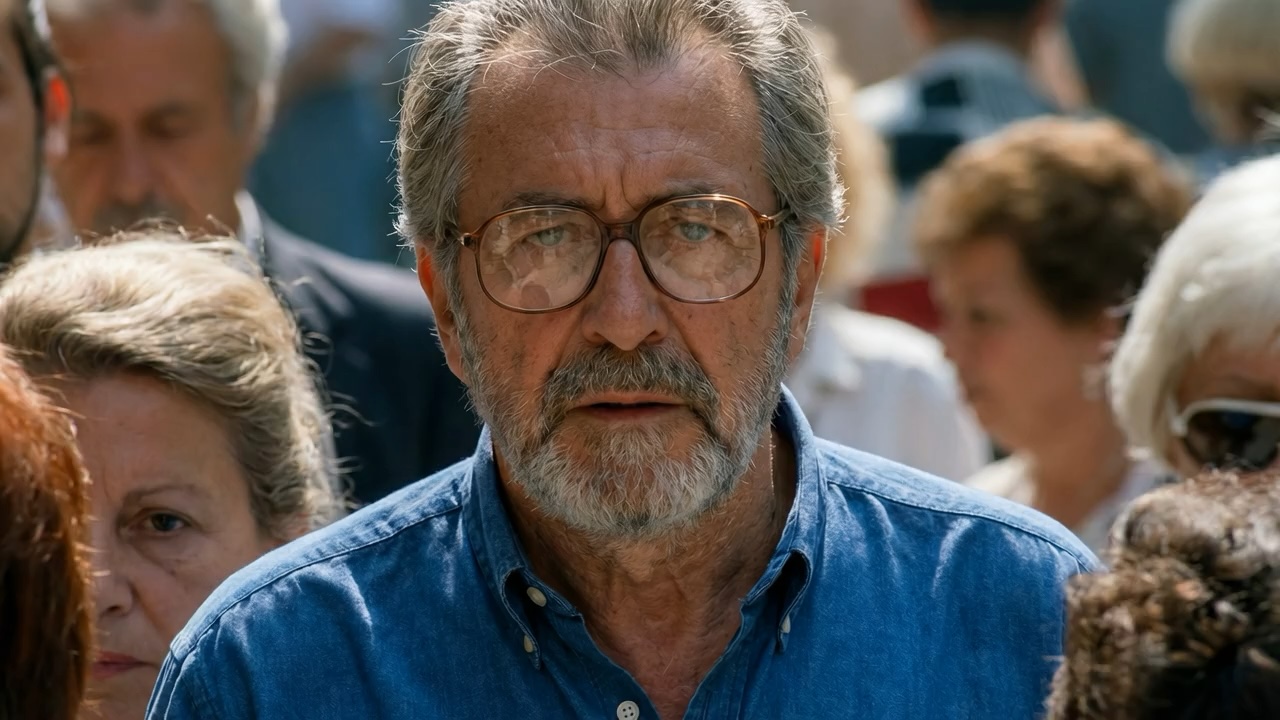
Avoid re-describing the whole image in the motion prompt. If the source already shows a tight face against a compressed crowd, ask for the blink, breath, background drift, and camera behaviour. Repeating a new lens, new shot size, and new composition can make the model renegotiate the very relationships the frame was meant to lock.
Do not confuse a zoom with a dolly
Lens language becomes more fragile once the camera moves. Both Google and Runway distinguish a zoom, where focal length changes from a fixed camera position, from a dolly, where the camera travels through space. The subject may grow in both, but the background relationship should behave differently.
Write that difference into the instruction. “Locked camera; the lens slowly zooms from a medium shot to a close-up” asks the world geometry to remain fixed while framing tightens. “The camera physically dollies toward the performer, preserving a natural perspective shift as foreground objects slide past” asks for parallax and changing spatial relationships. A vague “slow push in” leaves the model to choose.
Review the background before the face. Watch the relative size of distant objects, foreground parallax, edge distortion, focus transition, and whether the camera appears to teleport. A beautiful close-up at the end does not rescue a move whose space makes no sense. This is where shot language and camera-motion reference have to work together.
Run a three-pass lens-intent test
Pass one tests framing. Keep the subject, environment, action, model, and reference stable. Compare close, medium, and wide versions, or use the tool's native shot-size control. Pick the frame that tells the scene before discussing bokeh.
Pass two tests space. Hold the chosen subject size and compare an intimate camera position with an observational one: prominent foreground and expanded depth versus distant camera and compressed layers. The goal is not to guess which output secretly used 28 mm or 85 mm. It is to decide which spatial relationship serves the performance and the edit.
Pass three tests focus and rendering. Compare deep focus with controlled fall-off; add a rack focus only when it carries story information; test flare, anamorphic character, or edge distortion separately. Keep a simple record of the model, mode, reference frame, prompt, native controls, date, and selected take so the choice can be repeated or challenged.
Review geometry before surface. Check face shape, hands crossing the lens, straight lines, horizon behaviour, foreground scale, background continuity, and the start-to-end frame relationship. Then judge texture, bokeh, flare, and polish. That order stops an attractive blur pattern from disguising a broken shot.
Buyers should approve the promise, not the millimetres
An AI lens-intent study can be commercially useful. It can help a director, cinematographer, designer, and producer choose intimacy, spatial compression, focus priority, and movement before a location, performer, or camera package is available. It becomes misleading when the deck labels a generated frame “35 mm” as though that were a measured production fact.
Label the material honestly: visual target, lens-intent test, or generated previsualization. If it informs a live-action shoot, translate the approved relationships into a real sensor-and-lens test with the cinematographer and camera team. If it informs VFX, virtual production, or matchmove, record real camera and lens metadata in the production system rather than reading it back from the generated image.
For a buyer, the useful evidence is not a prompt full of premium camera names. It is a reviewable path from story purpose to frame, from frame to movement, and from generated study to the real production decision. That is the same boundary that makes AI previsualization useful: precise enough to reveal intent, honest enough not to impersonate a finished plan.
Build
Need a repeatable AI production workflow?
Mike designs the tools, review loops, and publishing systems that make it usable.
Launching a business of your own? Founder Launch OS connects the brand, offer, website and visual campaign in one guided Codex or Claude Code workspace.
Keep reading