The useful part of the Sora story is the closure
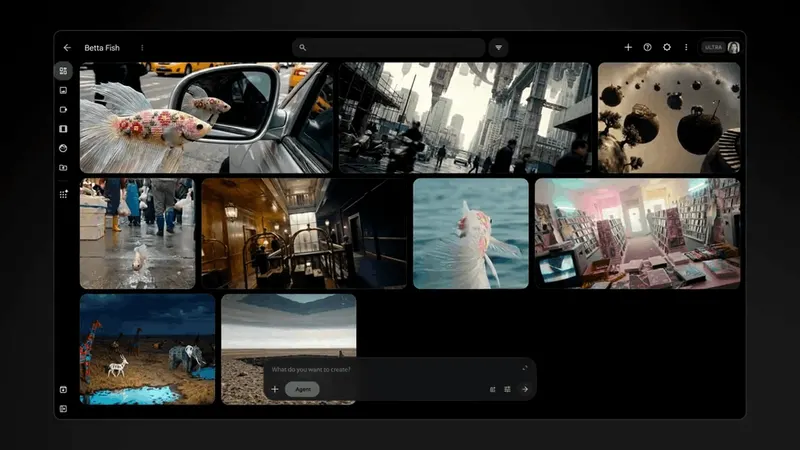
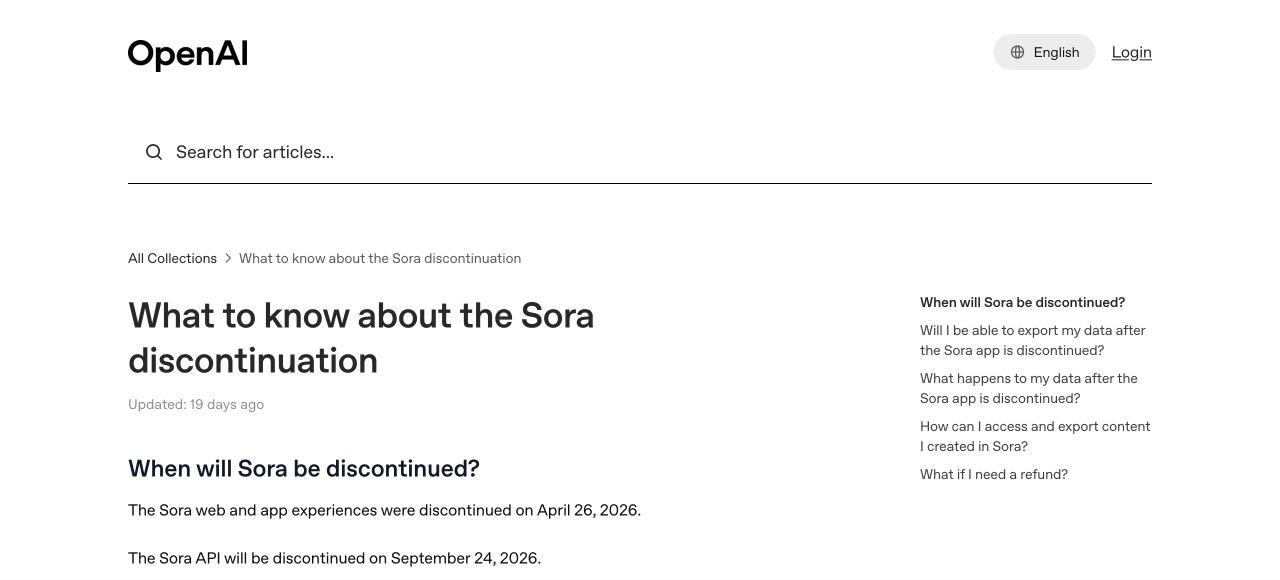
OpenAI's current Sora discontinuation notice gives production teams two hard dates. The Sora web and app experiences ended on April 26, 2026. The API is due to end on September 24. OpenAI recommends exporting Sora content as soon as possible and says associated data will be permanently deleted after any final export window closes.
The Sora 2 API page now labels the model legacy, and one named snapshot is already marked deprecated. That is not an argument about whether Sora made good footage. It is an argument about where the durable project state lived while teams were making it.
A brand, agency, studio, or production company should therefore add a second question to every model test. The first is still creative: can this system make the shot? The second is operational: if this interface, endpoint, account, or vendor disappears, can we retain the ingredients, explain the approvals, and rebuild the shot somewhere else without starting from a blank prompt box?
One API does not make the work portable
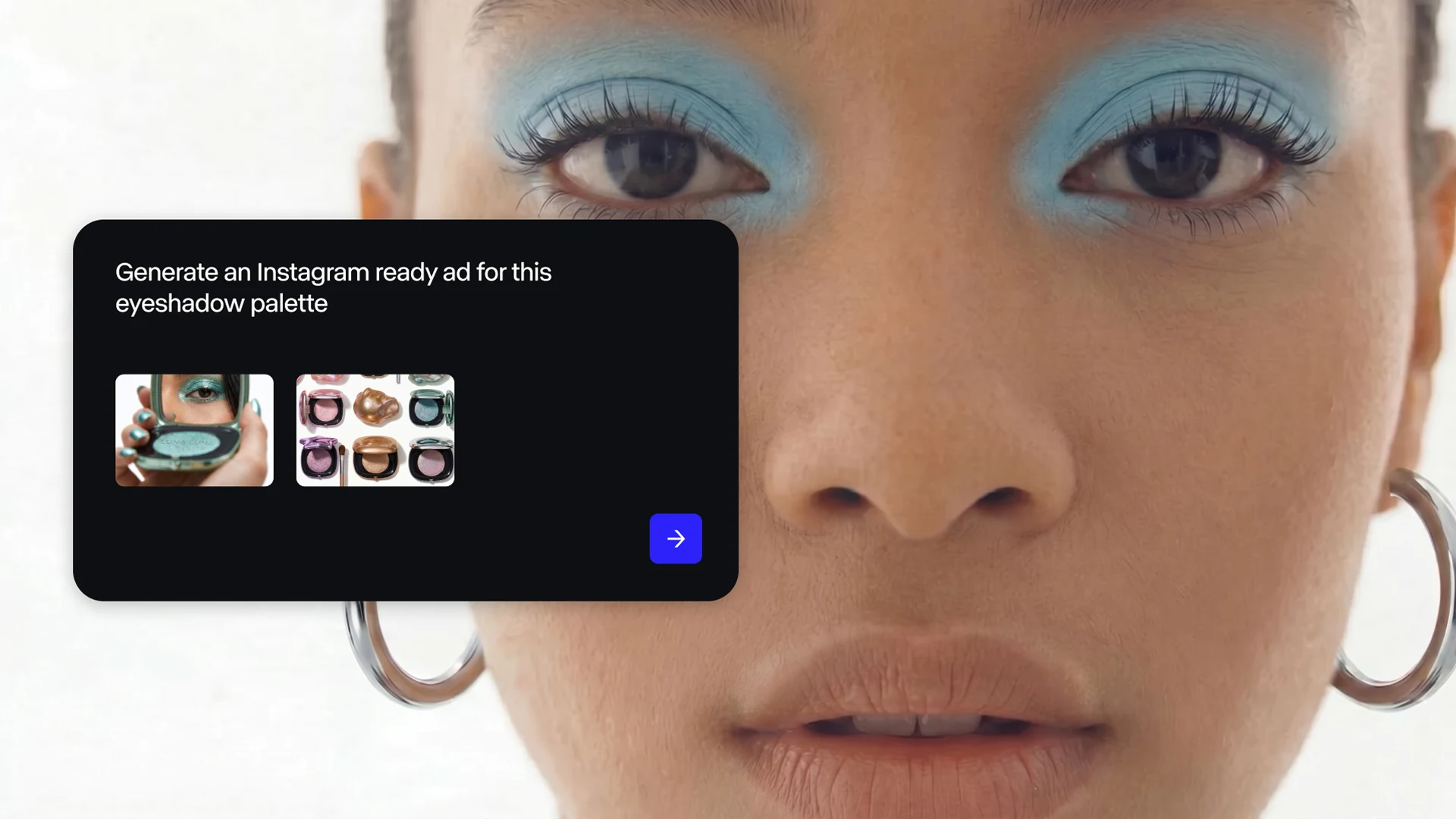
Runway's July 8 launch of Runway Dev is a timely response to the fragmentation. It offers Runway and third-party image, video, audio, and character models through one integration. Runway says a developer can swap models by changing one line of code, use pre-built Recipes, chain private Workflows, and see per-model spend in one place.
The adoption signal is serious. Runway says teams at Adobe, ElevenLabs, Shutterstock, Figma Weave, Gamma, and Silverside are already using the platform, and its launch examples include a broadcaster producing 800 to 1,000 ads a year, a retailer generating more than 1,000 product shots a month, and a food delivery platform localizing video across 27 languages. Those are Runway's reported figures, but they show the buyer need clearly: companies want a controlled media layer above individual models.
That layer is valuable, but changing one line only moves the API request. It does not guarantee the same creative result. Video models expose different clip lengths, resolutions, reference modes, motion controls, edit operations, audio behavior, moderation rules, and failure patterns. A prompt that works in one model may be structurally incomplete in another.
The portable object is therefore not the prompt. It is the creative decision around the prompt: what the shot has to communicate, which references are approved, which details must remain stable, which variations are acceptable, and what evidence makes the result ready for delivery.
Veo shows how churn happens inside a surviving stack
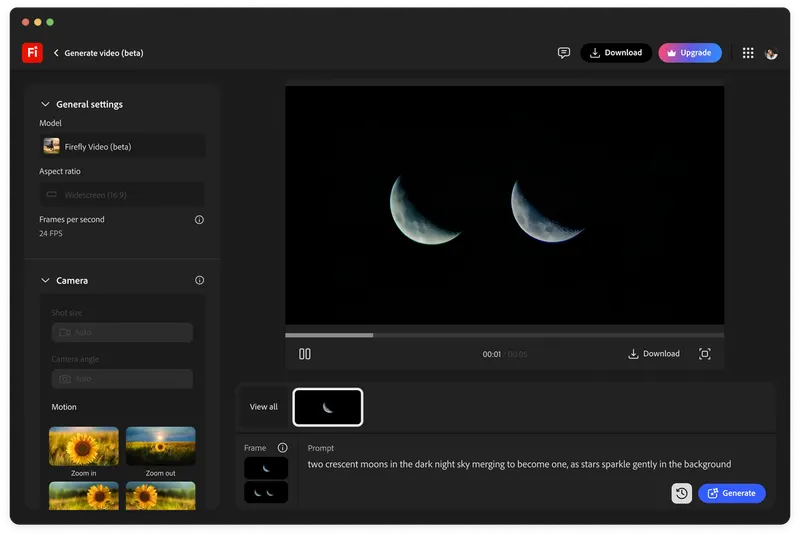
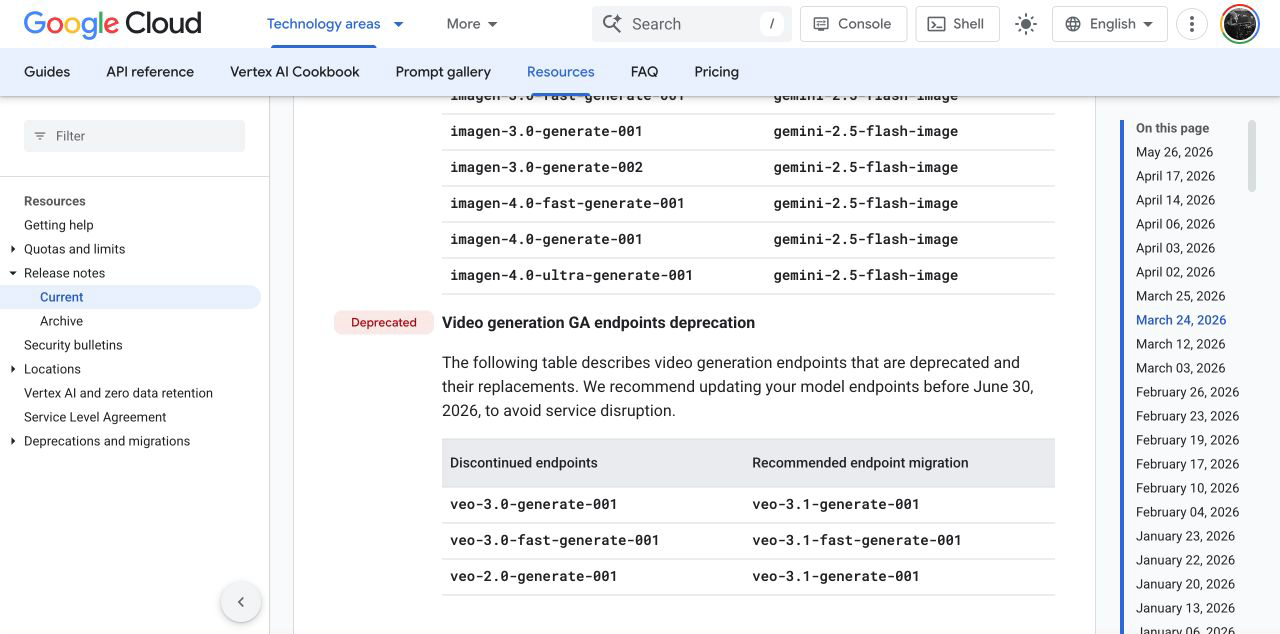
A whole product does not have to close for a workflow to break. In its March 24 release notes, Google Cloud deprecated the Veo 2 and Veo 3 generation endpoints listed there, mapped them to Veo 3.1 replacements, and told users to update before June 30, 2026 to avoid service disruption.
The vendor, cloud platform, and product family all remain. The request contract still changed. That is the more ordinary version of model risk: a production system can be healthy at company level and brittle at endpoint level.
Google's current model lifecycle guidance reduces a rushed migration to three steps: point at the replacement, test mission-critical features, then deploy. Creative teams should take the middle step literally. Testing a video endpoint is not only checking for a successful response. It is re-running representative shots and deciding whether continuity, product fidelity, blocking, camera behavior, audio, safety, cost, and review time still meet the brief.
The portable unit is a shot package
A model-portable workflow starts with a provider-neutral shot record. Give every shot an ID, a scene purpose, an editorial role, and a plain-language statement of what must happen. "Slow push toward the product as condensation catches the edge light" is more durable than the lucky syntax that happened to produce it in one tool.
Attach the approved ingredients: source frame, first and last frame where relevant, character or product references, motion reference, aspect ratio, target duration, audio intent, continuity anchors, negative constraints, and the rights status of every input. The AI production workflow stack should hold those assets outside the model vendor's project space.
Then keep the provider-specific details in an adapter record: model and snapshot ID, supported controls, prompt translation, request settings, generation date, operator, cost, latency, moderation result, output path, selected take, edit notes, and final approval. This is not bureaucracy for every experiment. It is the minimum recovery pack for every asset a buyer may need to revise, localize, extend, or defend later.
Build adapters that fail loudly
The technical pattern can be modest. Define one internal job specification, then write a small adapter for each approved provider. The adapter translates the neutral shot package into the model's actual API request and writes the response back into the same project record.
The important behavior is not elegance. It is honesty. If the backup model cannot accept a last frame, does not support the requested duration, handles audio separately, or cannot use the approved reference type, the adapter should stop and ask for a production decision. It should never silently drop the unsupported instruction and return a plausible-looking compromise.
Keep a capability matrix beside the adapters: duration, resolution, aspect ratio, reference inputs, camera controls, edit functions, audio, region, retention, moderation, price, and expected turnaround. Update it when providers change. Small teams do not need a grand orchestration platform to do this. A structured folder, a shared database, and a few tested scripts can be enough if the rules are explicit.
Keep a golden-shot regression reel
Software teams use regression tests to learn whether a change broke something that used to work. AI video teams need the visual equivalent: a short reel of five to twelve representative shots that can be re-run against a new model or endpoint.
Choose tests that expose the real production surface. Include a product with exact geometry, a face or approved performer reference, a difficult camera move, a continuity handoff, a low-light scene, a shot with dialogue or synchronized sound, and a case that regularly triggers safety review. Store the reference pack and acceptance criteria beside each one.
Score image fidelity, action and blocking, camera behavior, continuity, audio, moderation, cost, latency, and human repair time. A beautiful replacement render is not a pass if it no longer performs the same edit function. Run the reel when a major model arrives, when an endpoint changes, and periodically on the designated backup. The first migration should happen while the primary route still works.
That rehearsal also improves cinematography. A stable camera motion reference, clear blocking, and an intentional first frame travel better between models than adjectives such as cinematic, premium, or dynamic.
Buy the exit before the capability
Before approving an AI media vendor, ask how projects, prompts, references, outputs, metadata, and billing records can be exported. Ask how model IDs and snapshots are versioned, what notice accompanies deprecation, what is retained after account closure, and whether a replacement changes rights, region, moderation, data-use, or security terms.
Before approving an AI production partner, ask for a model migration demonstration. Can the team take one approved shot package, route it through a second provider, show the capability gaps, compare the result against a regression reel, and produce a clear approval record? That is stronger evidence than a long list of model logos.
Model portability does not mean pretending every model is interchangeable. A cinematographer does not treat every lens, sensor, or movement system as the same. The craft lies in knowing the differences while keeping the production intention intact.
That is the buyer standard after Sora. Use the best model for the shot, but keep the shot outside the model. The commercially safe AI video workflow is the one that can survive its most impressive tool becoming unavailable.
Build
Need a repeatable AI production workflow?
Mike designs the tools, review loops, and publishing systems that make it usable.
Launching a business of your own? Founder Launch OS connects the brand, offer, website and visual campaign in one guided Codex or Claude Code workspace.
Keep reading