How to generate commercially safe AI video
Start with cleared source material and a written acceptance test for the shot. Define camera height, lens perspective, blocking, light direction, motion cadence, duration, continuity anchors, product facts and prohibited changes before choosing a model. Keep exploratory clips separate from candidates, then record the tool, account, model, inputs, prompt or direction, edits and terms snapshot for every version that enters review.
Review the result in four passes: frame, motion, continuity and commercial detail. A frame pass checks composition, faces, hands, logos, products and claims. A motion pass checks physics, camera behaviour and temporal artefacts. A continuity pass checks eyelines, screen direction, wardrobe, props, light and performance across the cut. A commercial pass checks the intended territory, platform, duration, disclosure, consent and approval owner.
Only promote a shot to approved when those checks have named evidence. The final delivery should join the master and derivatives to their cleared references, model record, review notes, approval decision and disclosure status. This is a production-control workflow, not a promise that any model can make an asset legally safe by itself.
1. Clear the reference pack before generation
Put rights status beside the visual brief, not in a folder someone checks after the edit. For each reference, record its owner, source, licence or consent, permitted transformation, territory, duration, platforms, exclusivity, credit, restrictions and expiry. Give client-supplied products, logos, typefaces, music, locations, archive, performers and voices the same treatment.
The reference pack should also state what the material is allowed to control. A cleared portrait may establish identity but not wardrobe. A location photograph may establish geography but not permission to reproduce artwork visible on a wall. A brand deck may define colours and claims without clearing every moodboard image as a model input.
If a source cannot be explained, remove it from the generation pack or keep the result in an explicitly non-publishable research lane. The producer should be able to open one record and see both the creative purpose and the usage basis.
2. Lock shot language and continuity before choosing a tool
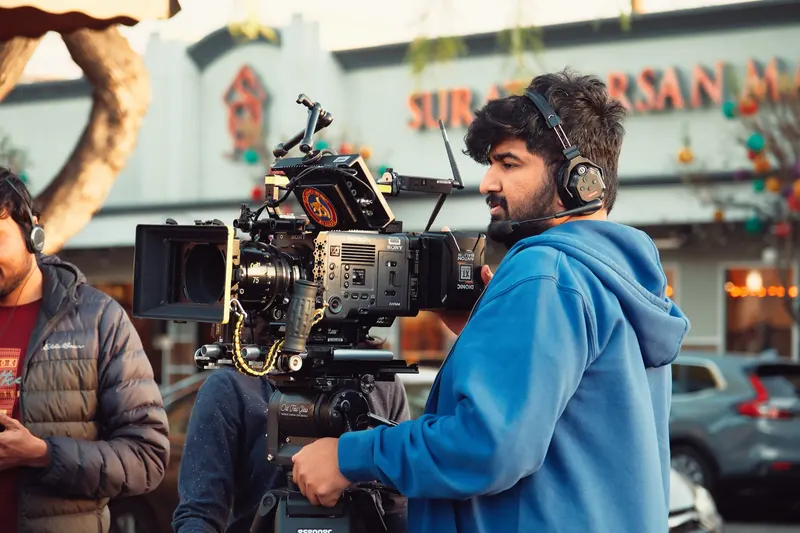
Commercial safety includes whether the shot can be reviewed against a stable intention. Write a camera note that another cinematographer could test: subject and action; camera height and optical axis; lens perspective and depth relationship; blocking and screen direction; motivated source and exposure priority; movement path and cadence; duration; continuity anchors; and explicit no-go changes.
Run a controlled three-shot test before scaling. Use an establishing view to prove geography, a medium to prove blocking and product interaction, and a close shot to prove identity, texture and fine detail. Hold the reference pack and scene rules constant while changing one model or control at a time. That makes failure attributable instead of merely disappointing.
Use the shot-language guide, lens-perspective workflow, camera-height workflow and lighting checklist to write observable criteria. The safest shot is not the blandest one. It is the one whose craft decisions and failure boundaries are visible to the people approving it.
3. Treat platform permission as one gate
A platform's commercial-use position answers what the platform permits between itself and the customer. It does not clear the reference images, performer consent, music, trademarks, claims or distribution context supplied by the production.
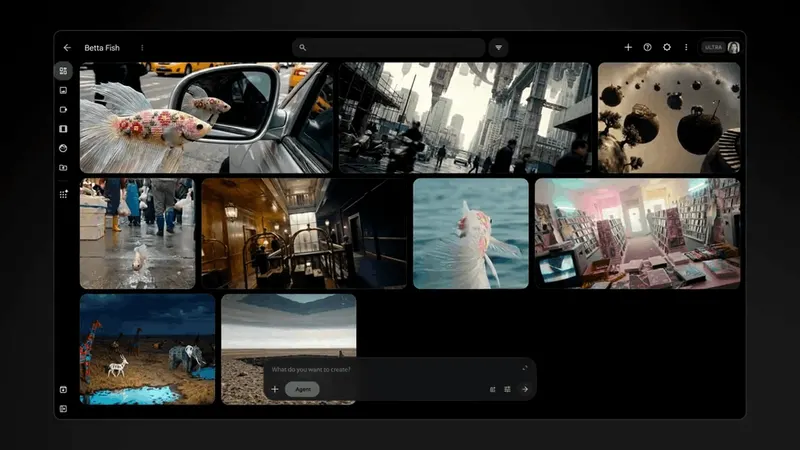
Runway says users may use their creations commercially and retain their rights as between the user and Runway. Google says its Terms of Service govern use and that Google will not claim ownership over original content generated in applicable services. Those positions are useful procurement inputs, but the job still needs its own source, consent and approval record.
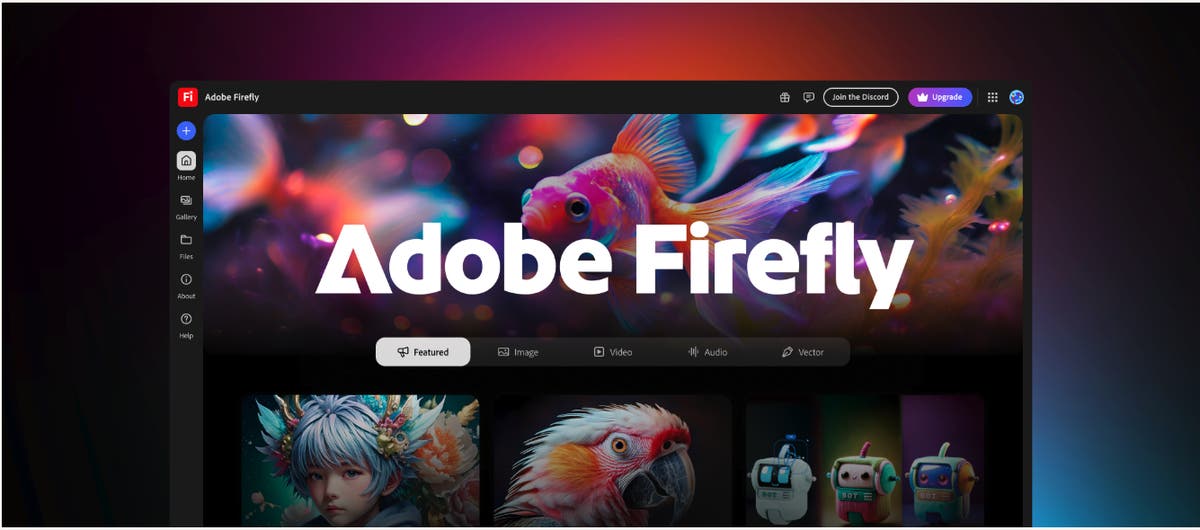
Adobe's current Firefly product description illustrates why plan and feature detail matters. Its IP indemnification applies when a customer's agreement links to the eligibility document, and only to listed features, surfaces and export events. The document lists text-to-video and image-to-video, but excludes features powered by non-Adobe trained models and features or surfaces labelled beta or trial. Record the exact account, model, surface and export route used instead of writing only 'Firefly' in the job notes.
4. Review shots as sequences, not thumbnails
A still can hide the failures that make a generated shot unusable. Review the full clip at speed, frame by frame, beside the preceding and following shots, and in the actual delivery crop. Check faces, fingers, text, product geometry, reflections and background people; then check accelerations, collisions, focus changes, exposure shifts, object permanence and camera-path drift.
For continuity, compare the same small set of anchors across every candidate: subject position, eyeline, screen direction, wardrobe, held objects, practical lights, weather, time of day, emotional beat and the first and last usable frames. Reject a beautiful shot when it breaks the cut. Record the failure in production language so the next test changes one variable rather than starting over.
The approval sheet should show the clip ID, scene and shot, model and version, intended use, rights status, frame review, motion review, continuity review, brand or factual review, disclosure decision, approver and date. A green status without those fields is not an approval trail.
5. Keep provenance with the edit
Keep the provenance workflow outside the prompt history as well as inside it. Store source references and hashes, model and account, prompt or direction, generation date, selected take, human edits, review notes, approval status, final export path and destinations. Preserve that manifest when the clip is conformed, graded, resized, captioned or recompressed.
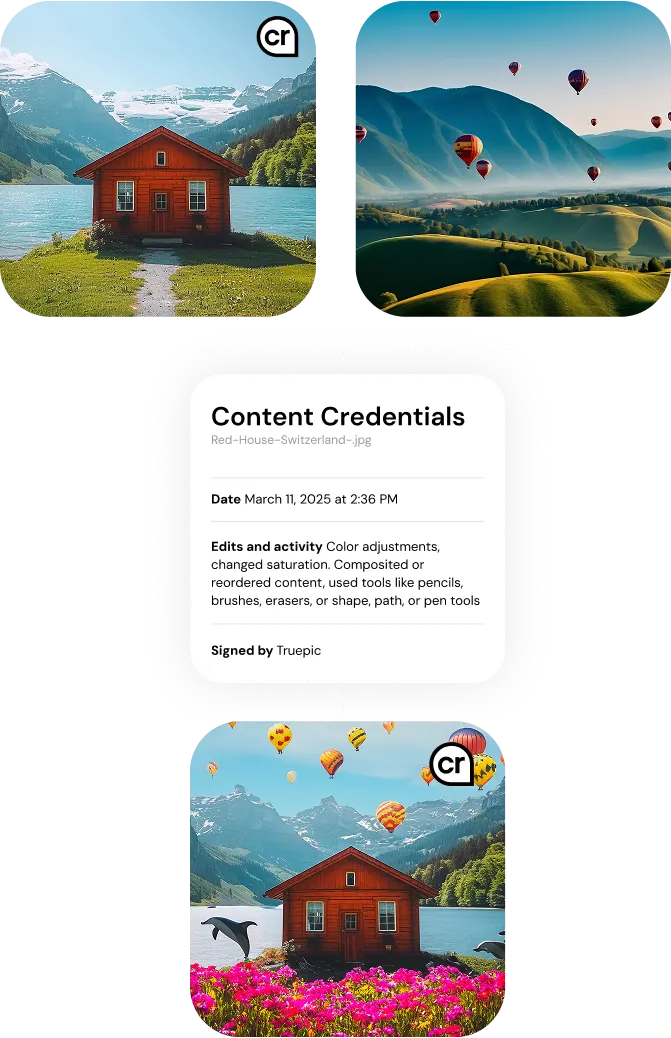
C2PA Content Credentials can bind signed provenance assertions to an asset and describe ingredients and actions. The C2PA explainer is equally important: a valid credential does not decide whether the underlying assertions or depicted content are true. Treat Content Credentials as one technical trust signal, not as rights clearance or client approval.
Google says every Flow output made with Veo, Omni or Nano Banana includes an invisible SynthID watermark, while Adobe says qualifying Firefly exports receive C2PA metadata. Keep those signals where the workflow supports them, but do not assume they will survive every edit, transcode or platform upload. The external production record remains the durable source of truth.
6. Deliver a handoff a buyer can audit
The final handoff should include approved masters and derivatives; a cleared source and reference pack; shot specifications and continuity rules; a model, account and terms register; prompts or direction records; contact sheets or review exports; approval and rejection notes; provenance records; disclosure decisions; and a correction or withdrawal contact. Include project files or interchange formats where agreed so the client is not trapped inside one vendor account.
A production buyer should be able to answer five questions without reopening the whole job: what was used, what changed, what was approved, what can run where, and how another team can revise or remove it. Mike's AI workflow consultant deliverables page shows the owned assets that make that possible, while selected cinematography and AI production work shows how the controls connect to real image-making rather than paperwork alone.
That is the useful definition of commercially safe AI video: a strong shot with a clear usage basis, observable craft decisions, sequence-level review, named approval and a portable delivery record. It reduces avoidable production risk; it does not replace project-specific legal advice.
Build
Need a repeatable AI production workflow?
Mike designs the tools, review loops, and publishing systems that make it usable.
Launching a business of your own? Founder Launch OS connects the brand, offer, website and visual campaign in one guided Codex or Claude Code workspace.
Keep reading