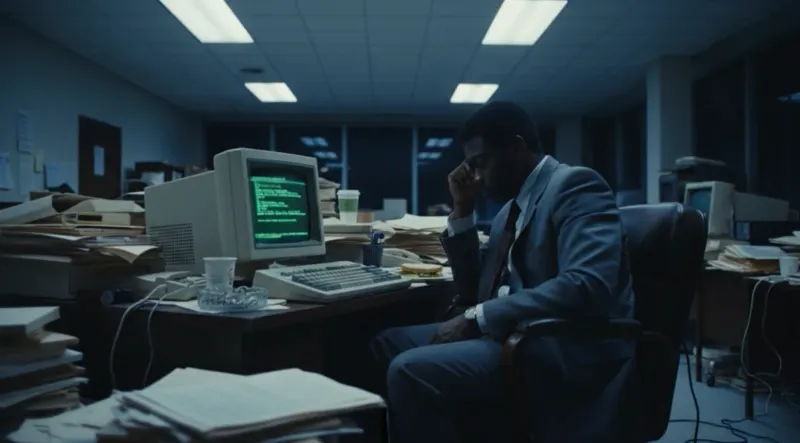
A consistent character can still occupy a broken scene
AI video continuity is often discussed as an identity problem: keep the same face, clothes, object, or location from one generation to the next. Those are necessary controls, but they do not tell an editor where anybody is. A character can remain perfectly recognisable while switching sides of the room, reversing their eyeline, entering through the wrong door, changing the hand that holds a prop, or walking back toward the place they just left.
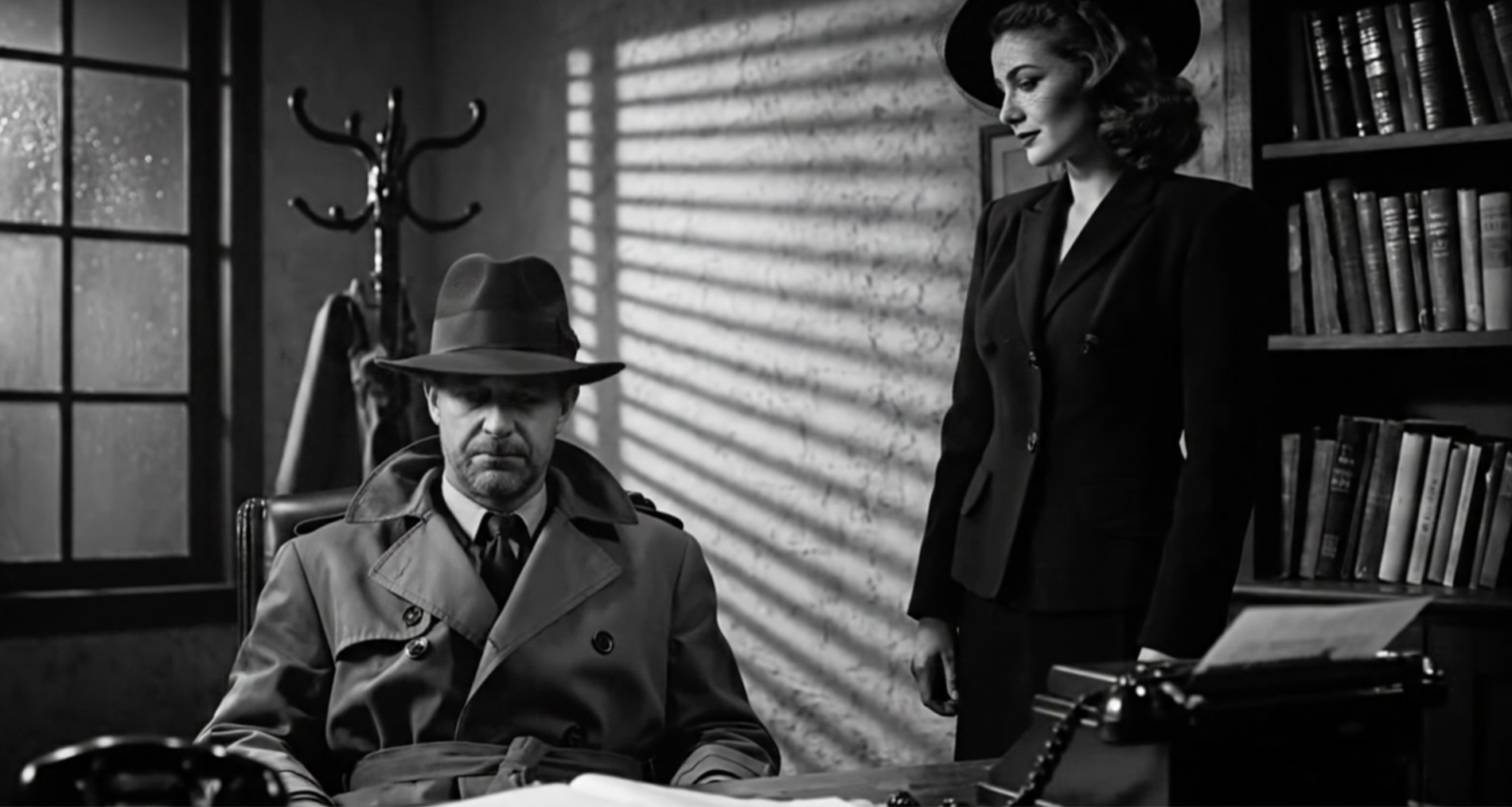
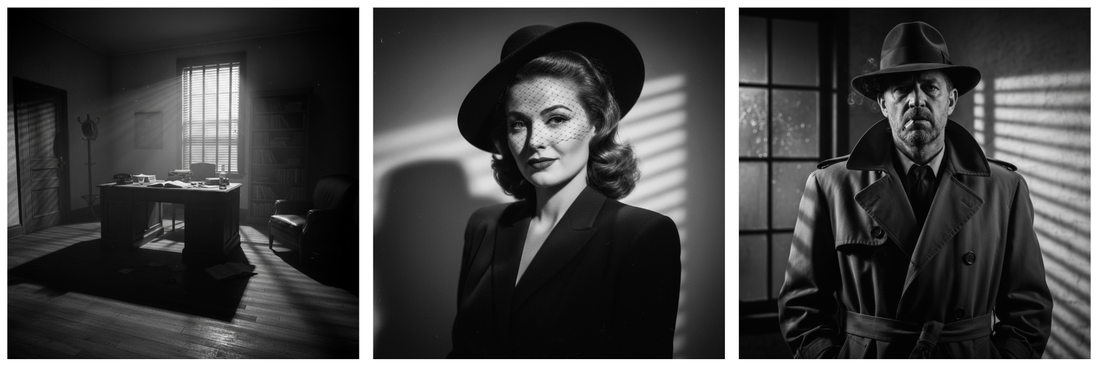
Google's current Veo 3.1 prompting guide demonstrates Ingredients to Video with references for a detective, a woman, and a noir office, then prompts separate shots in their conversation. The references help define who and what belongs in the scene. The filmmaker still has to define where each element sits, which direction each person faces, and how one composition will cut to the next.
That distinction matters because blocking is not decoration added after character consistency. As the American Society of Cinematographers' Shot Craft guidance argues, blocking determines where the camera goes. In an AI workflow, it should also determine which references, start frames, end frames, and prompts are allowed to represent the shot.
Draw the axis before you generate the reverse
Start with a floor plan simple enough to sketch on one page. Mark character A, character B, the principal prop, doors and windows, the motivated light, and the line of action. Choose the camera side of that line for the sequence. Then record screen direction in plain language: A looks camera right; B looks camera left; A enters frame left and moves left to right; the window remains behind B; the envelope begins in A's right hand and lands downstage on the desk.
This is not obedience to a film-school diagram for its own sake. It is a way to preserve the audience's mental model. Sony Cine's scene-blocking guidance connects the axis to exactly this problem: crossing the eyeline can make two people appear to look in the same direction, while crossing the path of a moving subject can make that subject appear to reverse.
The line can move, and it can be broken. The decision just needs an on-screen event. A camera move that visibly crosses the axis, a neutral shot down the line, a new master, or a motivated character movement can establish new geography. An isolated generated close-up that silently flips the room is not an expressive line-crossing. It is missing continuity information.
Block each shot as three states
Write every shot as a start state, an action, and an end state. At the start: who is visible, where they stand, where they look, what each hand is doing, and which objects are fixed. During the action: one principal change, described in order. At the end: the exact body position, gaze, prop state, and frame balance the next shot inherits.
For example: medium two-shot, A seated frame left looking camera right, B standing frame right looking camera left, sealed envelope in A's right hand below the desk line. A places the envelope at the centre of the desk; B follows it with her eyes but does not move. End with A's empty right hand on the desk and both eyelines on the envelope. That note is less glamorous than 'tense cinematic noir', but it gives generation and review a shared piece of evidence.
Keep the action small enough for the duration. Runway's current Image to Video Prompting Guide supports ordered or timestamped prompting, but it also asks filmmakers to consider whether the requested sequence fits the clip length. If a shot must contain an entrance, a cross, a handoff, a turn, a focus shift, and a reveal, split the work. Complexity is not coverage.
First and last frames are marks, not an edit plan
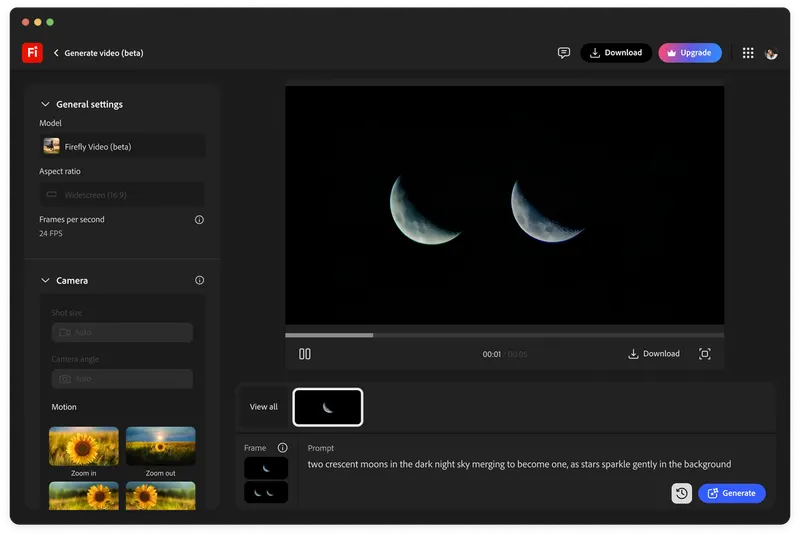
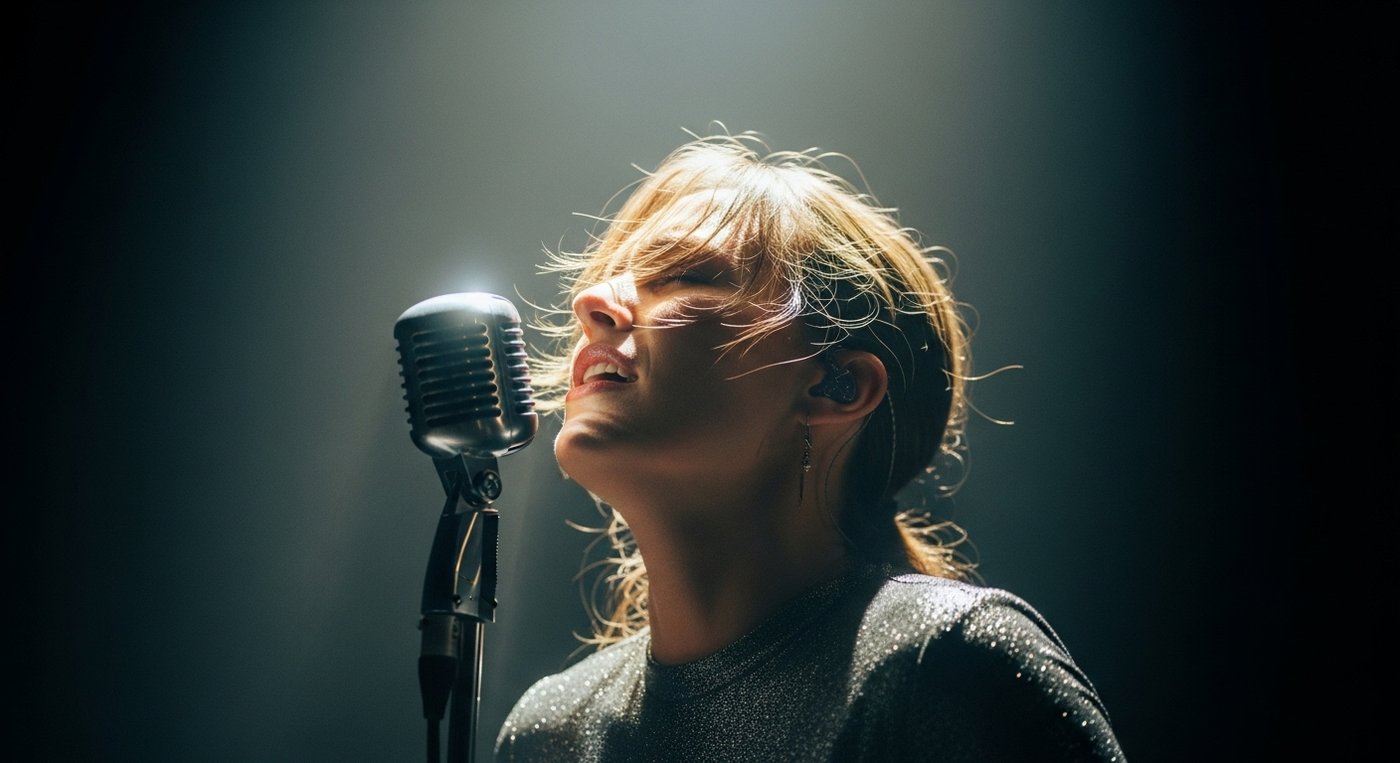
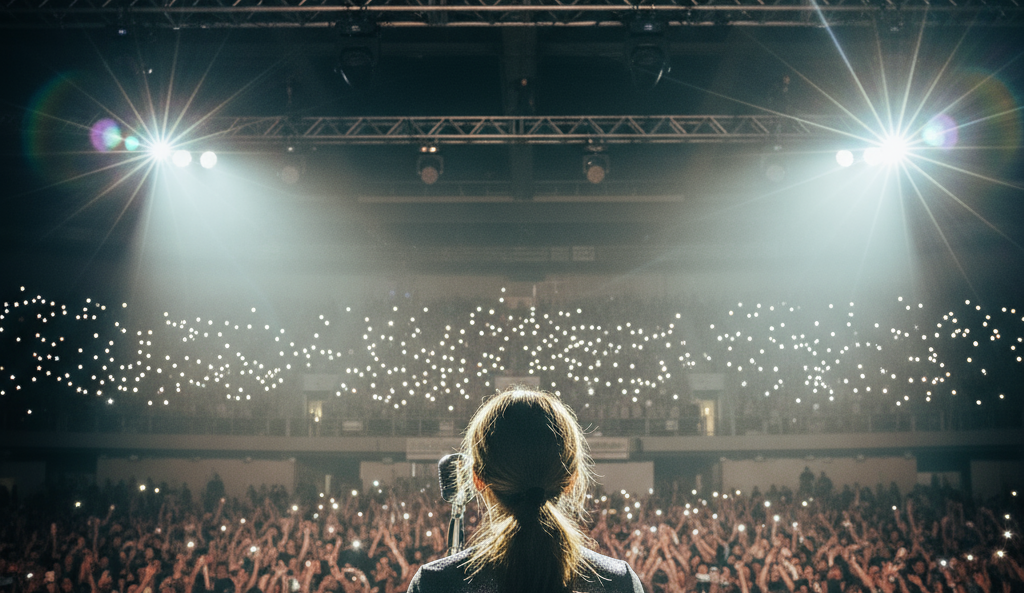
First-and-last-frame controls can be useful blocking anchors. Adobe says its current Firefly image-to-video workflow uses the two images as fixed points, while the prompt guides the transition. Google's Veo example begins on a front view of a singer and ends behind her facing the audience, with a prompt asking for a smooth 180-degree arc between them.
That example works as a blocking lesson because the move itself explains the change in geography. The audience travels around the singer and sees the new relationship emerge. If those same two frames were generated as disconnected singles and cut together, the change from front-facing performer to rear point of view would need another editorial reason.
Treat keyframes like actor and camera marks. Check that the same person could physically travel between them; that the prop, wardrobe, lighting, and background states agree; that the intended movement does not require an impossible lens or camera path; and that the end frame creates a useful handoff. The model's ability to interpolate does not make every pair of frames one coherent shot.
Build coverage around the edit function
Do not ask the model for a collection of attractive angles and discover the sequence afterwards. Give each shot an edit function. The master establishes geography. The two-shot holds the relationship. A single isolates a reaction. An insert transfers attention to an object. A moving shot changes power or reveals information. A cutaway protects a performance edit. If two shots perform the same function, one may only be an expensive variation.
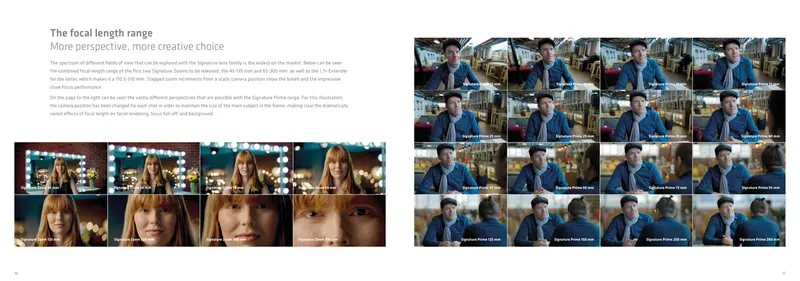
For dialogue, generate the master first and approve the geography before making singles. Derive each close view from the map: camera position, lens intent, frame size, look room, eyeline height and off-axis angle. Match complementary coverage unless a difference is motivated. Sony Cine's blocking guidance notes that focal length, distance, eyeline, lighting balance, and whether the camera is moving all affect whether opposing shots cut seamlessly.
Reference controls should support that plan rather than replace it. A clean character reference can protect identity; a location reference can protect design; a first frame can protect composition; a last frame can protect the handoff. None of them independently knows that the editor needs B looking camera left so the reverse reads as a conversation.
Review the cut, not the generation grid
A contact sheet or generation grid encourages the wrong comparison: which clip looks best on its own. Put every candidate into the edit with the preceding and following shots, mute it, and watch at speed. Reject spatial failures before debating surface finish. A strong isolated frame can still destroy direction, timing, or performance across the cut.
Use five passes. Geography: are positions and travel direction legible? Eyelines: do people and objects connect? Action: do hands, props, posture, and entrances match? Camera: do angle, height, movement, and lens intent belong to the same scene? Light and design: do source direction, exposure, weather, set dressing, and wardrobe change only for a story reason? Record the failure against the shot ID instead of hiding it inside another prompt revision.
Be careful with last-frame chaining. Runway's workflow utility guidance recommends using one clip's last frame as the next clip's first frame for longer narrative continuity. That is useful for extending a continuous action. It does not automatically create editorial coverage, because a reverse or insert usually needs a deliberate change of camera position rather than another stretch of the same view.
Buy the approved sequence, not the lucky shot
The buyer implication comes after the craft. A producer or client should ask to see the continuity map, shot IDs, reference status, rejected reasons, and rough cut—not only selected generations. The useful production metric is first-pass sequence yield: how many planned shots enter the cut without regeneration or continuity repair.
Track failures by category. If identity is stable but eyelines repeatedly fail, buying another character-reference tool will not solve the actual bottleneck. If blocking holds but handoffs break, simplify the action or create a controlled insert. If every shot works alone but the scene will not cut, return to the axis, coverage, and edit function before spending more credits.
AI video tools are steadily adding frames, ingredients, motion controls, scene builders, and workflow nodes. Those controls make cinematography more explicit; they do not make it automatic. The durable advantage is a team that can turn a scene into spatial decisions, turn those decisions into controlled generations, and reject beautiful footage that does not belong in the sequence.
Build
Turn generated shots into a sequence
Build a production workflow that preserves visual intent, continuity and review evidence from the first reference to the approved edit.
Launching a business of your own? Founder Launch OS connects the brand, offer, website and visual campaign in one guided Codex or Claude Code workspace.
Keep reading