The move is geometry; the cadence is how it feels
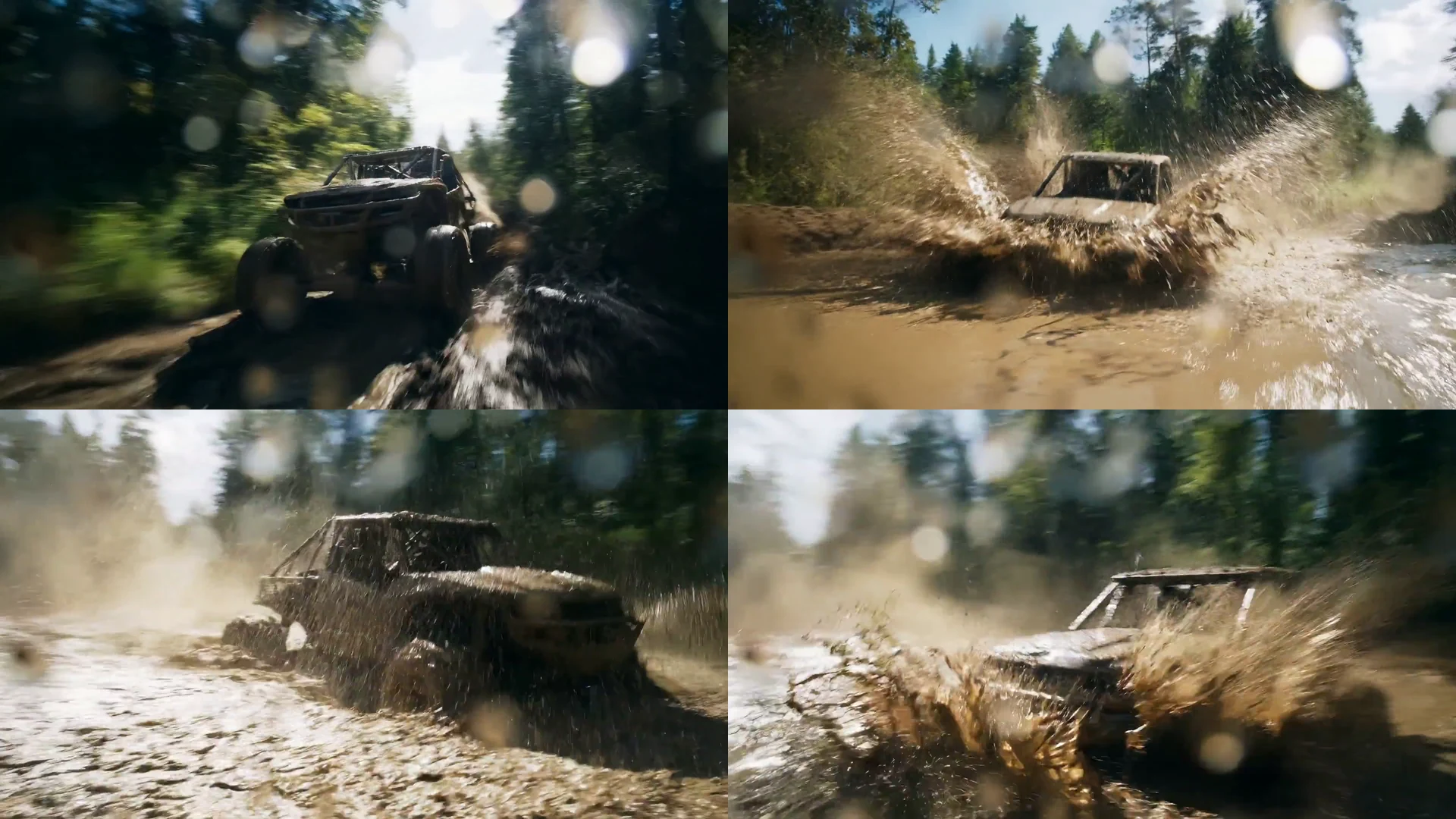
A prompt can correctly request a pan, track, orbit or handheld follow and still produce a shot that feels synthetic. The camera may arrive at the intended composition, but acceleration has no weight, the subject covers inconsistent distance, blur appears on the wrong edges or the image becomes unnaturally crisp during the fastest part of the action. The geometry is plausible. The temporal behaviour is not.
Cinematographers already separate these decisions on set. A dolly path describes where the camera travels. Frame rate and shutter shape how movement is sampled. The operator, performer and grip team determine acceleration, hesitation and recovery. The edit decides how much of each phase the audience experiences. AI video compresses those systems into an output, but it does not make them the same creative decision.
Treat motion cadence as the distribution of readable change through the shot. Ask where movement begins, how quickly it gains energy, which moment should carry the most blur or displacement, and how long the final state must hold before the cut. That is more precise than asking for dynamic cinematic motion, and more useful than judging only the opening and closing stills.
Use shutter language as a reference, not a fake camera setting
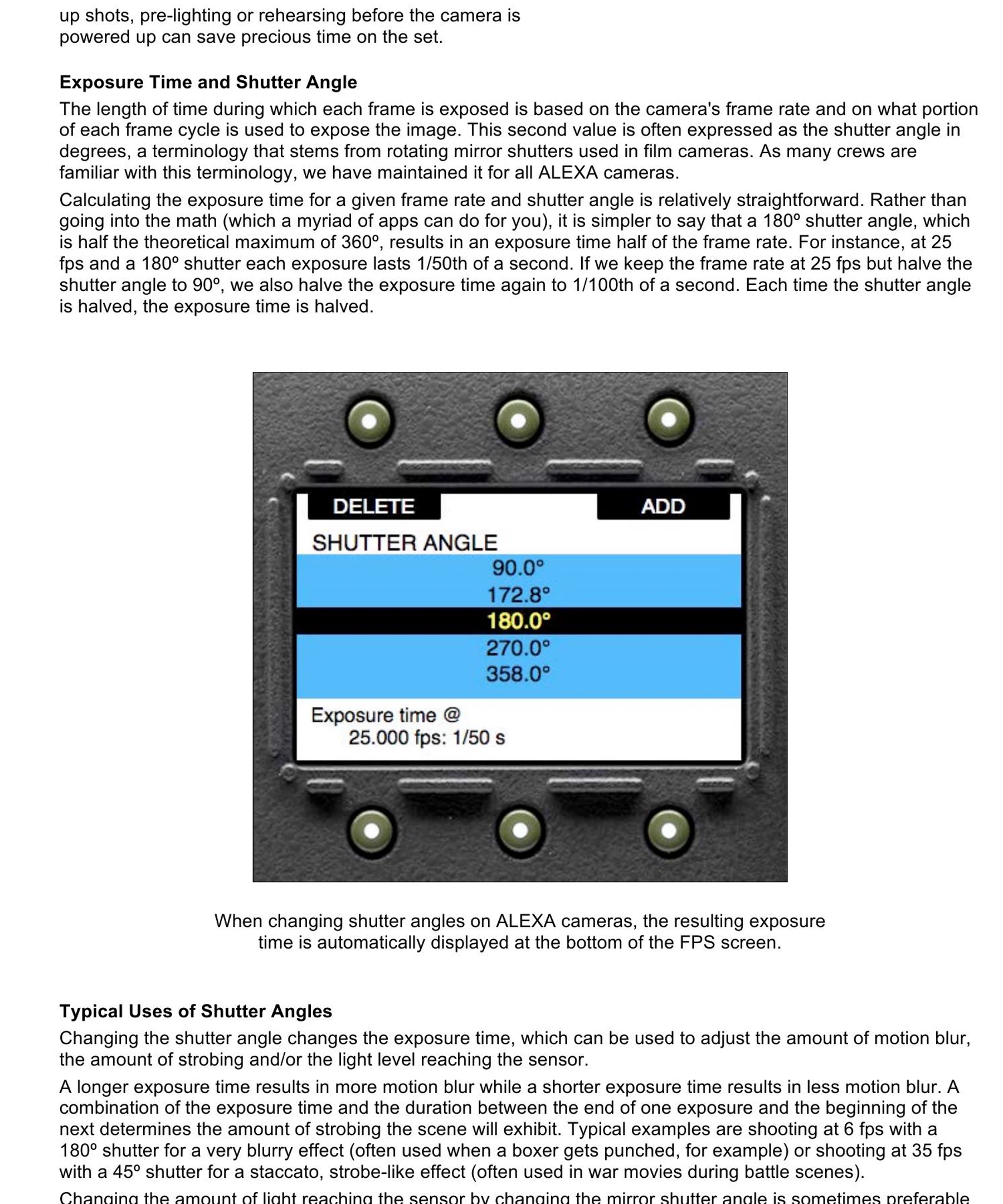
ARRI's shutter white paper explains the physical relationship clearly. At 25 fps, a 180-degree shutter exposes each frame for 1/50th of a second. Reducing the angle shortens the exposure, decreases motion blur and can make movement feel more staccato. A longer exposure produces more blur, helping adjacent frames read as continuous motion. This is a useful visual model for directing temporal texture.
A generative video interface does not necessarily expose a calibrated shutter, even when a prompt accepts phrases such as 180-degree shutter, crisp action or dreamy motion blur. Do not treat the words as metadata proving how the clip was rendered. Use them as references for the intended result: natural connective blur, a short-shutter staccato, a smeared long-exposure impression, or clean stop-motion separation.
Set the delivery rate first, then define the reference character. For a 24 or 25 fps sequence, natural 180-degree-style motion is a sensible neutral baseline. Depart from it for story reasons. A narrow, staccato character can increase panic or impact; broader blur can express speed, disorientation or memory. The choice should remain consistent enough across the cut that the audience reads intention rather than a model changing its mind.
Write a cadence card before you generate
Give the shot a compact temporal specification. Record delivery frame rate; duration; start state; acceleration curve; peak-action phase; settling phase; final hold; blur character; camera-subject relationship; and the objects, faces or edges that must remain coherent. Mark each field as fixed, preferred or open to interpretation.
For example: 25 fps delivery; six seconds; locked medium-wide opening; cyclist enters slowly at one second; accelerates across foreground between two and four seconds; strongest directional blur on wheels and background during the pass; camera pans once to follow; rider's face and bicycle frame remain structurally stable; movement decelerates into a readable three-quarter rear view; final composition holds for twelve frames.
The numbers are acceptance targets, not a promise that natural-language timing will be frame accurate. Runway's current image-to-video guide supports sequential instructions and rough timestamps, while also advising that the requested sequence must fit the selected duration. Use timing to expose ambiguity and compare takes. If the important action needs four phases inside a five-second clip, either simplify the shot or give it more time.
Direct the transition, not only the endpoints
A whip pan is not simply subject A followed by subject B. It needs a readable departure, a blurred or spatially compressed transition, a controlled arrival and enough recovery time for the new subject to register. Runway's camera-term library defines the whip pan through extreme speed and motion blur. Its image-to-video guidance goes further by asking prompts to describe motion style, timing, direction and speed.
Write the prompt in phases: the detective holds still; the camera snaps right with a single rapid pan and strong horizontal blur; the antagonist resolves in the new frame; the camera stops completely; the antagonist's expression changes after the landing. That order separates camera action from performance and prevents every element from changing at once.
Google DeepMind's Veo guide recommends mapping fast action as a detailed play-by-play. Adobe likewise advises specific verbs and pacing words such as slowly, quickly and gradually. The useful lesson is not that longer prompts always win. It is that fast movement benefits from a causal sequence: what initiates the action, what crosses the frame, what the camera does in response and what becomes readable when the energy resolves.

Check the motion already embedded in the input image
An image-to-video model begins with motion cues that are already present. A runner leaning forward, a wheel stretched by blur, dust hanging behind a vehicle or diagonal lines through the composition all imply direction and speed. If the prompt asks for stillness or movement in the opposite direction, the model must resolve a contradiction before it can follow the shot.
Runway demonstrates this with two versions of the same parked truck. The input containing wheel blur and a dust trail resists the instruction that the vehicle is motionless; the cleaner input supports it. This is a cinematography decision, not just prompt hygiene. The selected source frame is already a piece of temporal direction.
Audit the input at full size. Identify blur, off-balance poses, fabric movement, water direction, reflections, smoke, wheel rotation and any object caught halfway through an action. Keep those cues when they support the cadence card. Remove or replace them when they imply a different shot. An attractive still with the wrong motion vector is not a neutral starting point.

Review at speed, frame by frame and across the cut
First watch the clip at its intended delivery rate with sound muted. Do not scrub. Ask whether the action has weight, whether acceleration feels motivated and whether the eye reaches the intended subject at the right moment. A frame-perfect defect that never reads at speed may be harmless; a rhythmic hesitation that is difficult to name in a still can ruin the shot.
Then advance frame by frame through the highest-energy phase. Separate purposeful blur from broken geometry. Directional blur should follow the camera or subject motion. Reject duplicated facial features, limbs that fork and rejoin, edges that smear against the motion vector, background objects that teleport, or detail that becomes sharp and soft without a physical cause. Check distance travelled per frame: unexplained jumps often create the synthetic float or surge that viewers feel before they can describe it.
Finally, place the candidate between the actual neighbouring shots. Compare blur direction, screen direction, frame rate, apparent shutter character, speed at the cut and the amount of visual information in the first and last six to twelve frames. Do not use optical flow or added motion blur to hide structural errors. Finishing can smooth a good move; it cannot give a changing body, wheel or building a coherent trajectory.
Use a five-part acceptance scorecard
Score each take from one to five on phase accuracy, motion coherence, blur logic, subject integrity and edit compatibility. Phase accuracy asks whether the action begins, peaks and settles in the planned order. Motion coherence asks whether camera, subject and environment cover believable distance. Blur logic asks whether softness follows direction and speed. Subject integrity protects identity and geometry. Edit compatibility tests the hand-off to adjacent shots.
Reject any take scoring below three in subject integrity, even if its average is high. For the remaining takes, select on the whole sequence rather than the prettiest still. Record why the chosen version passed and retain the cadence card beside the generation settings, input frame and final export. This makes a later note such as make it feel faster actionable: shorten the lead-in, steepen acceleration, move the peak closer to the cut or increase directional blur without changing the approved path.
The scorecard also stops temporal defects being dismissed as taste. A client may prefer more energy, while the cinematographer can show that one version gains speed by coherent acceleration and another gains it through frame jumps and deformation. Both feel faster. Only one is a controllable production choice.
Buy accepted motion, not generated seconds
For tool or supplier evaluation, use one demanding shot card across every candidate system. Include a still subject with fast background motion, a moving subject with a controlled pan, an abrupt move that must settle and a shot that cuts into live-action material. Fix the input, duration, delivery rate and acceptance scorecard before comparing outputs.
Measure approved-shot yield, iterations to a passing cadence, time spent repairing motion, failure rate in the peak-action frames and success after the clip is placed in sequence. Generation speed and price per clip matter, but they are weak proxies when most outputs fail on temporal coherence. The relevant cost is the cost per accepted second that survives the edit.
Ask the vendor which controls are literal, which are prompt interpretations and which metadata survives export. Test slow, natural and staccato references rather than assuming a phrase such as 180-degree shutter behaves consistently across models. The mature buying question is not whether the system can make a dramatic camera move. It is whether the team can specify, repeat, review and approve the motion between the positions.
Build
Need a repeatable AI production workflow?
Mike designs the tools, review loops, and publishing systems that make it usable.
Launching a business of your own? Founder Launch OS connects the brand, offer, website and visual campaign in one guided Codex or Claude Code workspace.
Keep reading