Start with the editorial job
A useful AI video prompt begins before the words close-up, dolly or cinematic. It begins with the editorial job: introduce geography, reveal a decision, make a product feel tactile, hold tension, transition between spaces or create a piece of safe previs.
Once the job is clear, the shot language becomes easier. Name the frame size, subject placement, screen direction, blocking, camera movement, lens feel, light source and the change that should happen during the clip.
That turns a prompt from a mood request into a shot instruction.
Use one control per uncertainty
If identity matters, use a character reference or approved start frame. If light matters, approve the first frame. If camera path matters, use motion reference or keyframes where the tool supports it. If the exact endpoint matters, use first and last frames.
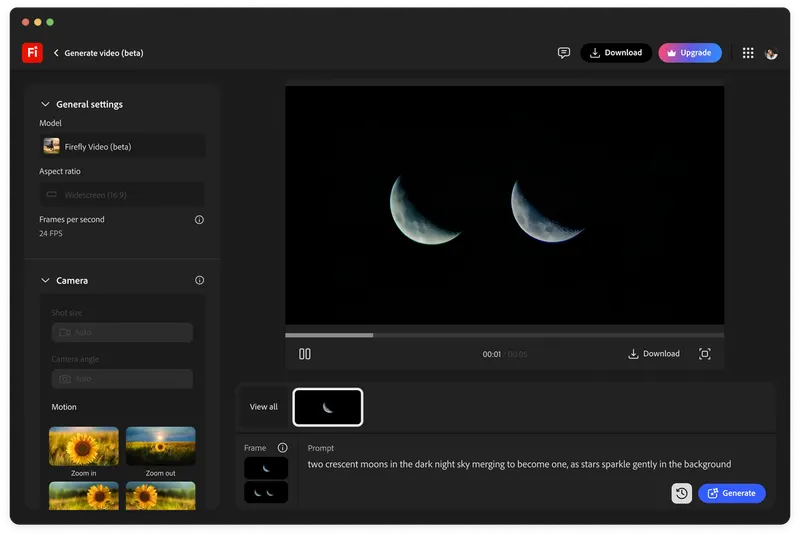
Google, Runway, Adobe and Luma all describe different control surfaces. The professional step is to choose the control that matches the production risk instead of writing a longer paragraph and hoping the model infers priority.
The prompt should say what the control is doing: this reference carries character identity; this frame carries lighting; this motion reference carries camera path; this negative constraint protects continuity.
Write continuity into the prompt
AI video often fails between frames rather than in a single still. Add continuity instructions that a reviewer can inspect: no wardrobe change, maintain eyeline camera left, keep practical light on the same side, hold product geometry, do not introduce new props, maintain background scale.
Keep the instructions visual and accountable. Avoid stacking taste words when the problem is actually axis, blocking, lens, light or motion.
A good prompt gives the editor something to reject. If no one can say why the shot failed, the prompt was probably too vague.
Review like rushes
Review first frame, midpoint and last frame before judging polish. Then watch at speed. Check the subject, frame, light, action, camera path, background, hands, product and edit purpose.
Log the failure in shot-language terms. The camera drifted off-axis. The key moved sides. The lens feel changed. The model invented a new action. That language makes the next pass better.
This is why cinematographers are useful inside AI video workflows. The value is not more prompts. It is better visual diagnosis.
Build
Need a repeatable AI production workflow?
Mike designs the tools, review loops, and publishing systems that make it usable.
Launching a business of your own? Founder Launch OS connects the brand, offer, website and visual campaign in one guided Codex or Claude Code workspace.
Keep reading