What is Website OS?
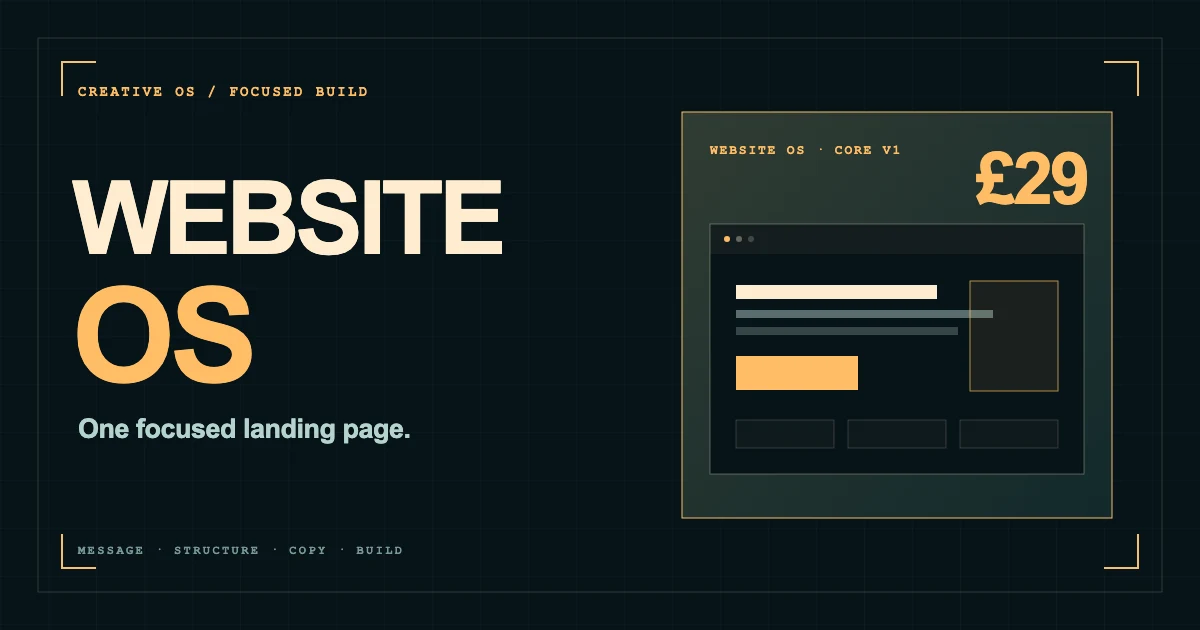
Website OS is a downloadable, guided landing-page system for Codex or Claude Code. You open the project folder in your chosen coding agent, type Start and answer a focused sequence of questions about the business, customer and action the page needs to create. The system then helps shape the message, recommends a page direction, builds the responsive site files and checks the result before handover.
That makes it different from a visual website template, a hosted drag-and-drop builder or a collection of prompts. A template gives you a prearranged surface. A prompt gives an agent one instruction. Website OS gives the agent a working process and gives you clear approval points inside it. The output is editable website code rather than a locked mock-up.
The scope is intentionally narrow: one focused landing page for a business or offer that already exists. It is designed for a consultant, filmmaker, creative studio, service business, independent product or founder who knows broadly what they sell but needs a credible place to turn attention into one next step.
Why a powerful coding agent still needs a system
Codex and Claude Code can inspect project files, write code, run commands and revise a build. OpenAI describes Codex as an agent that can work across the lifecycle of designing, building, shipping and maintaining software. Anthropic positions Claude Code as an agentic coding tool that works directly with a codebase. The capability is real; the missing ingredient is usually not another model. It is a good definition of the job.
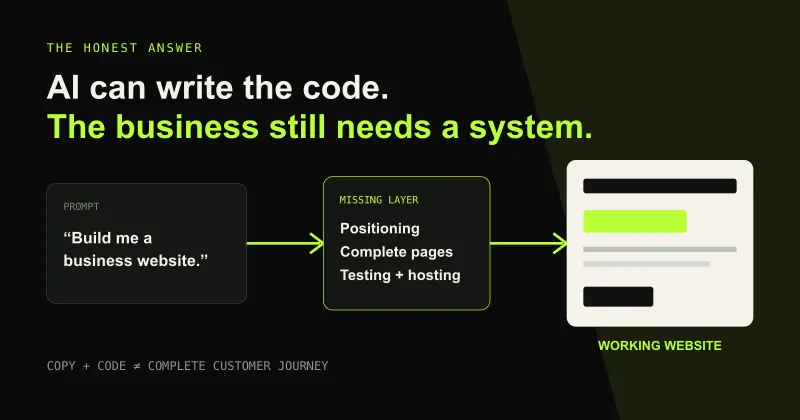
Ask an empty agent to make a landing page and it must invent the buyer, hierarchy, proof, tone, visual direction, call to action and definition of finished. It may produce a polished page quickly, but speed only makes an assumption arrive sooner. The founder then becomes the system: repeating context, spotting omissions and asking for rounds of repair without knowing which decision should happen next.
Website OS supplies that missing operating layer. It places the commercial questions before the component choices and keeps the approved answers available to the build. The AI agent remains the engine; the OS supplies the route, constraints and quality gates.
Stage one: turn rough context into a useful brief
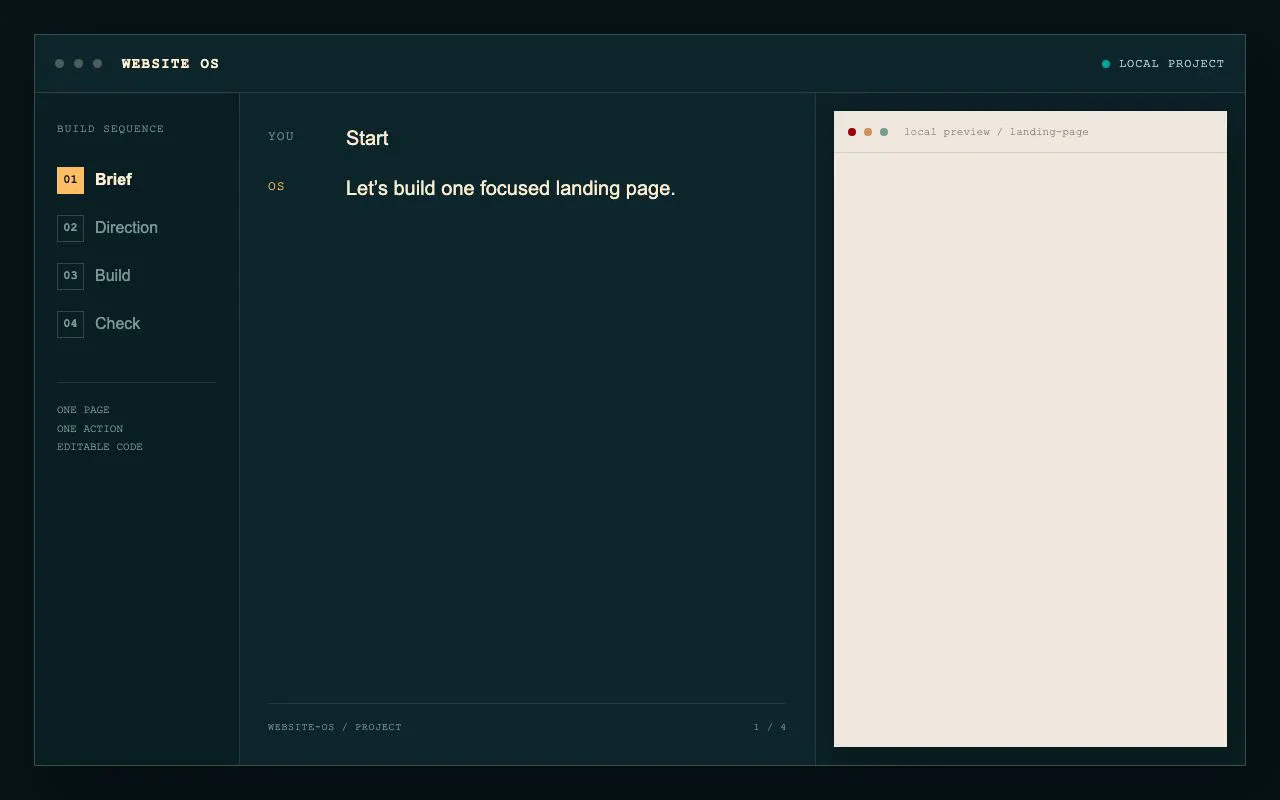
The first stage asks what the business does, who the page is for and what a visitor should do next. This sounds simple, but it prevents the most common landing-page failure: treating every message as equally important. A page built to book a discovery call needs a different proof sequence from one built to sell a download or collect qualified enquiries.
You do not need to arrive with a formal strategy deck. Existing notes, offer copy, testimonials, brand assets and reference sites can become source material. The system uses the conversation to close the important gaps, one question at a time, rather than presenting a long creative questionnaire before any useful work happens.
The result of the brief is not merely more text. It is a decision boundary for everything that follows: the primary audience, the promise the evidence can support, the objection the page must answer and the action that defines success.
Stage two: approve the message and page direction before code
Website OS recommends a message and a considered page structure before it starts building. The usual ingredients—hero, problem, benefits, proof, process, objections, FAQ and final action—are included only when they help the visitor make the intended decision. The sequence follows the argument rather than filling a generic component checklist.
This approval point matters because copy, layout and interaction are connected. A restrained consultancy page may need authority, clarity and a short route to contact. A small digital product may need more demonstration, scope detail and purchase reassurance. Choosing the direction first means the visual design can support the sales logic instead of decorating copy that is still moving.
You remain responsible for the consequential choices. The system can recommend a sharper headline or clearer CTA, but it does not quietly publish a claim, change a price or invent evidence on the business's behalf.
Stage three: build a responsive page you can inspect and own
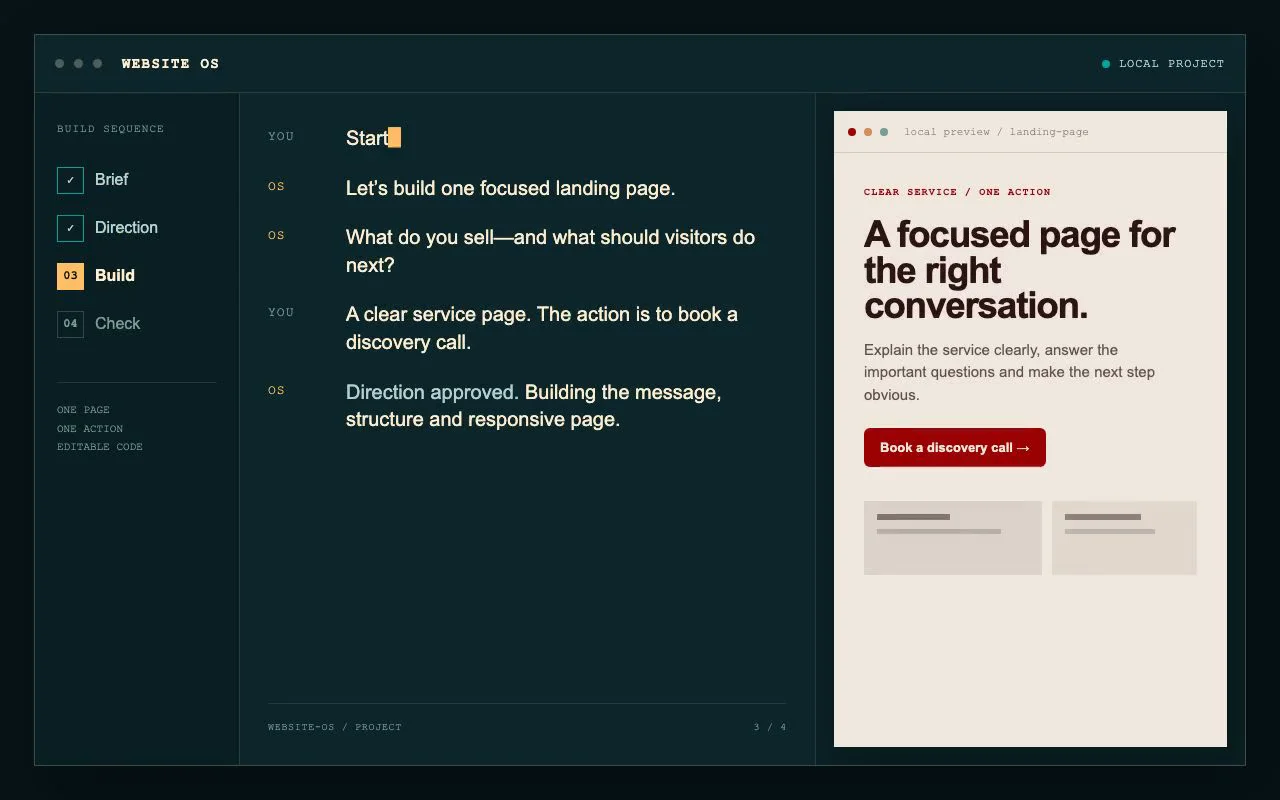
Once the direction is approved, the agent turns it into working website files and a local preview. Desktop and mobile are part of the same build, not an afterthought added to a static desktop composition. Copy remains editable, the code can be inspected and the output is not tied to a proprietary page-builder account.
The page includes the practical route around the main sales argument: clear navigation where appropriate, contact or purchase action, footer information, FAQ and guidance for privacy and terms pages. Private working material is kept separate from the files intended for the public site. The system then explains what is ready to publish and what still belongs with you or a provider.
This is where an AI coding agent has an advantage over a chat response. It can work on the actual files, start the local site, respond to build errors and refine the implementation in place. If you want a broader view of that division of labour, the ChatGPT and Claude website workflow for founders explains why strategy should become project context before an agent touches the page.
Stage four: check the page before calling it finished
A page is not finished because the first viewport looks convincing. Website OS checks responsive behaviour, content clarity, accessibility and technical basics before handover. It guides the agent to review the build rather than treating successful code generation as proof of a successful website.
The distinction matters on a small business site. A clipped mobile headline, ambiguous button, missing image description or broken production path can undo the value of an otherwise attractive design. The check stage gives those details a named place in the workflow and makes anything still unverified visible.
Publishing remains an explicit decision. Website OS prepares the files and provides deployment guidance, but the domain, hosting account, third-party services and production approval stay under the owner's control.
Where the £29 value comes from
Website OS costs £29 as a one-time purchase for one business. The clearest way to understand that value is not to pretend it replaces every designer, developer, copywriter or strategist. It does not. It packages a repeatable slice of their process—the brief, message hierarchy, page structure, responsive build path, handover requirements and checks—so a capable coding agent can apply that process to one focused page with you.
The first saving is decision time. You do not have to discover the correct order of work or assemble a prompt library before starting. The second is rework: approving the audience, action and page direction before the build reduces the chance of polishing the wrong page. The third is completeness: responsive behaviour, editable source files, privacy and terms guidance, local preview, quality checks and publishing instructions are included in the definition of done rather than remembered late.
There is also ownership value. A hosted AI builder can be convenient, but its output may remain coupled to a subscription and interface. Website OS creates editable files you can keep, change and host with your preferred provider. The OS itself remains licensed for one business and cannot be redistributed or resold; the business-specific website can be used commercially.
The honest calculation includes the prerequisites. You need access to Codex or Claude Code, and their subscriptions or usage charges are separate. A domain, hosting, payment processing and any other third-party service are not included. £29 buys the guided system and its build logic, not an all-inclusive managed website service.
Who Website OS is for—and when to choose something larger
Website OS is a good fit when the business and offer are already clear enough to brief. You may have a service, product, event, mailing list or portfolio and need one well-shaped destination for traffic. You are comfortable approving the important decisions in plain English and want the coding agent to handle more of the implementation detail. No coding experience is required, but curiosity and honest business input make the result better.
It is not the right scope if the real uncertainty sits before the website. If you still need to define the brand, choose the flagship offer, set pricing and create a connected visual campaign, Founder Launch OS covers that larger system. If you need a complex web application, membership platform, large editorial site, advanced commerce build or bespoke integration, start with a proper technical discovery rather than forcing the job into a landing-page product.
That boundary is part of the value. Website OS does not charge for the surrounding launch work when the page is the only missing piece. The Creative OS comparison makes the two starting points explicit: £29 for the focused landing-page build or £99 for the broader founder launch system.
What SEO support does the finished landing page receive?
Website OS treats SEO as part of a useful page, not a bag of keywords added after design. The brief identifies the language a real customer uses, the page structure gives each question a clear place and the build accounts for descriptive titles, page summaries and accessible content. Publishing guidance helps keep the public route legible to people and search engines.
Google's current guidance is appropriately unspectacular: make content useful, original, well organised and written for an intended audience; use clear titles; anticipate the terms readers may use; and link to relevant supporting material. No system can honestly guarantee a ranking. A single landing page is also unlikely to capture every useful question around a business, which is why ongoing case studies, service pages and genuinely helpful articles can become the next layer after launch.
The benefit of starting with a focused page is that the commercial foundation is coherent. Future content has a defined offer to support, a clear destination to link to and a consistent vocabulary to build on. SEO becomes the accumulation of useful evidence around the business rather than a disconnected traffic exercise.
How to start Website OS
The route is short: purchase Website OS, download the ZIP, unzip the folder, open the root project in Codex or Claude Code and type Start. The system begins with the brief and carries the approved decisions forward through direction, build and checks.
Bring whatever already exists—business notes, current copy, customer language, testimonials, brand assets and a few thoughtful references. Do not wait until every sentence is settled. The purpose of the process is to turn rough but truthful material into a page with one job and a defensible reason for each major decision.
Get Website OS for a one-time £29 purchase. You receive immediate access to the download after secure Stripe checkout; the AI agent, domain, hosting and third-party services remain separate.
Build
Start with the brief. Leave with a working page.
Open Website OS in Codex or Claude Code, type Start and follow one connected route through message, design, build and checks.
Launching a business of your own? Founder Launch OS connects the brand, offer, website and visual campaign in one guided Codex or Claude Code workspace.
Keep reading