The important release is a change in control surface
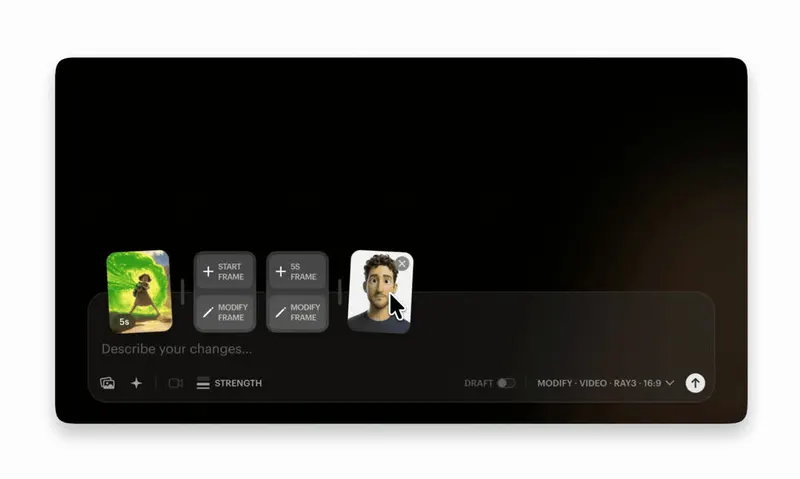
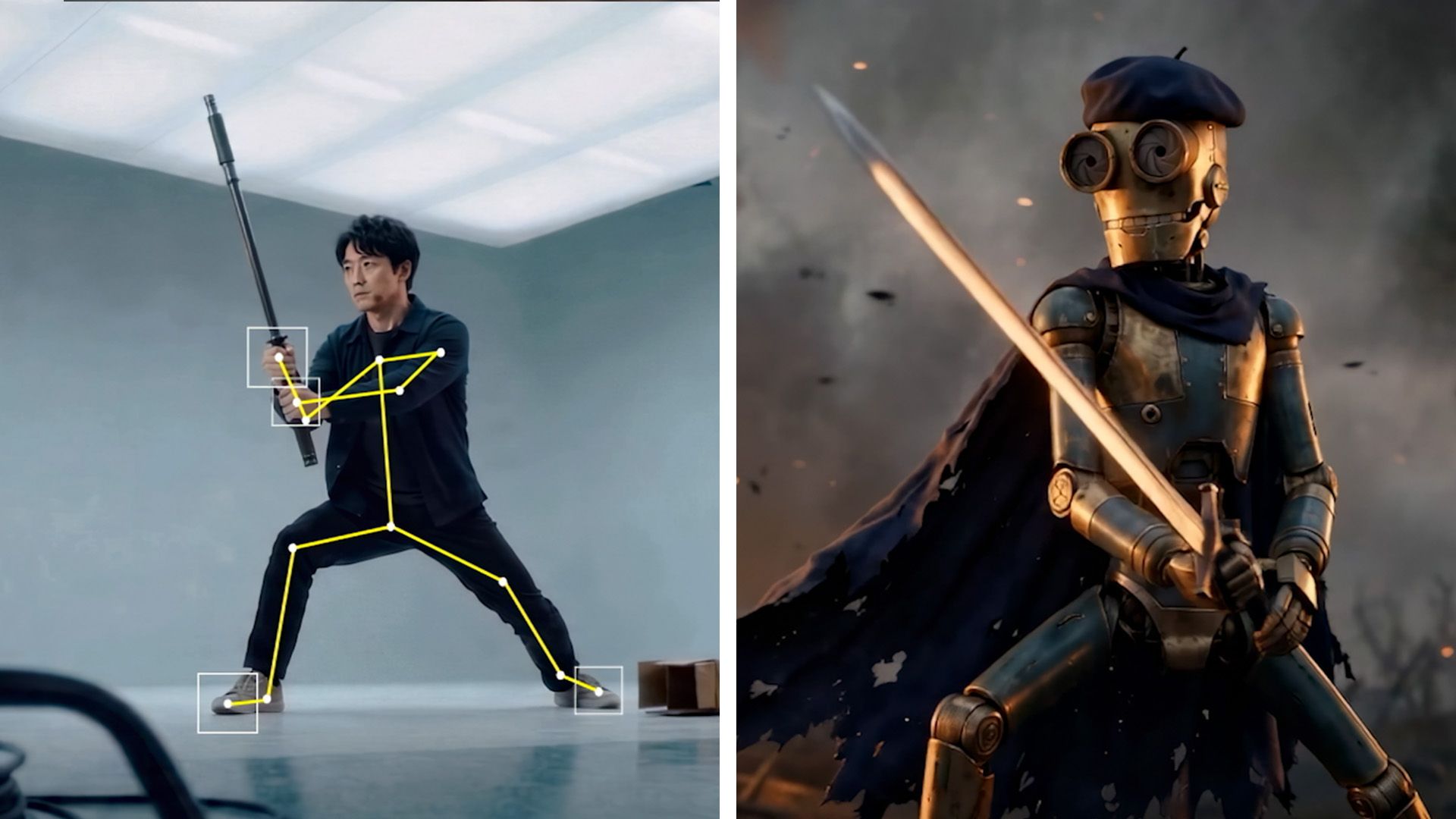
On 4 August, Creative Bloq reported a new 3D Editor + Canvas workflow in Autodesk Flow Studio. The 3D Editor is described as the place to block cameras, characters, animation, environments and AI motion-capture data. Canvas then provides a node-based 2D surface for generating and refining the final look with image and video models. The reported design lets a creator stay in 2D for speed or move into 3D when a shot needs more precise spatial direction.
That is more consequential than another model producing a cleaner five-second clip. Text-to-video compresses many decisions into one instruction and one stochastic render. A scene system makes some of those decisions explicit before generation: where the camera sits, how it moves, where the character stands, what performance drives the action, which environment surrounds it and when the beat lands.
Autodesk's public Flow Studio materials already position the product as a cloud-based 3D toolset that turns footage into editable CG scenes, with motion capture, camera tracking, clean plates, character passes and scene data that can move into Maya, Blender, Unreal, 3ds Max or USD workflows. The new interface joins those production elements to generative rendering. Availability, plan access and the exact export surface should still be verified in the buyer's own account before a team promises it on a schedule; the public product page does not yet document every reported 3D Editor + Canvas detail.
The last 20% is a dependency problem
AI video regularly reaches an attractive first result quickly, then becomes expensive when the director asks for a small correction. Change the eyeline and the costume shifts. Extend the pause and the camera invents a move. Replace the location and the performance loses its timing. Each rerender reopens decisions that were supposedly approved.
The failure is not only model quality. It is dependency control. A prompt rarely tells the team which parts of a result are locked, which can change and which other elements a change is allowed to disturb. That makes iteration behave like a slot machine with art direction attached.
A scene-based system offers a better unit of production. The performance can remain while the character changes. The character and animation can remain while the environment changes. Camera blocking can be approved before the render style is explored. This is familiar territory for cinematography, animation and VFX: direction lives in spatial relationships and timing, while rendering is one downstream expression of those choices.

Turn the brief into a scene control card
Before choosing a model, describe the shot as controllable layers. Record the performance source and consent; character asset and version; environment and layout; camera position, lens equivalent, movement and duration; blocking and eyelines; action beats; lighting intent; render treatment; dialogue and sound; continuity references; and the final delivery context. Mark each field as fixed, variable or open for exploration.
This does not require every social clip to become a miniature VFX pipeline. The level of structure should follow the cost of correction. A graphic product loop may need only a fixed packshot, camera path and background. A synthetic performer spot needs stronger control over identity, body action, eyeline, voice, wardrobe, edit timing and permitted use. A multi-shot world needs versioned assets and continuity rules that survive the whole sequence.
The card also makes model choice less ideological. Use a fast 2D path when the output is disposable and broad variation is valuable. Use explicit scene control when a buyer needs repeatable characters, matched cameras, precise changes, localisation or future cutdowns. Use conventional capture, 3D or compositing when the approval cannot tolerate generative drift. The right pipeline is the cheapest one that preserves the decisions the job actually values.
Approve direction before approving texture
A scene system changes review order. First approve the source performance and its rights. Then approve blocking, action beats, camera, duration and composition in a cheap representation. Approve the character and environment as assets rather than rediscovering them inside every render. Only then move into look development, generative refinement, compositing, sound and finishing.
This prevents a familiar review error: stakeholders approve an image because it is polished, then discover that nobody agreed the movement, claim, geography, identity or edit function underneath it. A beautiful render can hide a bad shot decision. A grey or provisional scene makes those decisions easier to see.
Keep approval states granular. A note saying 'shot approved' is too blunt if the render model will change. Record performance approved, camera approved, layout approved, identity approved, look approved and final composite approved, each against a version. When a later request arrives, production can reopen the affected layer rather than pretending the whole shot has returned to zero.

Buy the correction path, not the hero render
For a brand or agency, the most revealing supplier demo is a change request. Supply one approved ten-second shot and ask for three bounded revisions: move the camera without changing the performance; retime one action without changing character identity; and replace the environment without changing camera or action. Compare the versions side by side and ask which underlying elements were reused.
Measure correction latency, rerendered frames, unintended drift, human repair time and approval steps. Add approved-shot yield and cost per accepted second, but do not let generation credits stand in for production cost. If a small note triggers new character cleanup, relighting, lip sync, sound and client review, the cheap generation was not a cheap revision.
Portability matters too. Ask whether the supplier can deliver the selected video plus camera data, motion data, clean plates, masks, character passes, editable scenes or USD where the workflow supports them. Autodesk lists many of those outputs for Flow Studio, but a purchaser should test the exact project type and subscription tier. An export claim is valuable only when the receiving artist can open it, identify versions and continue the shot without reconstructing the supplier's hidden process.

Preserve the evidence at scene level
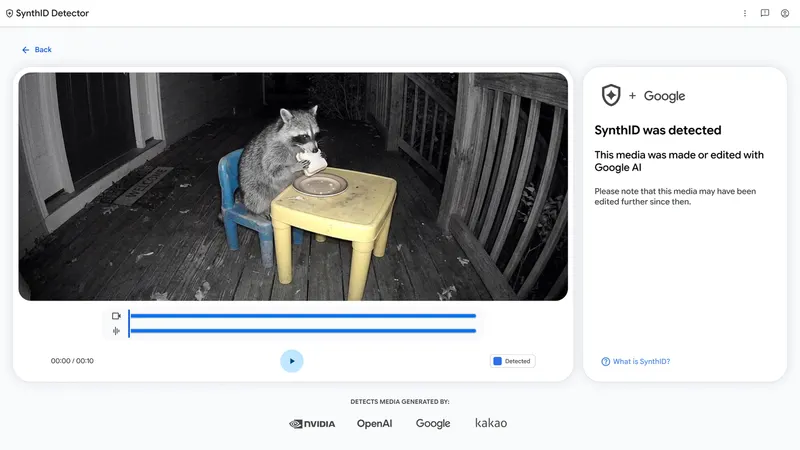
Editable layers improve creative control, but they also create a clearer evidence structure. Give the scene and each approved element an ID. Record the source footage, performer release, reference rights, asset version, model or service, material prompt or instruction, operator, approval, export and final file hash. Link the published derivative back to the scene state that produced it.
Do not confuse editability with commercial safety. A generated 3D asset still needs a rights position. Motion capture still begins with a person whose performance may require consent and agreed reuse. A portable USD scene can carry geometry and animation without carrying the contract that permits the work. Node graphs and prompt histories can help reconstruct process, but neither replaces clearance, claims review or audience disclosure.
The useful outcome is selective traceability. A reviewer should be able to answer which performance, character, environment, camera and rendering system produced the approved shot, and whether a later version changed any of them. That is enough to investigate a rights question, reproduce a cutdown or explain a correction without preserving every abandoned experiment forever.
Run a ten-shot control pilot
Choose ten shots from a real upcoming format, not a technology reel. Include a locked product or brand asset, a repeat character, a performance beat, a camera move, an environment change, one continuity handoff and at least two likely client revisions. Establish the scene control cards and acceptance criteria before production begins.
Build five shots through the team's current prompt-led workflow and five through the most controllable scene-based route available. Keep the creative bar and finishing standard the same. Track time to first candidate, time to approved shot, number of reopened decisions, correction cost, asset reuse, export quality, evidence completeness and reviewer confidence. The sample is too small for a universal benchmark, but it is large enough to expose where a particular team's costs actually sit.
At the end, do not ask which system made the most impressive isolated frame. Ask which one let the team direct, review, change, finish and account for the work with the least uncontrolled rework. Autodesk's reported 3D Editor + Canvas workflow is a useful signal because it shifts attention to that operating question. The next competitive advantage in AI video will not be knowing the longest prompt. It will be owning the clearest scene decisions—and keeping them intact through the render.
Build
Move from promising clips to directable production
I help creative teams design AI video systems around references, scene decisions, review gates, asset records and finishing—not a pile of disconnected generations.
Launching a business of your own? Founder Launch OS connects the brand, offer, website and visual campaign in one guided Codex or Claude Code workspace.
Keep reading