What Claude Code is
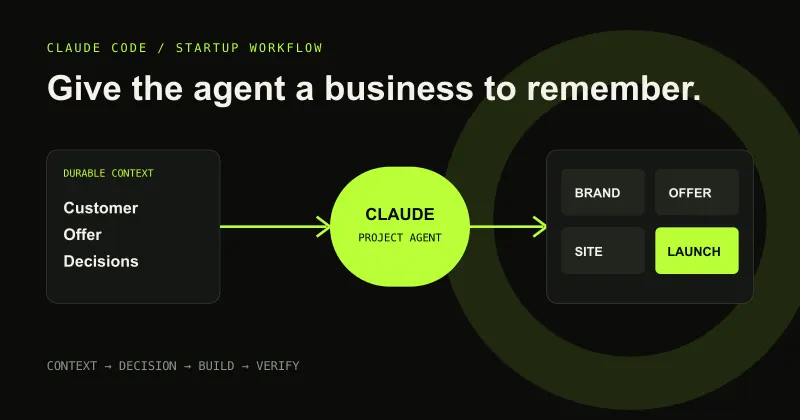
Claude Code is an AI agent that can work with a project rather than only returning text in a chat. It can inspect files, make edits, run tools and check its work. The folder you open becomes the working environment and supplies much of the context.
That makes it powerful, but it also means the folder boundary matters. Point it at the intended project—not an entire drive—and keep business credentials out of ordinary documents. Read permission requests as real actions, not conversational decoration.
Describe the outcome in ordinary language
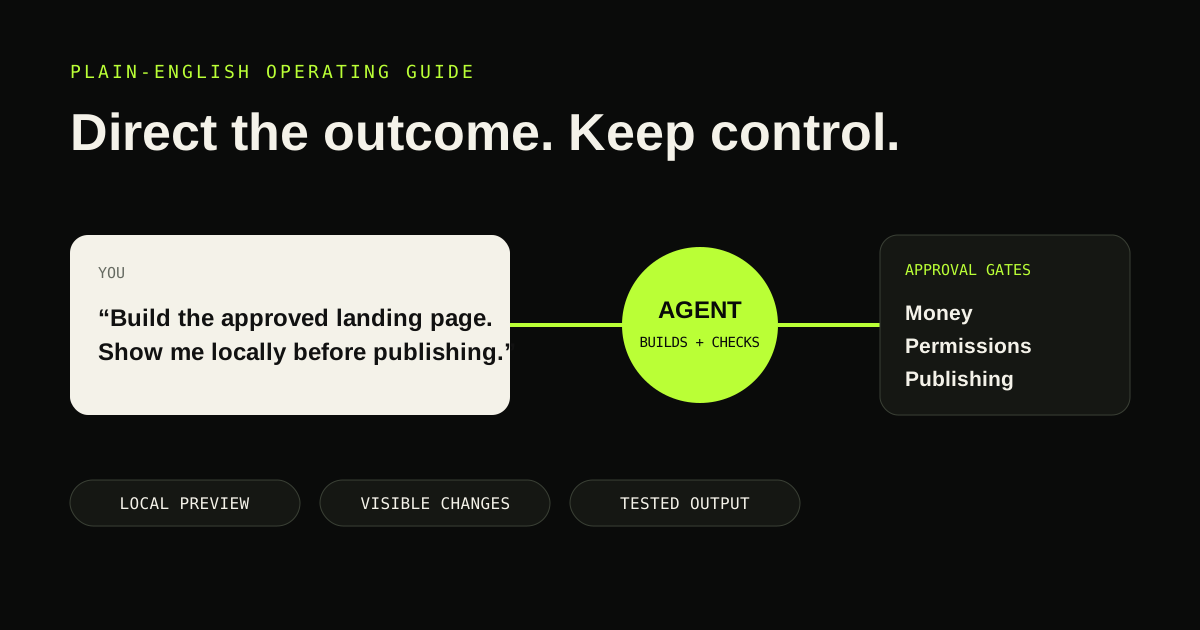
A useful request names the result, audience and constraint: “Create a responsive landing page for this approved offer, using the brand guide, and show me a local preview before publishing.” You do not need to prescribe a framework or file architecture unless you have a reason.
Ask one question when the answer changes the business direction. Let the agent recommend a default for routine reversible choices. This avoids both extremes: a vague command that invites invention and a hundred-question technical interview.
Know which approvals matter
Pause for purchases, account connections, broad permissions, public publishing, sending messages, deleting data or changing live services. Ask the agent to explain what will change, where it will change and how it can be reversed.
Local file creation, preview servers, tests and edits inside the chosen project are normally lower risk. Keep restore points or Git history before major changes. If something looks wrong, ask for a diagnosis before authorising a fix.
Review outcomes without reading every line
For a website, inspect the rendered page on desktop and mobile. Click navigation and calls to action. Confirm prices, contact details, legal links and claims. Ask the agent to run its build and tests and report anything it could not verify.
For strategy or brand work, review the logic and consistency. Can you recognise the customer? Is the offer specific? Do editable assets exist? Are facts distinguished from recommendations? Visual polish is not a substitute for those checks.
Use a prepared workspace when process is the hard part
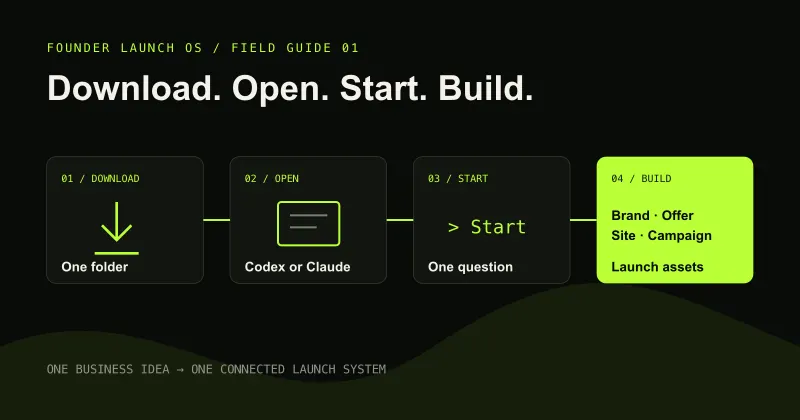
The difficult part for many founders is not operating Claude Code; it is knowing what to ask, in what order and what a complete result contains. A prepared project can encode those questions, rules and checks.
Founder Launch OS is designed around that boundary. The founder speaks normally and approves the important direction. The internal workspace manages the sequence, business memory and deliverables.
Build
Need a repeatable AI production workflow?
Mike designs the tools, review loops, and publishing systems that make it usable.
Keep reading