Before you download
Founder Launch OS is for a founder who already has one business idea. You need a computer, access to Codex or Claude Code and the ability to download and unzip a folder. The AI subscription, domain, hosting and image-generation tools are separate. You do not need to know how to code or understand the system files.
Use one copy for one business. That separation keeps customer knowledge, brand decisions and campaign context coherent. If the name is not final, begin with a temporary working name; the system can update the identity later.
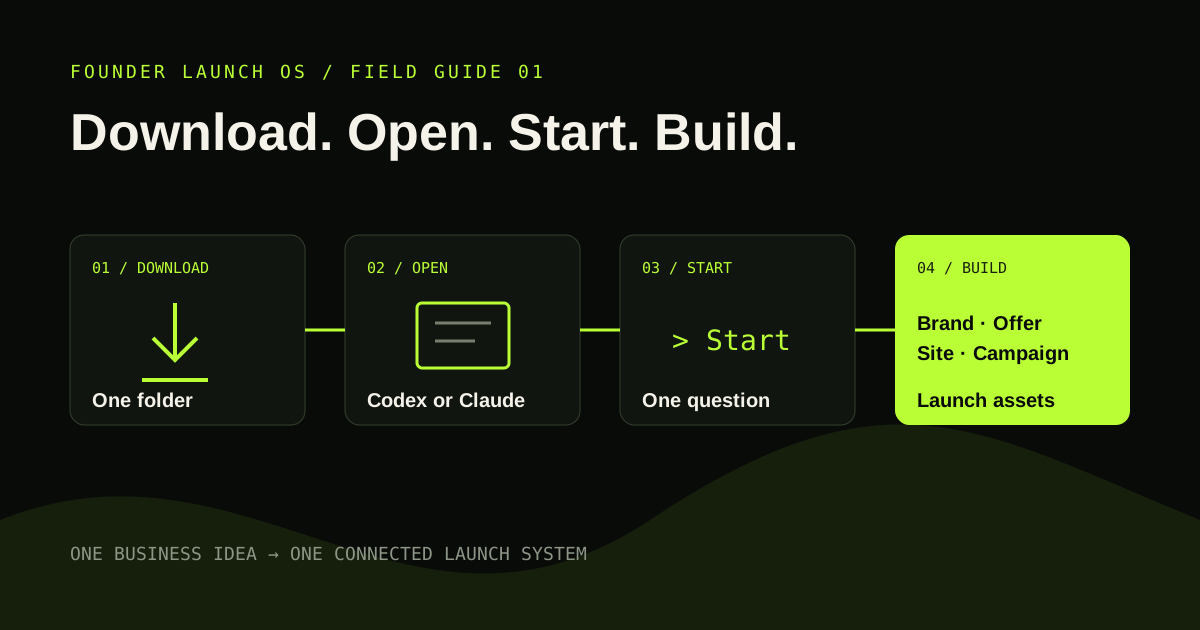
Download, unzip and open the root folder
After Stripe confirms payment, the secure delivery page downloads a ZIP. Move it somewhere you can keep it, unzip it once and leave the resulting folder structure together. Do not open only the website folder or copy individual prompts into a blank project.
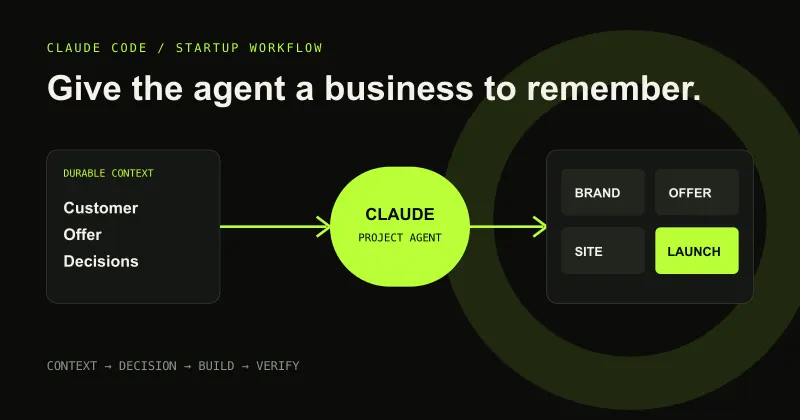
Create a new project in Codex or Claude Code and point it at the root Founder Launch OS folder. The root matters because it contains the instructions that route work, remember decisions and protect the separation between the system and your business-owned outputs.
Type Start and answer one useful question
Type Start. The system reads its onboarding state, inspects anything you placed in DROP_FILES_HERE and asks one plain-English question. It does not present a long form. Your answer updates the relevant business files before the next question appears.
Brief, honest answers are better than invented certainty. When a decision is weak or contradictory, the agent should explain the concern and recommend a stronger direction. Once you approve the direction, routine reversible details can proceed without repeatedly asking permission.
Build the launch in a sensible order
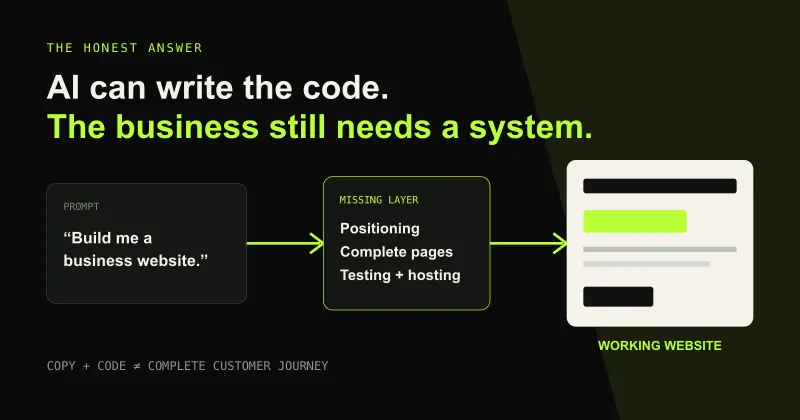
Begin with brand identity, then define one flagship offer. Those decisions give the landing page something specific to communicate. The website workflow creates a working local preview including navigation, offer structure, social links, FAQ, footer, privacy and terms. Private working material remains outside the public hosting folder.
The visual-campaign workflow then uses the same brand and customer context to produce a coherent campaign concept, shot list and CineRender-enhanced prompts. Core V1 directs the imagery; you run those prompts in your preferred image generator.
Review, revise and publish
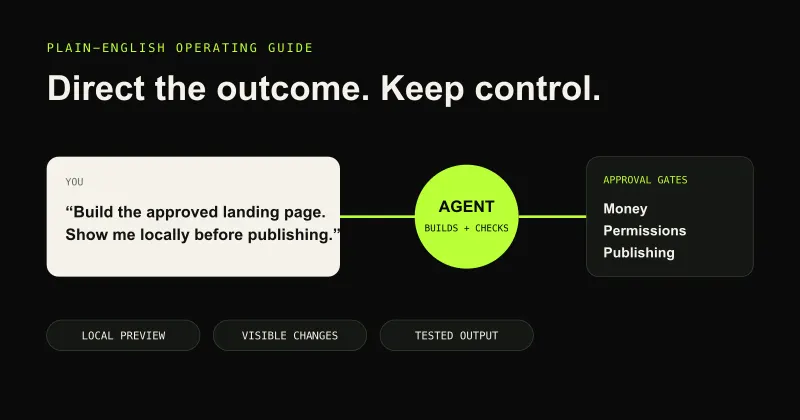
Ask to preview or review an output before treating it as final. Feedback can be conversational: explain what feels wrong, ask why a recommendation was made or request alternatives. The project records consequential approved decisions so later work stays aligned.
When the website is approved, the system explains which public files are safe to upload. It can guide domain purchase through Cloudflare and hosting through Firebase, but paid actions and production publishing still require your approval. Keep the original workspace as the editable source of truth after the public site is live.
Build
Need a repeatable AI production workflow?
Mike designs the tools, review loops, and publishing systems that make it usable.
Keep reading